DMTA-10045-01EN, Rev. E, August 2016
Chapter 5
94
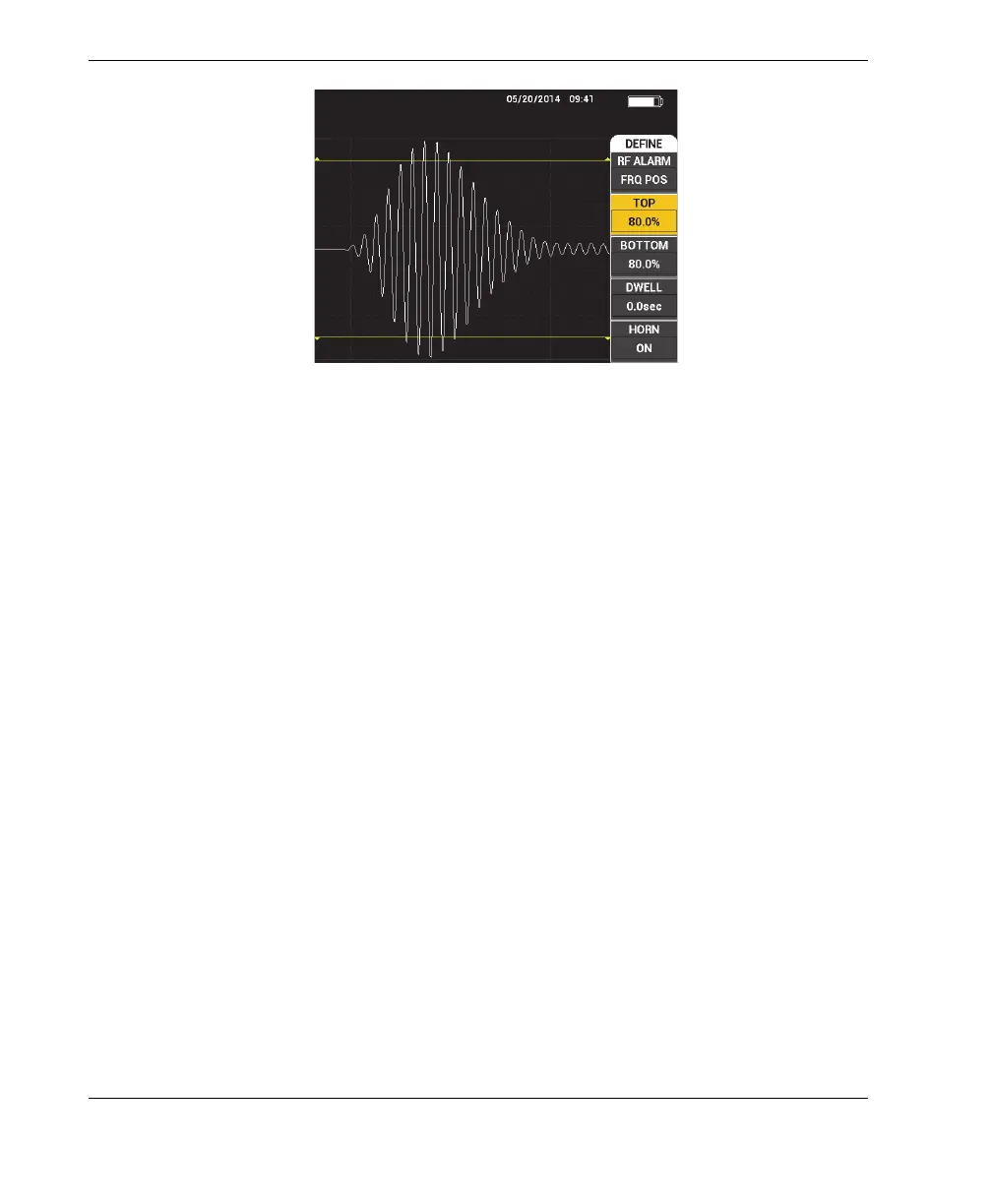
Figure 5‑11 Alarm threshold control
BOTTOM
The BOTTOM setting controls the alarm’s lower threshold. The displayed
percentage is a percentage of the total screen height. An example of this control is
shown in Figure 5-11 on page 94.
To change the BOTTOM alarm threshold setting, press the C key, and then rotate
the knob to the desired alarm threshold value.
DWELL
The DWELL setting controls the amount of time that the alarm is active after the
alarm condition has occurred. The alarm duration is adjustable between
0.0 seconds (off) and 10 seconds. An example of this control is shown in
Figure 5-12 on page 95.
To change the DWELL setting, press the D key, and then rotate the knob to the
desired alarm duration.














 To Next Page