DMTA-10045-01EN, Rev. E, August 2016
Applications
141
6. Press the FREEZE key ( ) to unfreeze the acquisition, and then press the FULL
NEXT key ( ) to display the full screen.
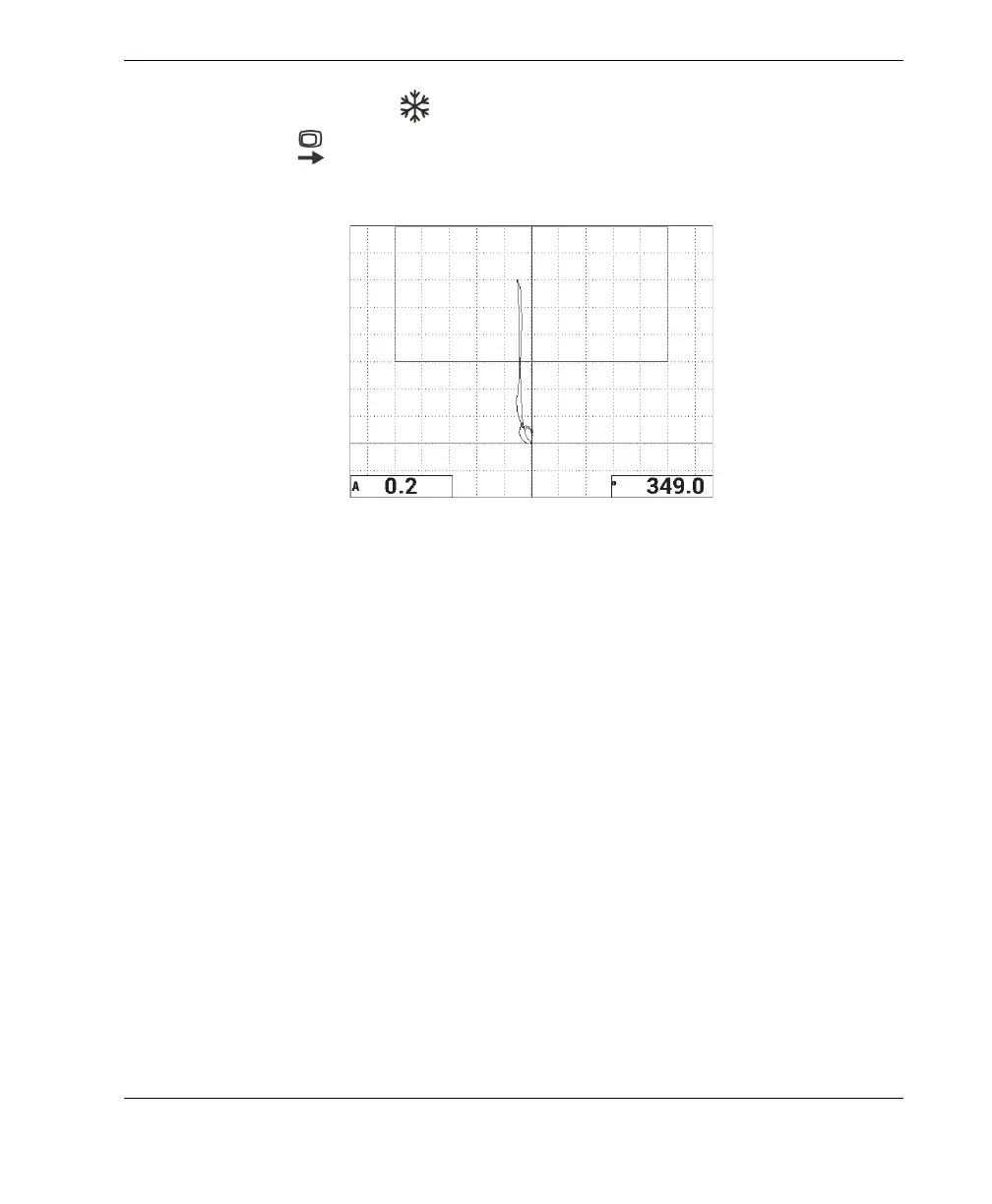
7. Scan over the 13 mm (0.5 in.) disbond again (see Figure 6-27 on page 141).
Figure 6‑27 The second scan over the disbond
To fine-tune the instrument settings
1. Depending on your requirements, set the alarm box parameters, horn, or external
horn (louder). For more details about alarms, see “Alarms, Connectivity, and
Memory Specifications” on page 217.
2. Depending on your requirements, change your real-time readings.
The default real-time readings display the XY signal’s live amplitude and phase.
For information on how to change the real-time readings, see “Displaying Real-
Time Readings” on page 58.
The list of all parameters is shown in Figure 6-28 on page 142.














 To Next Page