DMTA-10045-01EN, Rev. E, August 2016
Chapter 6
162
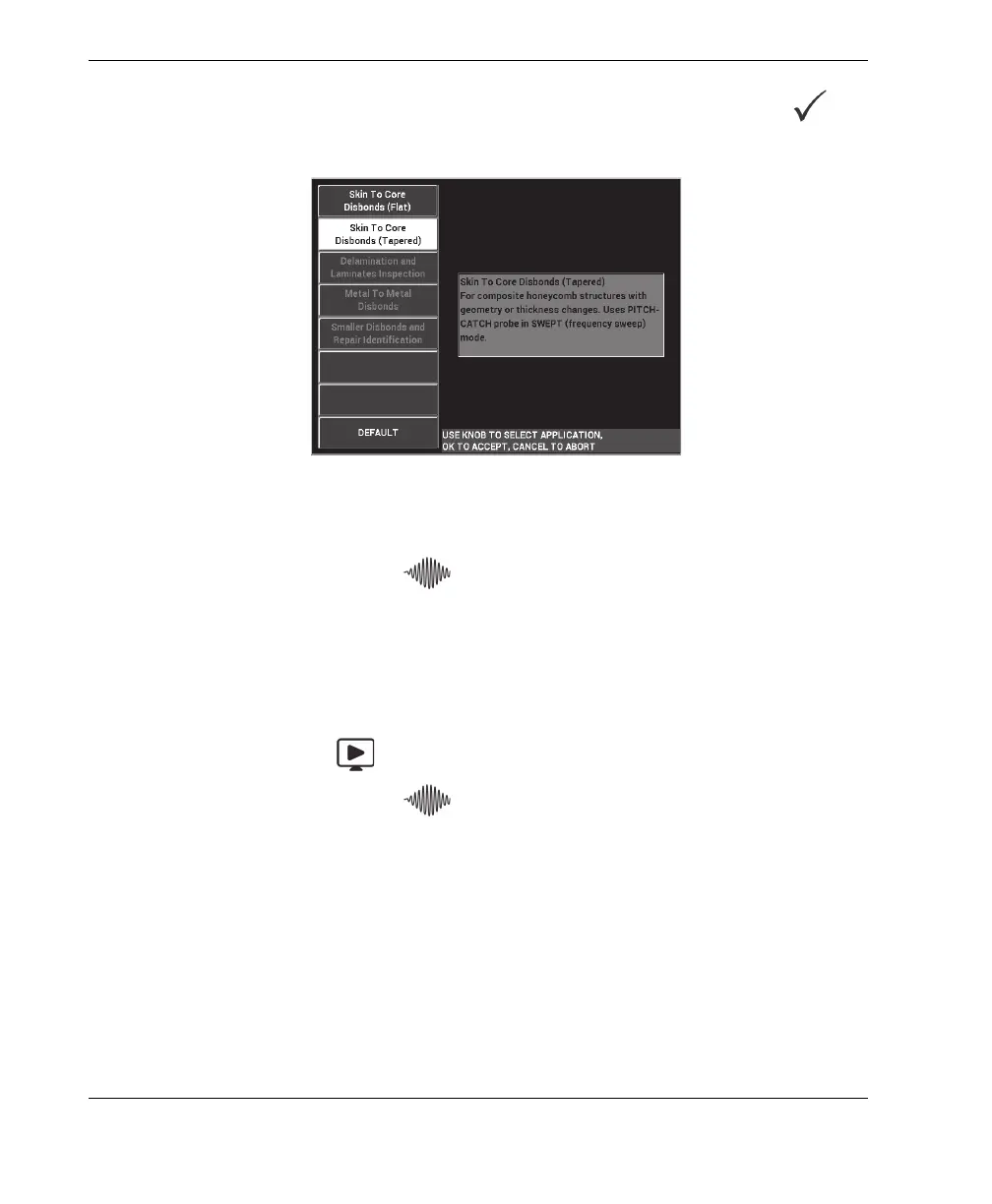
3. Select the Skin To Core Disbonds (Tapered) application, and then press to
accept (see Figure 6-56 on page 162).
Figure 6‑56 The Skin To Core Disbonds (Tapered) application
4. Press the MAIN menu key ( ) once, and set the SW. RATE (E key) to LOW.
When developing an application or procedure, the lower sweep rate setting
usually provides the best results.
5. If necessary, adjust the START FREQ (C key) and STOP FREQ (D key) values.
As a general starting point, values in the range of 5 kHz to 50 kHz are usually
very suitable.
6. Press the RUN key ( ) once to display the SPEC+XY RUN.
7. Press the MAIN menu key ( ) again to display the SPECIAL screen.














 To Next Page