DMTA-10045-01EN, Rev. E, August 2016
Chapter 7
200
To refresh the program file list
In the Manage File dialog box, click Refresh File List (see Figure 7-17 on
page 197).
7.8 Unlock Options
BondMaster PC enables the BondMaster 600 software to be upgraded via a license
key, which is available for purchase from Olympus. All BondMaster 600 instrument
models have identical hardware capable of full functionality. You can easily upgrade
your instrument model’s functionality using the BondMaster PC software’s Unlock
Options; it is not necessary to send the instrument to the factory for upgrade.
To unlock options
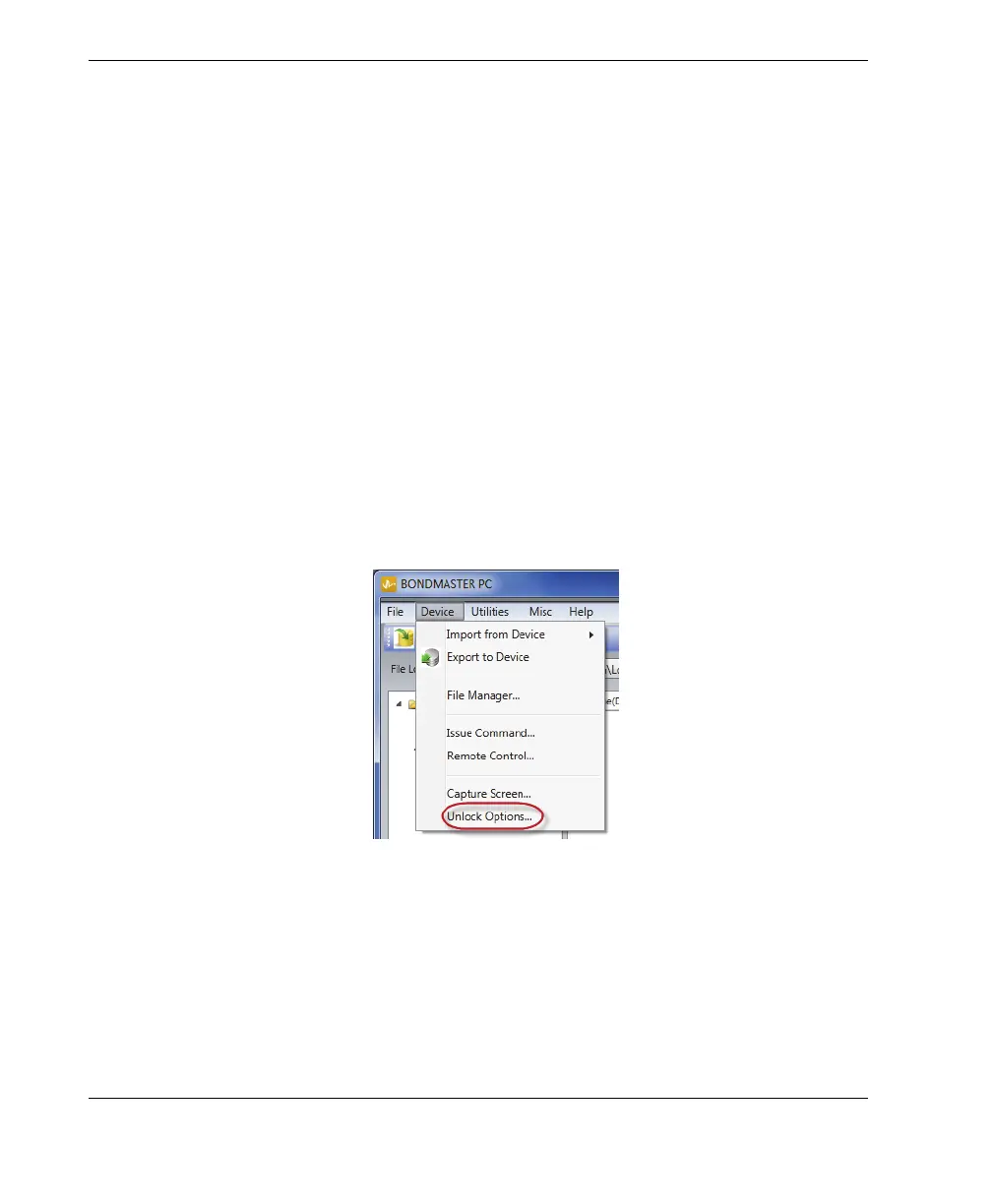
1. On the BondMaster PC software Device menu, select Unlock Options (see
Figure 7-21 on page 200).
The Unlock Options dialog box opens (see Figure 7-22 on page 201).
Figure 7‑21 The Unlock Options command
2. In the Unlock Options dialog box, enter the license key, and then click OK.














 To Next Page