DMTA-10045-01EN, Rev. E, August 2016
Control Functions
101
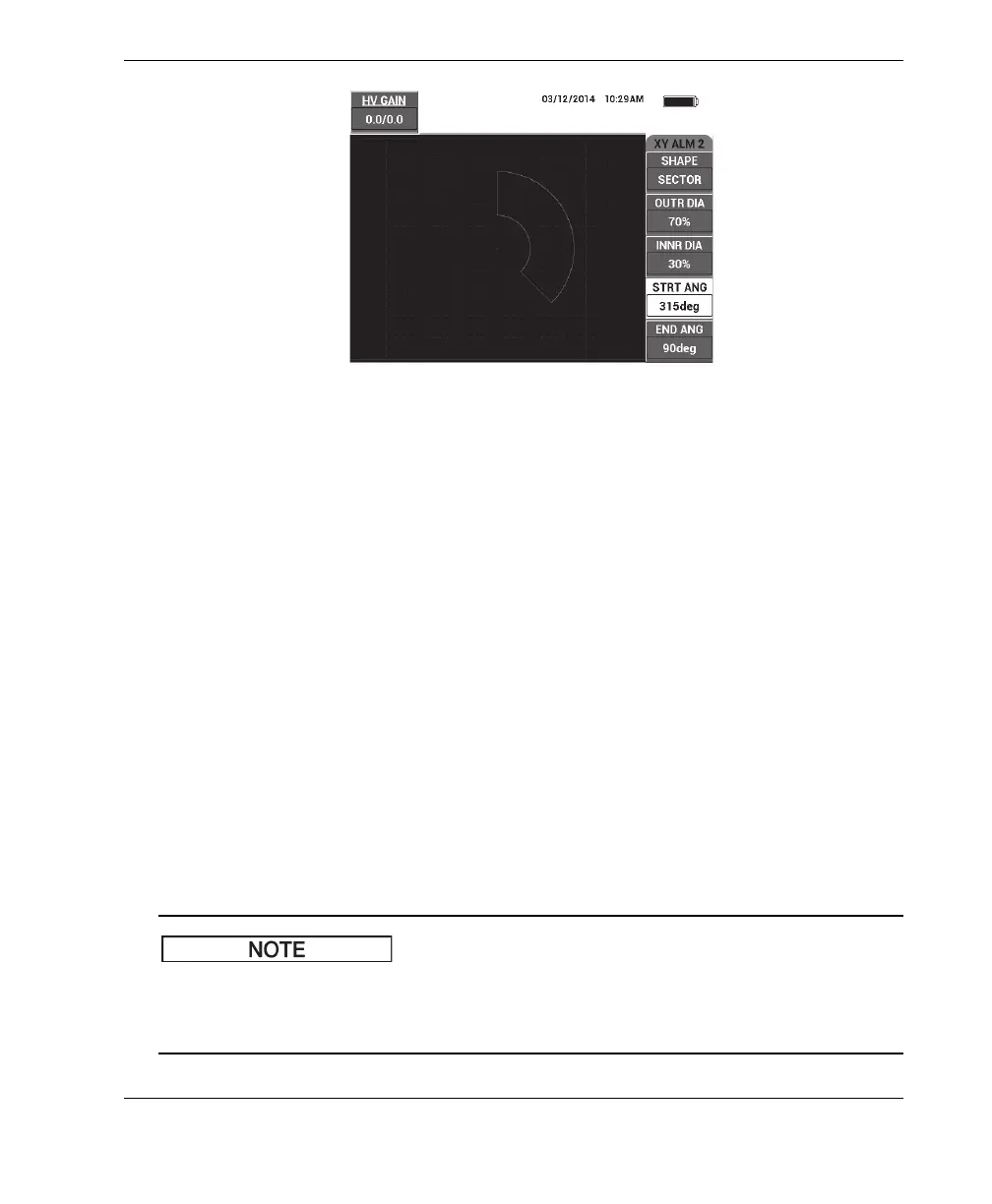
Figure 5‑17 The PC Swept mode’s SECTOR alarm shape controls
To change the shape of the SECTOR alarm (XY ALM 1 [XY Alarm 1] or XY ALM 2
[XY Alarm 2]), modify the following parameters:
• OUTR DIA (outer diameter): controls the outer diameter of the SECTOR alarm
threshold. To change the setting, press the B key, and then rotate the knob until it
is in the desired position.
• INNR DIA (inner diameter): controls the inner diameter of the SECTOR alarm
threshold. To change the setting, press the C key, and then rotate the knob until it
is in the desired position.
• STRT ANG (starting angle): controls the starting angle of the SECTOR alarm
threshold. To change the setting, press the D key, and then rotate the knob until it
is in the desired position.
• END ANG (ending angle): controls the ending angle of the SECTOR alarm
threshold. To change the setting, press the E key, and then rotate the knob until it
is in the desired position.
5.3.12.3 Changing CIRCLE Alarm Parameters in PC Swept Mode
The following information is applicable when the XY ALM 1 (XY alarm 1) or
XY ALM 2 (XY alarm 2) menu is active and the CIRCLE option is selected in the
SHAPE menu (see Figure 5-18 on page 102).














 To Next Page