DMTA-10045-01EN, Rev. E, August 2016
Chapter 5
86
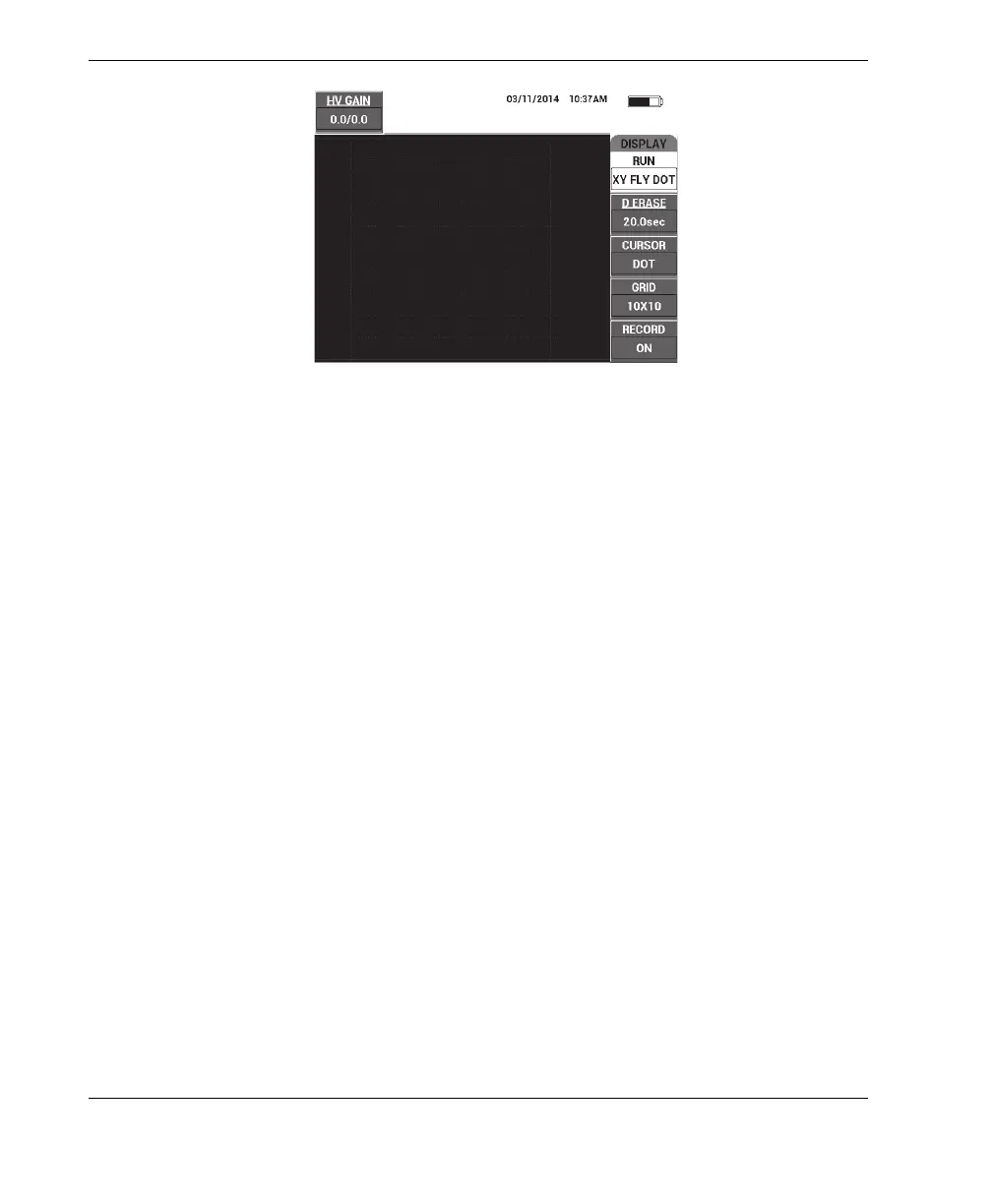
Figure 5‑8 The RUN setting
CURSOR
The CURSOR setting controls whether a dot or box is displayed in the flying dot
display.
To change the CURSOR setting, press the C key, and then rotate the knob to the
desired cursor value.
GRID
The GRID setting controls the condition of the BondMaster 600 display grid. Five
screen grid types are available: OFF, 10×10, FINE, COARSE, and WEB. By
default, the BondMaster 600 uses a 10 × 10 grid.
To adjust the grid setting, press the D key. With GRID highlighted, rotate the
knob to the desired grid value.
OFF
The BondMaster 600 does not display a grid pattern.
10×10
A 10 by 10 grid pattern is displayed, with some unusable areas on the left and
right sides of the screen.
FINE
A grid with 13 horizontal (centered) and 10 vertical divisions is displayed.
The grid divisions furthest to the left and right are half the normal width.














 To Next Page