DMTA-10045-01EN, Rev. E, August 2016
BondMaster PC Software
199
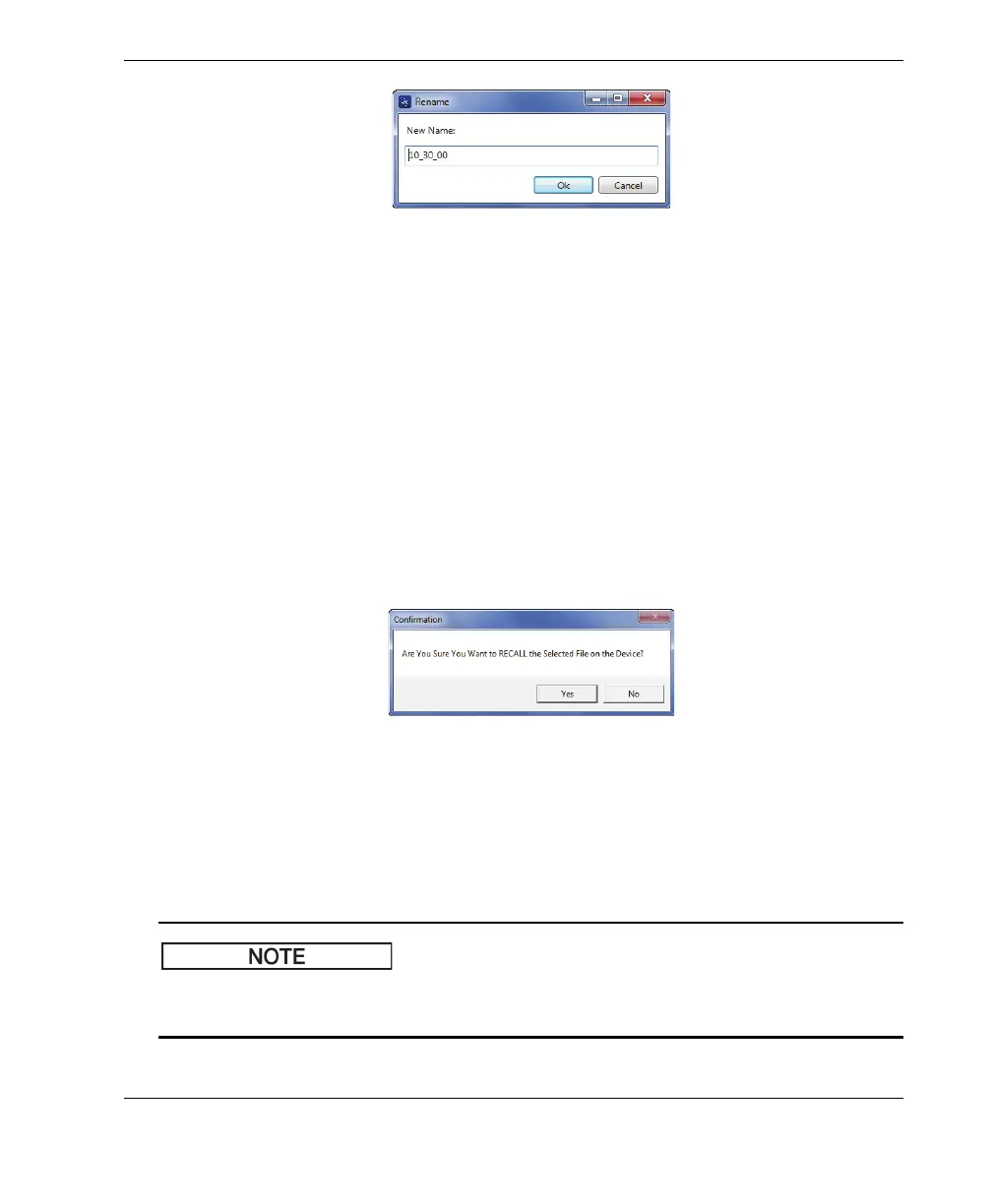
Figure 7‑19 The Rename dialog box
2. In the Rename dialog box, enter the new file name.
By default, the BondMaster 600 includes the military time stamp in the file name,
in HH_MM_SS (Hour_Minute_Second) format.
3. Click OK to save the new file name.
To recall a file on the BondMaster 600
1. In the Manage File dialog box, choose the file to be recalled, and then click Recall
(see Figure 7-17 on page 197).
The Confirmation dialog box appears, asking you to confirm that you want to
recall the selected file (see Figure 7-20 on page 199).
Figure 7‑20 Message asking you to confirm the recall
2. Click Yes to confirm the file recall.
OR
Click No to cancel the file recall.
If you click Yes to recall a stored file on the device, all previous settings will be
overwritten; this cannot be undone.














 To Next Page