DMTA-10045-01EN, Rev. E, August 2016
Chapter 2
48
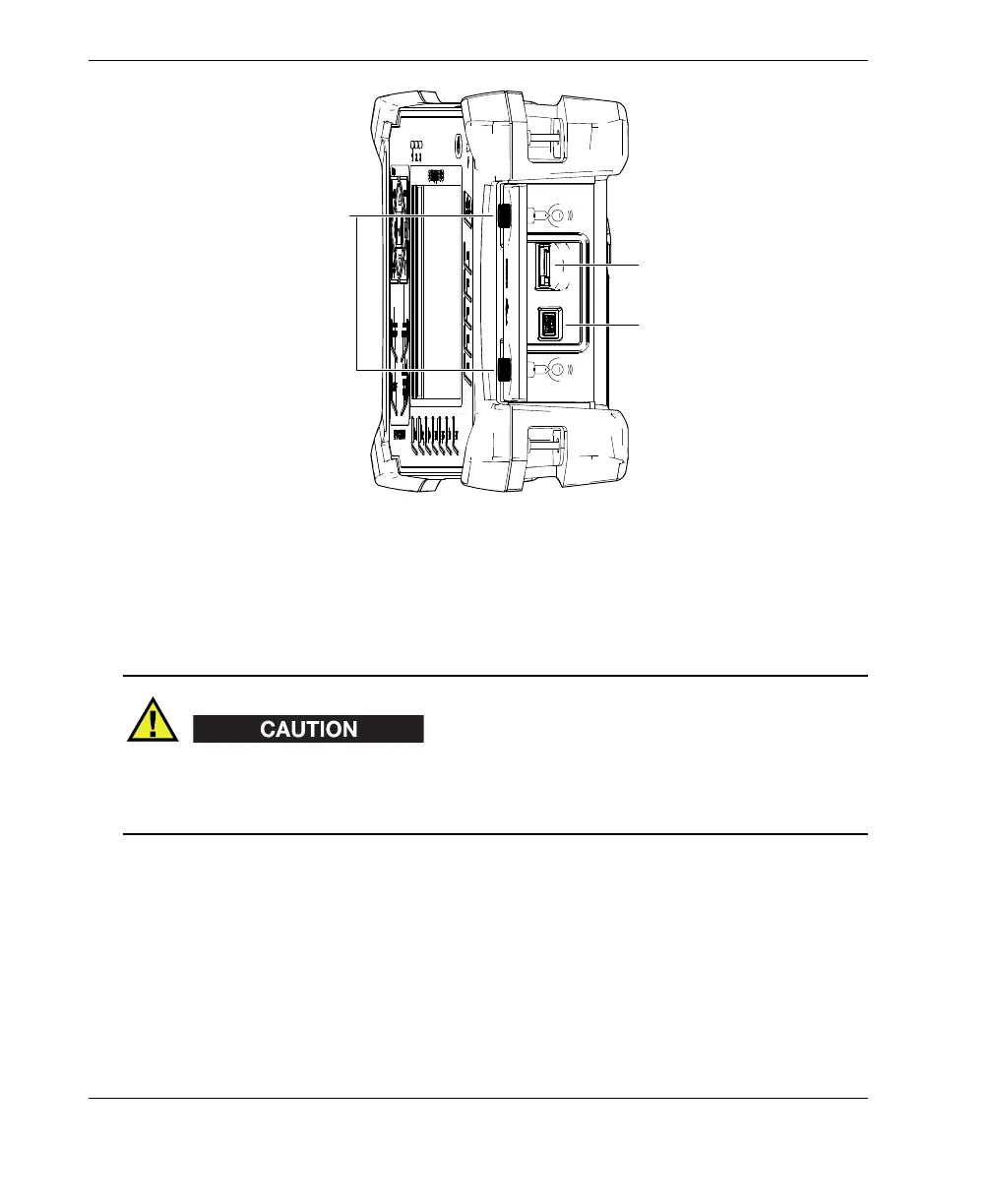
Figure 2‑22 The microSD slot and USB port
The I/O door is kept closed by two thumb screws. You can also use a coin or a
screwdriver to manipulate these thumb screws as needed.
Do not expose the BondMaster 600 to harsh and wet environments while the I/O door
is open. To prevent connector corrosion and damage to the BondMaster 600, keep the
I/O door closed and sealed when no cable is connected.
2.5.3 Various Hardware Features
The BondMaster 600 is equipped with physical features that make it suitable for a
variety of operating environments.
USB port
Thumb screws (two)
microSD card slot














 To Next Page