DMTA-10045-01EN, Rev. E, August 2016
Chapter 5
104
SCAN ALM (scan alarm)
The SCAN ALM setting allows you to set up a threshold on the SCAN RUN
displays.
To change the SCAN ALM setting, press the A key, and then rotate the knob to
the desired setting.
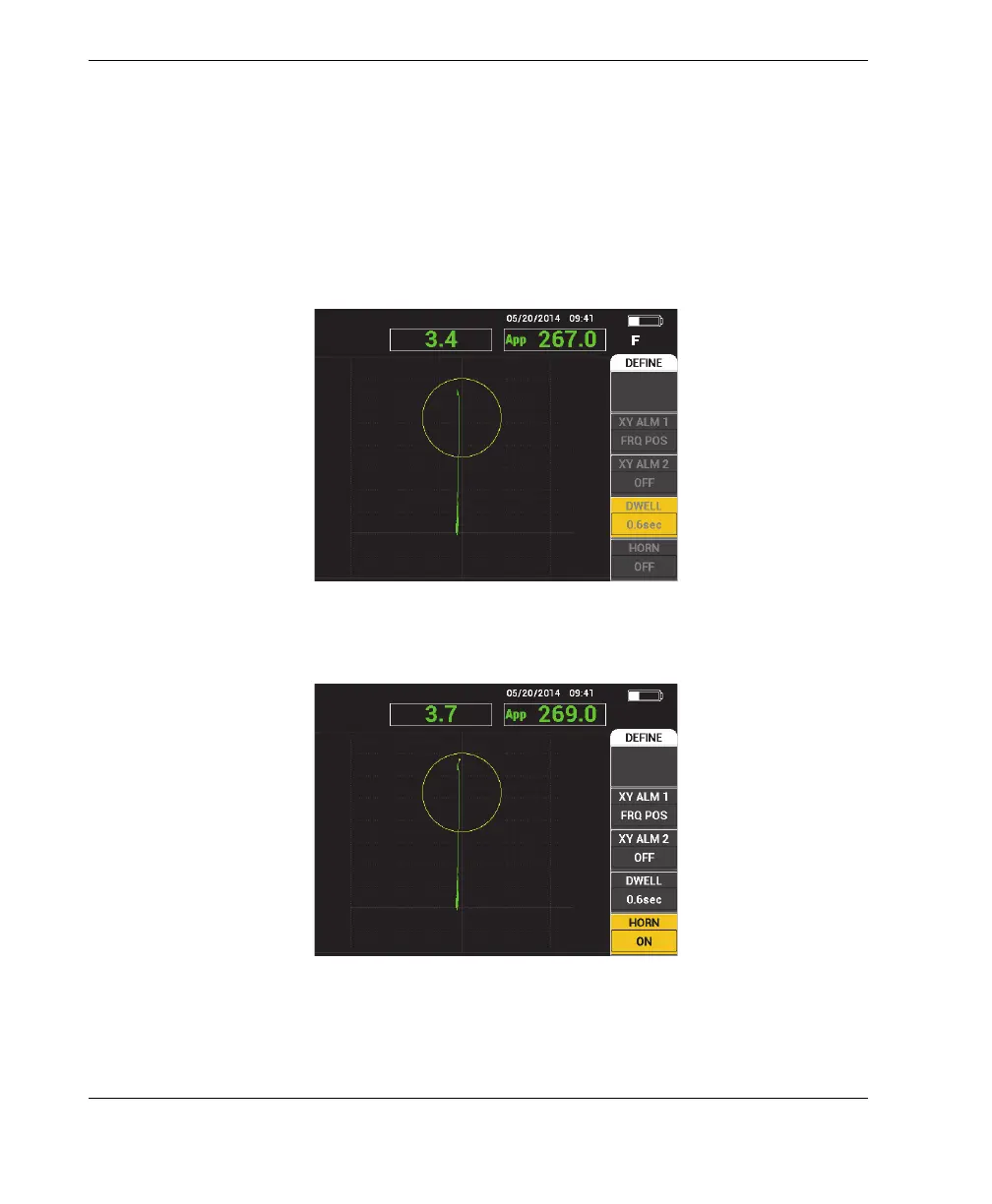
The MIA mode’s DWELL and HORN examples are shown in Figure 5-19 on page 104
and Figure 5-20 on page 104.
Figure 5‑19 The MIA mode’s alarm DWELL setting controls
Figure 5‑20 The MIA mode’s alarm HORN setting control














 To Next Page