DumpEventArchive
Stores historical alarm log and audit trail data to external drives, such as USB memory or SD card.
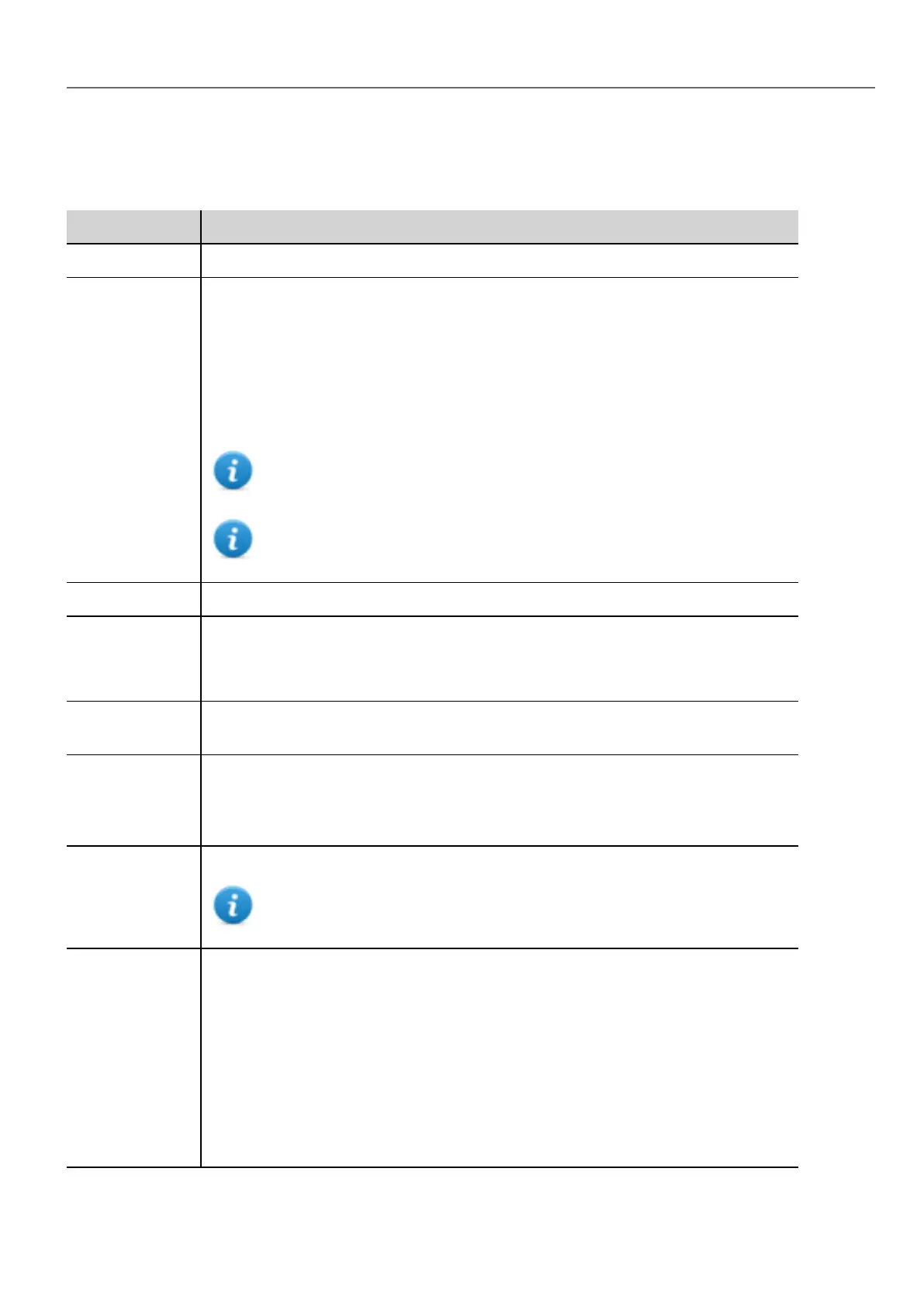
Parameter Description
EventArchive Name of buffer to dump data
FolderPath Destination folder
l Internal = \Flash\QTHMI\workspace\Dump
l USB drive = \USBMemory
l SDCard = \Storage Card
l Public Network = \\<hostname or IP>\sharePath
l Private Network = \\<username>:<password>@<hostname or IP>\sharePath
Note: supported formats for external memory are FAT or FAT32 (NTFS
format is not supported).
Note: Private networks are supported only from Linux devices with BSP
1.0.25 and above.
DumpConfigFile Dump the description files of the archives
DumpAsCSV true = the buffer is dumped to the specified location as a .csv file
false = the buffer is dumped in binary format (a .dat file and .inf file). Both these files are
then required to convert data in .csv format by an external utility.
DateTimePrefix true = the dumped file will have date and time as prefix to its name (for example D2012_
01_01_T10_10_alarmBuffer1.csv)
timeSpec Time format:
l Local =the time values exported are the time of the HMI device.
l Global = the time values exported are in UTC format.
csv Colums Select the columns to dump into the .csv file.
Available only when the EventArchive is an alarms buffer
FileName The below wildcards are supported
l %n = Event archive name
l %y = Year
l %M = Month
l %d = Day
l %h = Hour
l %m = Minutes
l %s = Seconds
HMWIN Studio |User Manual| v206 (2017-06-30) | EN| © 2014-2017 Panasonic Electric Works Europe AG
139
10 Actions



 To Next Page