If you need more widgets inside a single cell, create a group of widgets and copy the group from the page to the
cell.
Configuring the data source
The data source, that provide the data to fill the table, could be a Table Data Source Widget or a JavaScript JSON table.
Table Data Source Widget
Path: Widget Gallery> Basic> Table
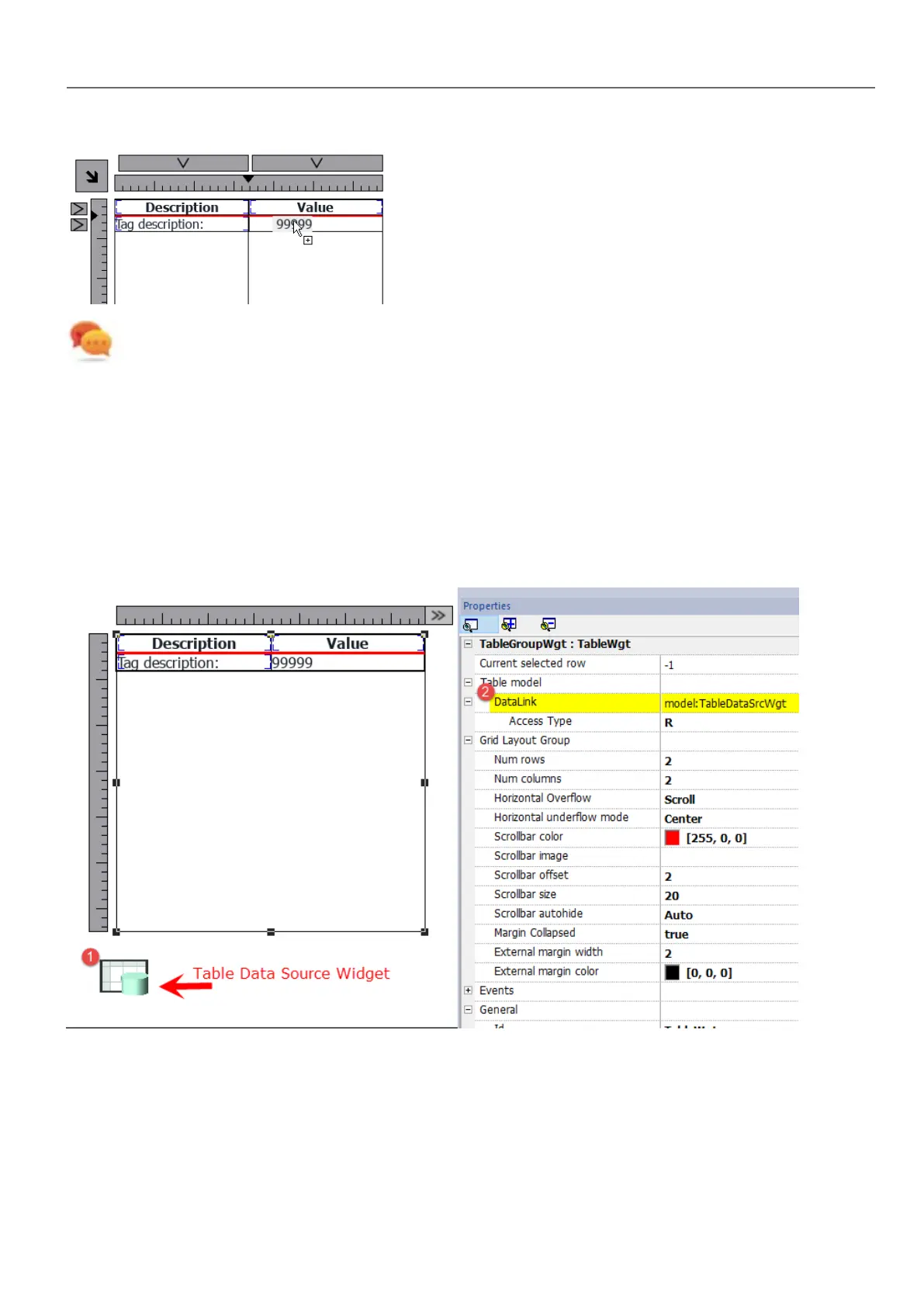
1. Drag and drop a Table Data Source Widget onto the page
2. Set the Table Model parameter to link at the data source.
Select the Data Source and inside the TableDataSrcWgt Editor add the rows and columns that are needed. In the following
example, we have defined two row templates:
HMWIN Studio |User Manual| v206 (2017-06-30) | EN| © 2014-2017 Panasonic Electric Works Europe AG
309
32 Special widgets



 To Next Page