6. Follow the instructions displayed to complete the update: the progress of the operation in displayed in a progress
bar.
This operation may require a few minutes.
Important: Do not turn off the device while a system component is being upgraded.
List of upgradable components
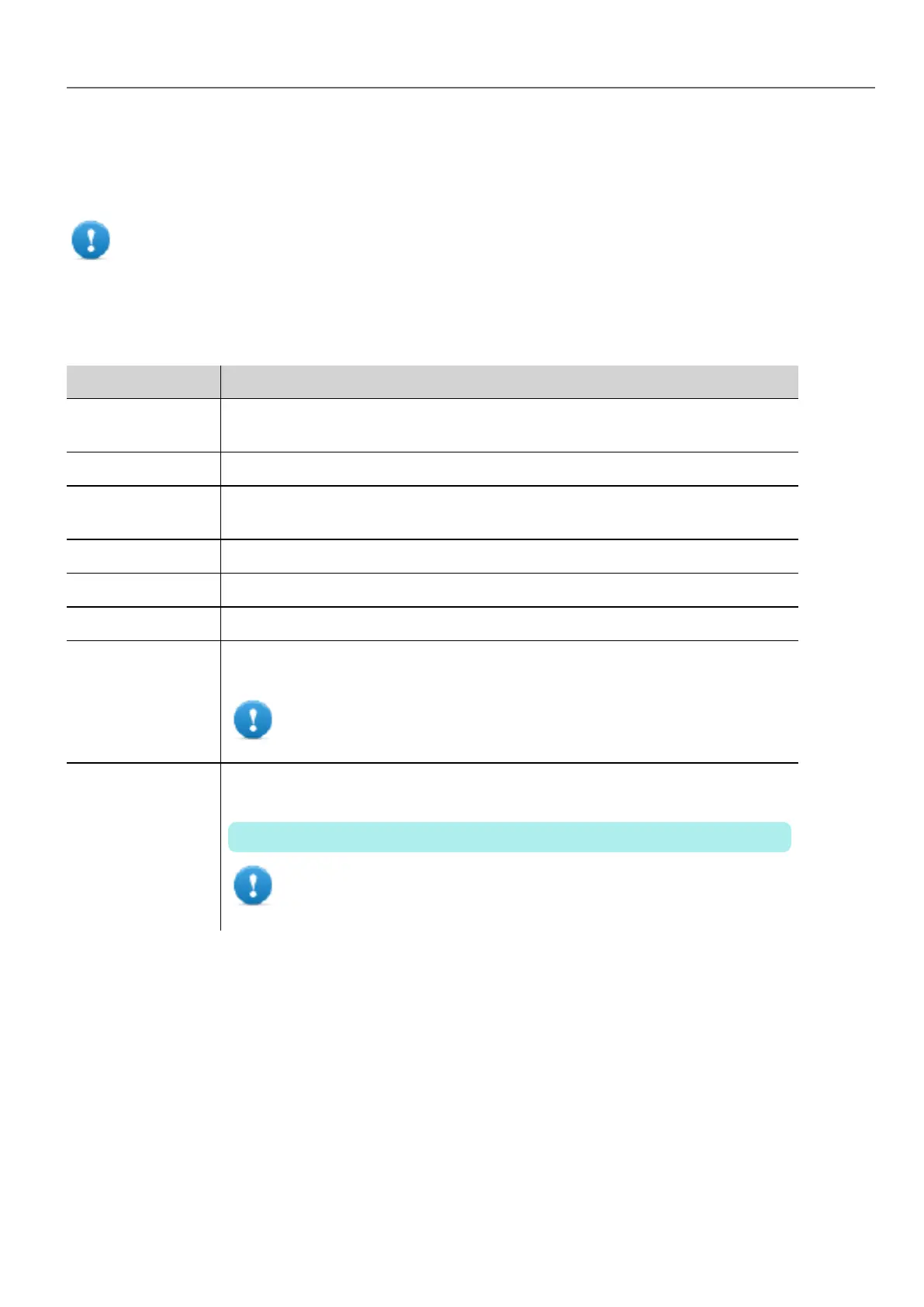
The HMI devices support the upgrade of the following components:
Component Description
Application The HMI Application and the HMI Runtime generated from the Run> Update
Package command
Main OS Main Operating System
Configuration OS Backup operating system that ensures units recovery in case of main operating
system corruption
Splash The initial screen shown during the startup of the HMI device
Bootloader Loader to handle device startup
Main FPGA FPGA firmware
Safe FPGA Backup copy of the Main FPGA that ensures unit booting in case of main FPGA
corruption
Important: Use the same file for updating Main and Safe FPGA
components.
System Supervisor Firmware of the system supervisor controller (for example: packaged_GekkoZigBee_
v4.13.bin).
The System Supervisor component can be upgraded from v4.13 or above.
Important: Do not try to update versions V4.08, V4.09, V4.10 and
V4.11 since they do not support automatic update from System
Settings.
Touchscreen calibration
System Setting Calibration allows to calibrate Touchscreen device, can be accessed from System Settings
To access System Settings:
l Execute a tap sequence on the touch screen during the power-up phase. A tap sequence is a high frequency
sequence of touch activations executed immediately after the device has been powered.
or
l Press and hold on an empty area of the screen for a few seconds to display the context menu.
HMWIN Studio |User Manual| v206 (2017-06-30) | EN| © 2014-2017 Panasonic Electric Works Europe AG
385
37 System Settings



 To Next Page