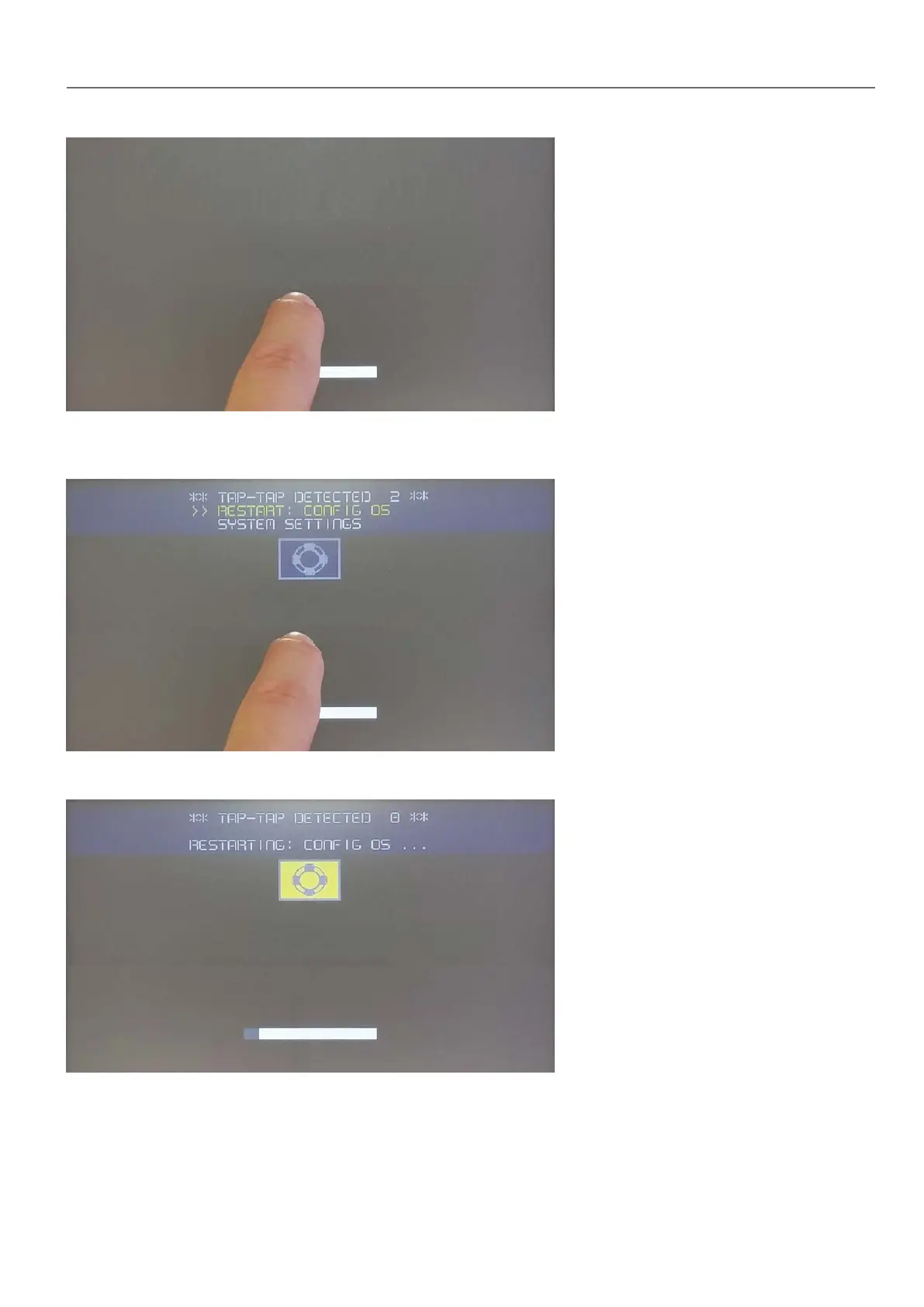
When “tap-tap detected” message appears on the top of the screen, press and hold the finger on touchscreen, to select
“Restart: Config OS”
HMI will restart into System Settings in Config OS mode:
Touchscreen calibration
System Setting Calibration allows to calibrate Touchscreen device, can be accessed by tap-tap procedure.
HMWIN Studio |User Manual| v206 (2017-06-30) | EN| © 2014-2017 Panasonic Electric Works Europe AG
397
37 System Settings



 To Next Page