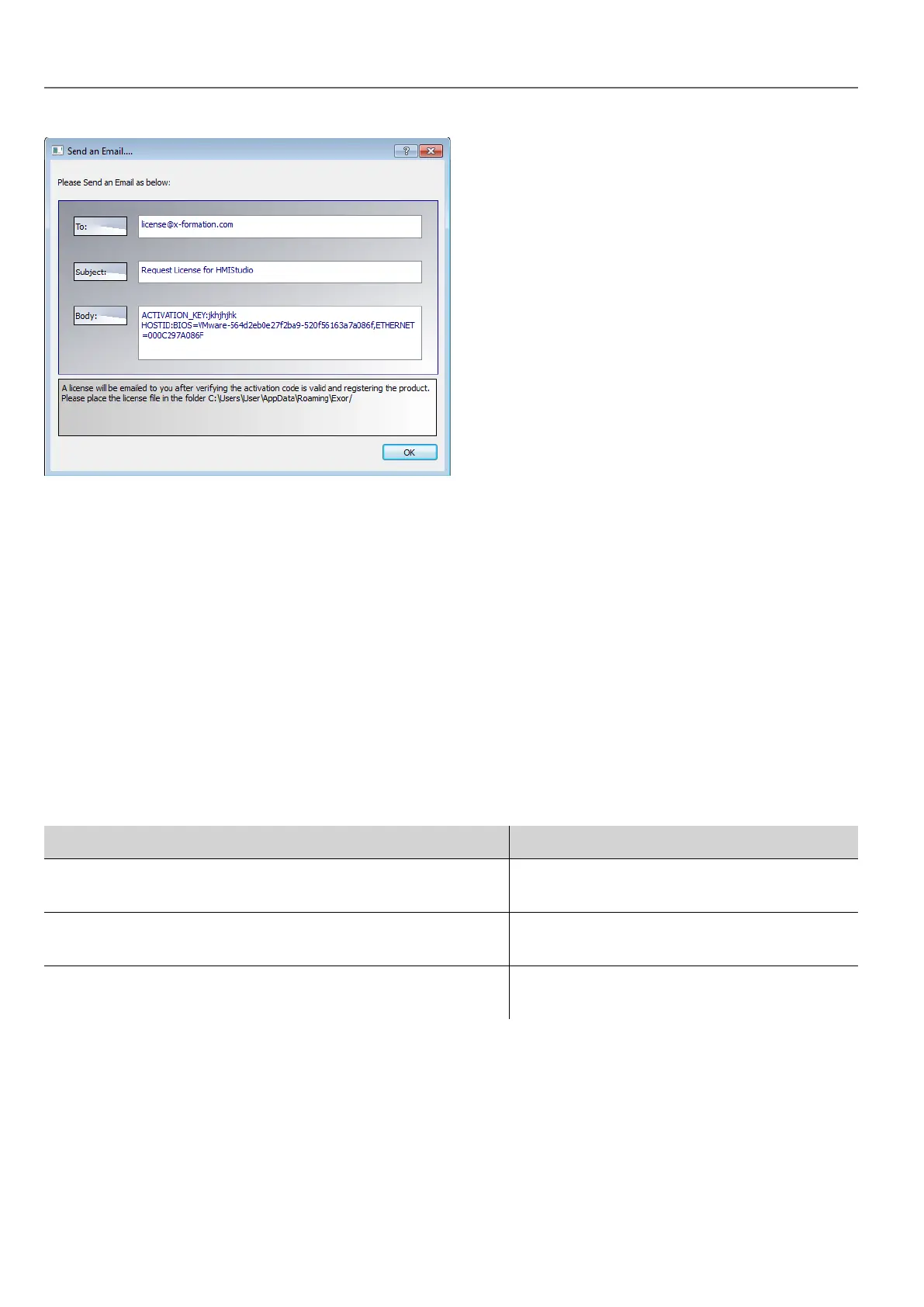
This email can be send in a second moment when internet connection will available. You may also activate the licenses
and download the licenses file from the web site https://licenses.x-formation.com/licenses. reporting the same data
contained in the “Body” of upper form.
Verifying license status
To check the status of your license:
1. Go to: https://license.x-formation.com/licenses
2. Enter your activation key and click the Log In button.
Installing multiple versions of HMWIN Studio
You may install different instances of HMWIN Studio on the same computer. Each installation has its own settings and can
be uninstalled individually.
Three installation scenarios are possible:
Installation scenario Results
First installation of HMWIN Studio in the system Software is installed in the specified destination
folder
System with only one instance of HMWIN Studio already
installed
Current version can be replaced or maintained.
System with multiple instances of HMWIN Studio already
installed
Last version installed can be replaced or
maintained.
If you try to install a second instance of an already installed version of HMWIN Studio, a warning message is displayed.
Multiple HMWIN Studio installations share a common workspace folder, each sub-folder includes the version number, for
example C:\Program Files\Panasonic\HMWIN 2.5. Each installed version has its ID and can therefore be removed
individually.
Each installation is listed separately in the Windows Start menu.
4
HMWIN Studio |User Manual|v206 (2017-06-30) |EN|© 2014-2017 Panasonic Electric Works Europe AG
Installing the application



 To Next Page