Troubleshooting and Diagnostics 299
V4.2 LabChip GX User Manual PerkinElmer
Computer Software Lock-Ups
If a computer or software lock-up occurs:
1 Try to exit and then re-launch the LabChip GX software.
2 If this is not successful, exit the application using the Task
Manager:
a Right-click in the desktop menu bar and select Task
Manager.
b Click the Applications tab.
c While holding down the Shift key, select all running
applications.
d Hold the Ctrl key and click End Task.
3 If the Task Manager cannot be accessed, try one or all of the
following:
• Press the Ctrl, Alt, and Delete keys on the keyboard
simultaneously.
• Perform a hard reboot by turning off the computer and then
restarting it.
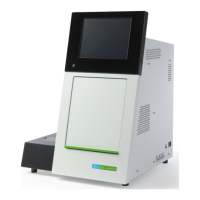
• Power cycle the LabChip GX instrument.
4 Contact PerkinElmer Technical Support (see page 3).


 To Next Page
 Loading...