Raisecom
iTN2100 (P100R002) Hardware Description
Raisecom Technology Co., Ltd.
13.4.3 Interfaces
Interface types
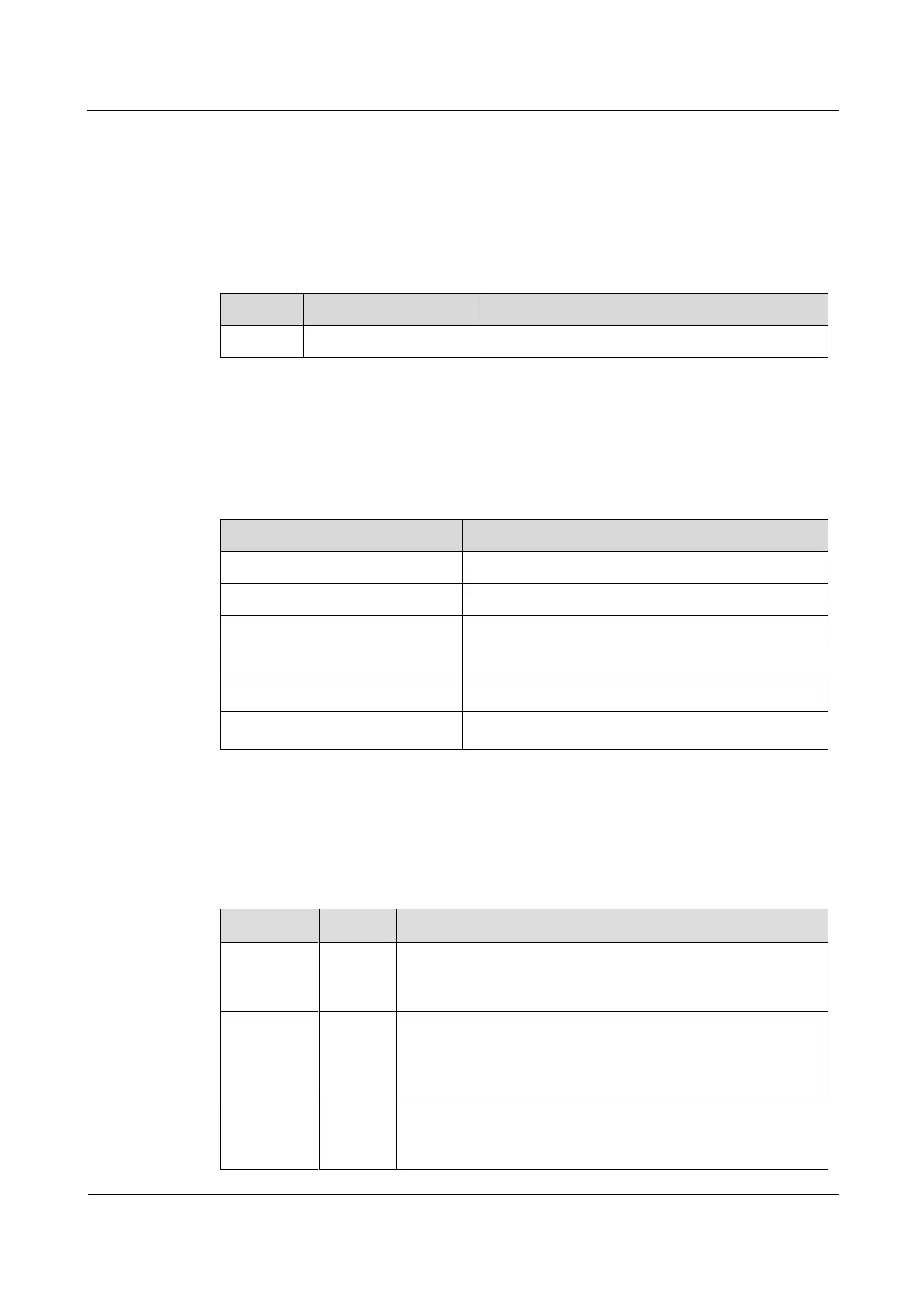
There is an interface on the OPCOM3500E-EOP-FE16E1 panel, as listed in Table 13-16.
Table 13-16 The interface on the OPCOM3500E-EOP-FE16E1 panel
RJ45 electrical interface
Service downlink interface
Interface parameters
Table 13-17 lists parameters of the RJ45 interface on the OPCOM3500E-EOP-FE16E1.
Table 13-17 Parameters of the RJ45 interface on the OPCOM3500E-EOP-FE16E1
10/100 M bit/s or auto-negotiation
Maximum supported frame length
Full duplex/half duplex/auto-negotiation
Full duplex: IEEE 802.3x-based flow control
Half duplex: back-pressure flow control
13.4.4 LEDs
There are 5 LEDs on the OPCOM3500E-EOP-FE16E1 panel, as listed in Table 13-18.
Table 13-18 LEDs on the OPCOM3500E-EOP-FE16E1 panel
Power LED
Green: the power supply is normal.
Off: the power supply is abnormal.
System status LED
Green: the system is working improperly.
Off: the system is working improperly.
Blinking green: the system is working properly.
Ethernet electrical interface 100 Mbit/s LED
Green: the Ethernet rate is 100 Mbit/s.
Off: the Ethernet rate is 10 Mbit/s or the connection fails.



 To Next Page