coordinates latitude <latitude>
The parameter has the following meaning:
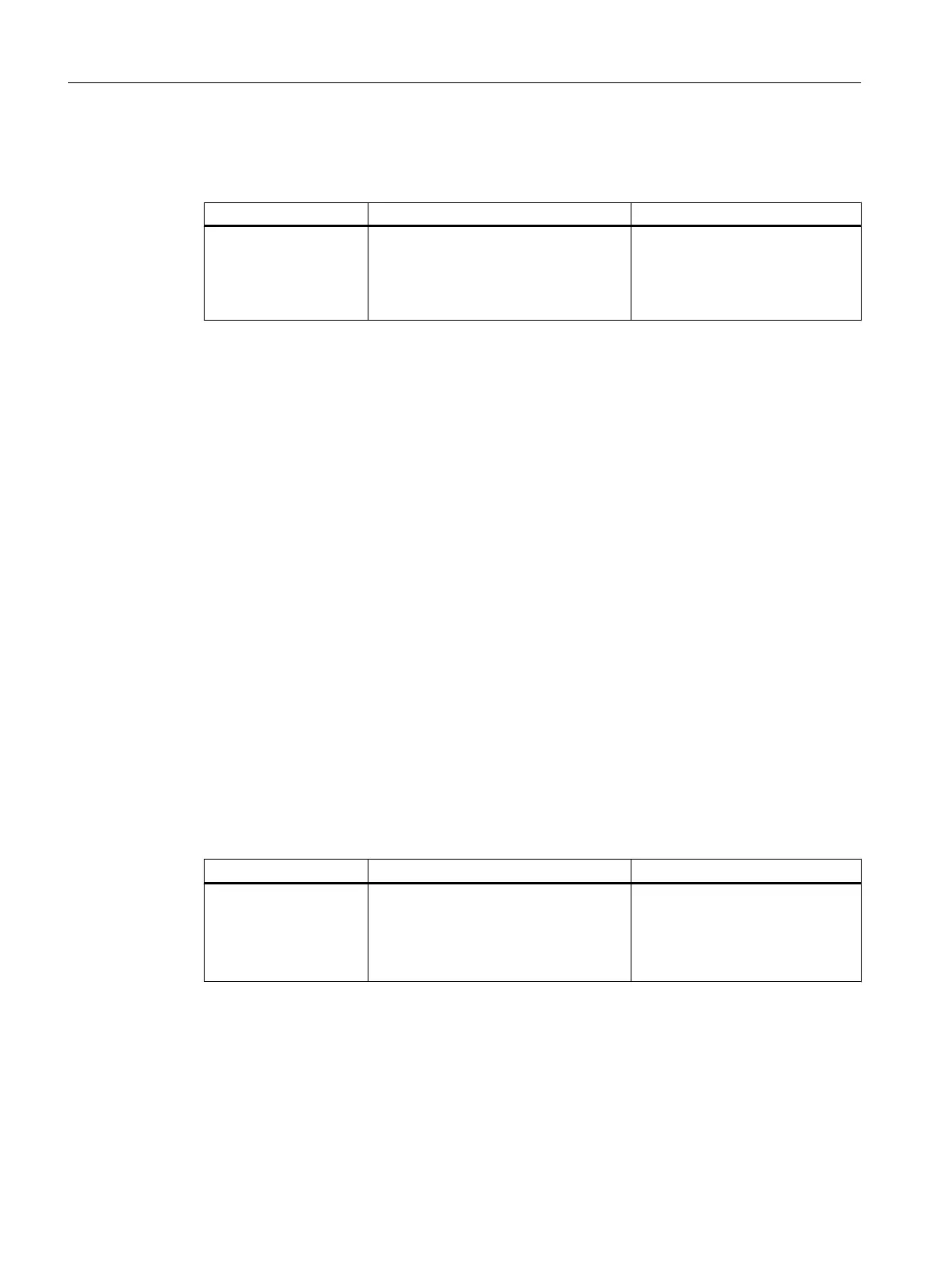
Parameter Description Range of values / note
latitude Input box for the latitude coordinate max. 32 characters
To use spaces in the entry, enter
the latitude coordinate in quotes:
coordinates latitude
"123 456"
Result
The latitude coordinate is created.
3.1.9.7 coordinates longitude
Description
With this command, you enter a longitude coordinate.
Requirement
You are in the Global Configuration mode.
The command prompt is as follows:
cli(config)#
Syntax
Call up the command with the following parameters:
coordinates longitude <longitude>
The parameter has the following meaning:
Parameter Description Range of values / note
longitude Input box for the longitude coordinate max. 32 characters
To use spaces in the entry, enter
the longitude coordinate in quotes:
coordinates longitude
"123 456"
Result
The longitude coordinate is created.
Configuration
3.1 System
SCALANCE XB-200/XC-200/XF-200BA/XP-200/XR-300WG Command Line Interface
70 Configuration Manual, 07/2017, C79000-G8976-C361-06


 To Next Page
 Loading...