108
3 Producing with the knitting machine
Production
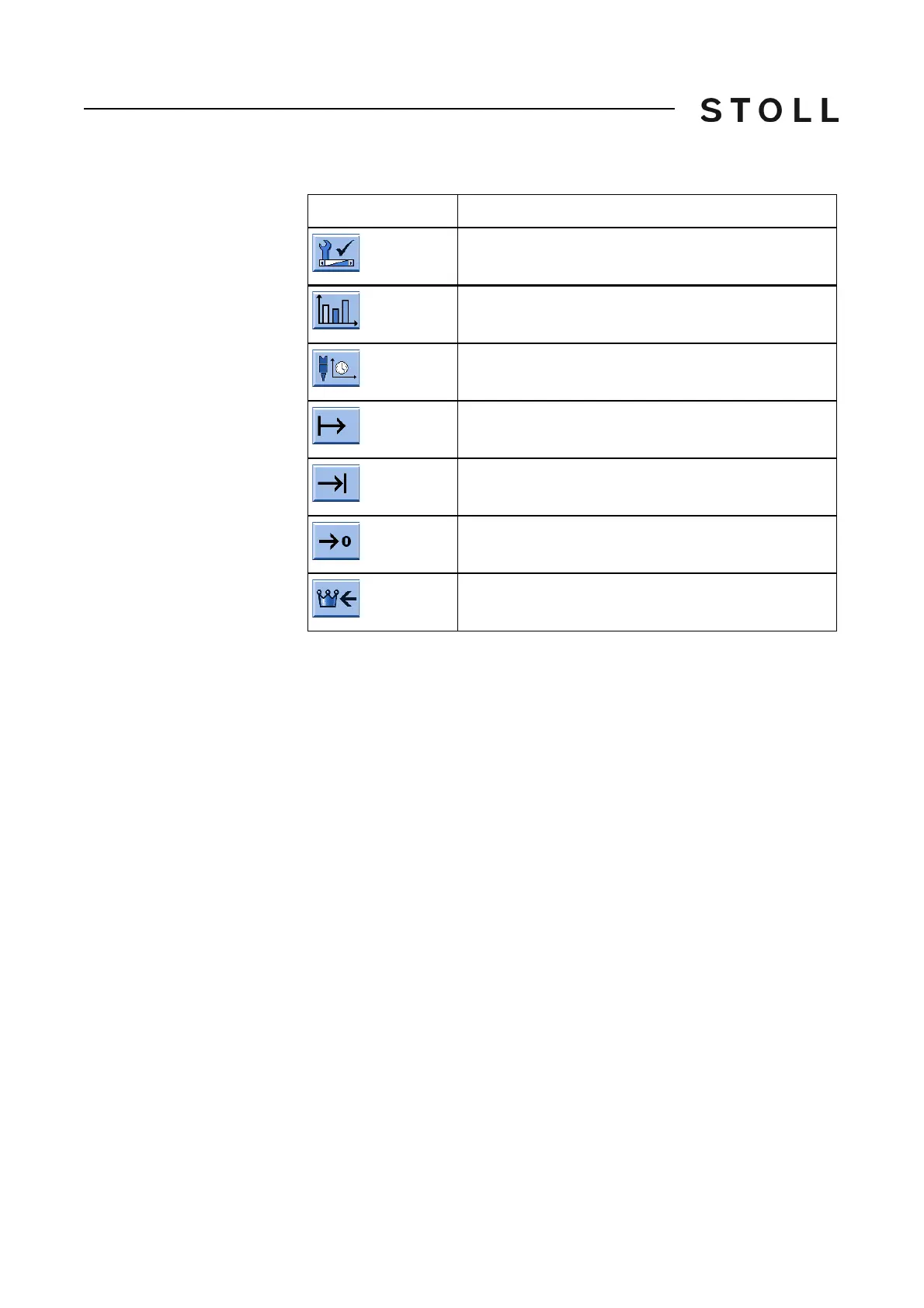
Keys for the Measurement of running time window
Keys for the "Measurement of running time" window
Measuring the running time:
A pattern file has to be loaded (1).
1. If necessary
set display with "Reset" at 0.
2. Tap on "Start".
In the "Running time" (2
) field time that has passed since "Start" was
activated is shown in the format hh:mm.ss.
3. Starting the knitting proce
ss.
4. After the knitting process has been
completed, tap"Stop".
The measured time is displayed in the "Running
time" (2) field.
Further information:
Carrying out restart with machine
conf
iguration (Restart and
Configuration) [504]
Key
Function
Call up the "Service" window
Call up "Statistics" window
Call up "Measurement of running time" window
Start measurement of running time (start)
Stop measurement of running time (Stop)
Set display at 0 (Reset)
Call up the "Main menu"



 To Next Page