290
4 Adjusting knitting machine
KnitLAN connection
KnitLAN connection
4.5 KnitLAN connection
The KnitLAN connection helps in the transmission of data and patterns
between the machine and an M1 or an FTP-Server (FTP = File Transfer
Protocol, network protocol for data transmission).
The KnitLAN connection takes the place of the previous online progr
am. In this
chapter the
setting of the KnitLAN connection is described. The selection of
computers for "My network" is described in the MCNET2 instructions.
You can use the KnitLAN co
nnection fo
r:
Transmitting knitting programs
Monitoring production
Collecting machine data
Requirements:
Machine and
M1 are networking
Operating system of the machi
ne: V 1.2 (or higher)
Software version of M1: V 3.9 (or higher)
Con
figure the KnitLAN
connection:
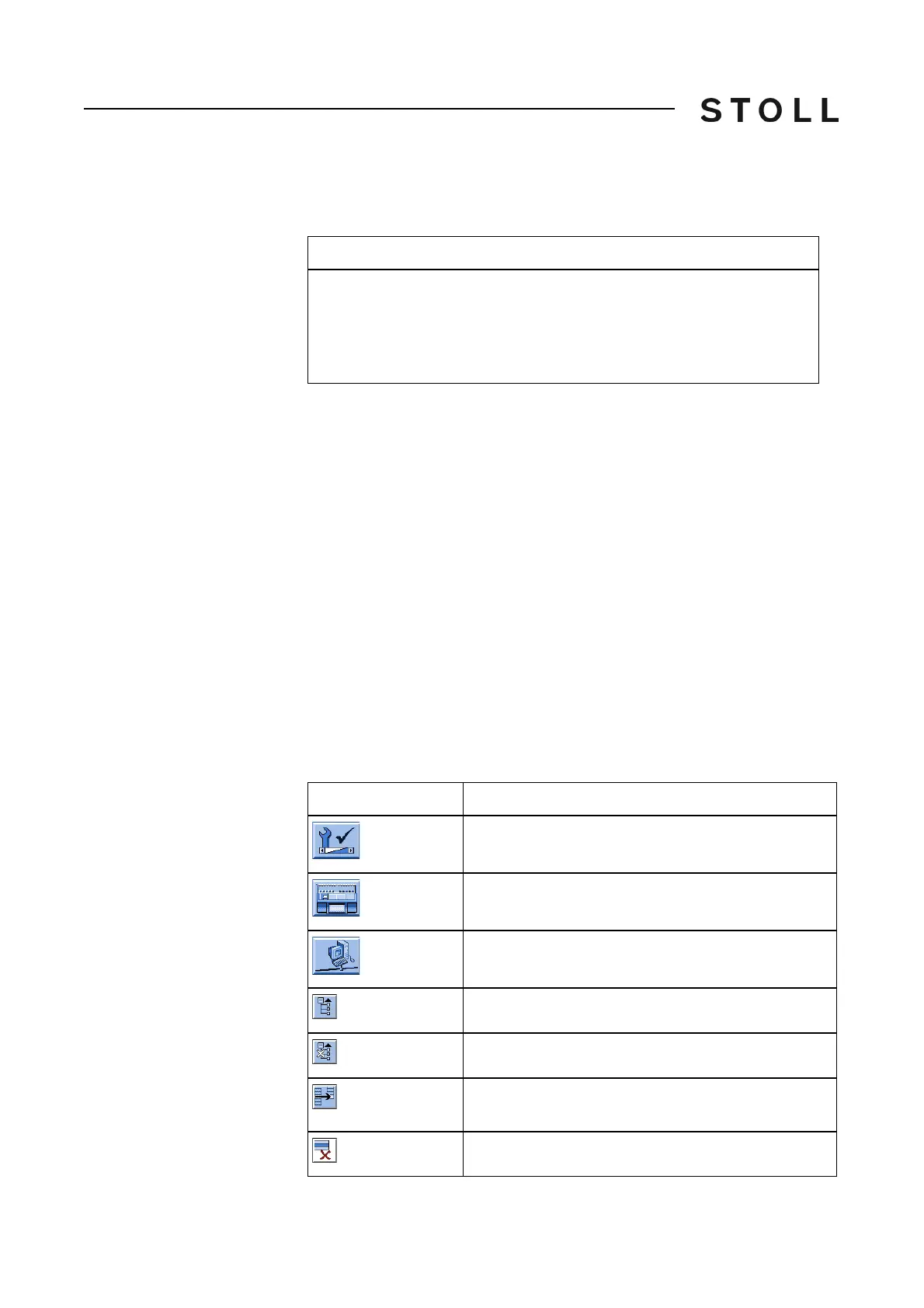
Keys for s etting th e KnitLAN connect ion
Valid for:
This description applies only to machines for which the connection to the
Stoll Nameserver is not active.
If the connection to the Stoll Nameserver is active, the "Network f
avorites"
key is not available since the KnitLAN connection will be configured on the
Stoll Nameserver.
Key
Function
Call up the "Service" menu
Call up the "Basic settings" menu
Call up the "Network favorites" window
Opens the understructure of the marked network.
Closes the substructure of the marked network.
Transfers the selected computer in the field "KnitLAN
/ ftp"
Deletes the selected computer



 To Next Page