107
Producing with the knitting machine 3
Production
1. Call up the "Service" window in the "Main menu".
2. Call up the "Running time control" window in the "Service" window.
3. Select sequence, sequence element or
pattern.
4. Call up "Additional function keys".
5. Call up the "Running time data sequence" window or
the " Running time
data pattern" window
The "Running time data sequence" or the
"Running time data pattern"
window is displayed with the associated data.
6. Close the window by using the "Return to previou
s window" key.
Further information:
Carrying out restart with machine conf
iguration (Restart and
Configuration) [504]
Measuring the running time
3.3.6 Measuring the running time
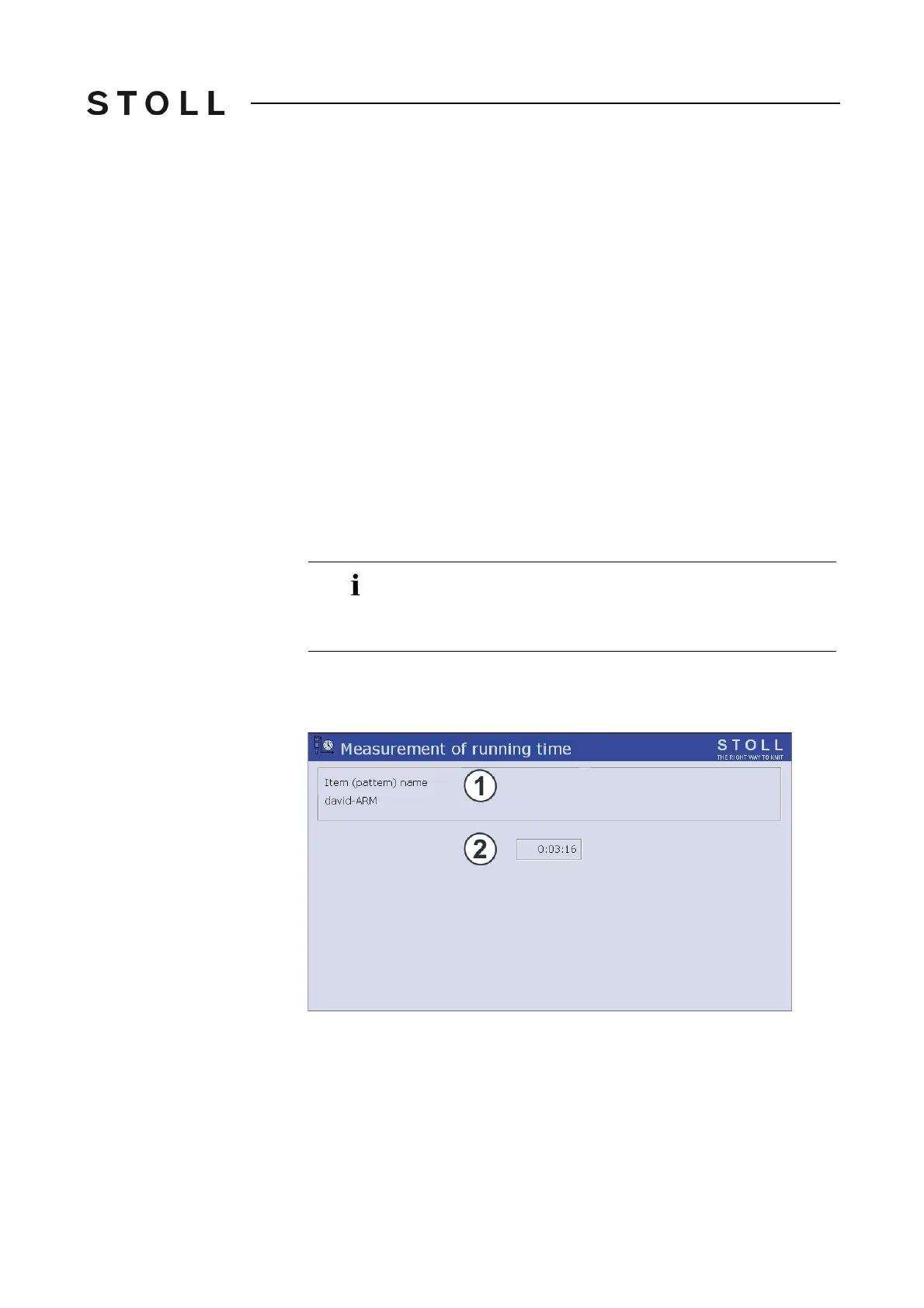
Manual measurements of running time can be carried out (stop watch
function) in the "Measurement of running time" window. The functions start,
stop and backup are deleted with the additional function keys.
Measurement of running time window
"Measurement of running time" window
In order to display the "Running time control" window it must be
activated in the "Knit report configuration" window. (BootOkc -
> Restart and Configuration -> Knit report configuration ->
Additional function keys)



 To Next Page