378
7 Repairing the knitting machine
Helpful knitting rows
Helpful knitting rows
7.2 Helpful knitting rows
When carrying out cleaning, adjustments and repair work, it is helpful to set a
certain knitting situation immediately. The following table lists the knitting
specifications mentioned in the operating instructions.
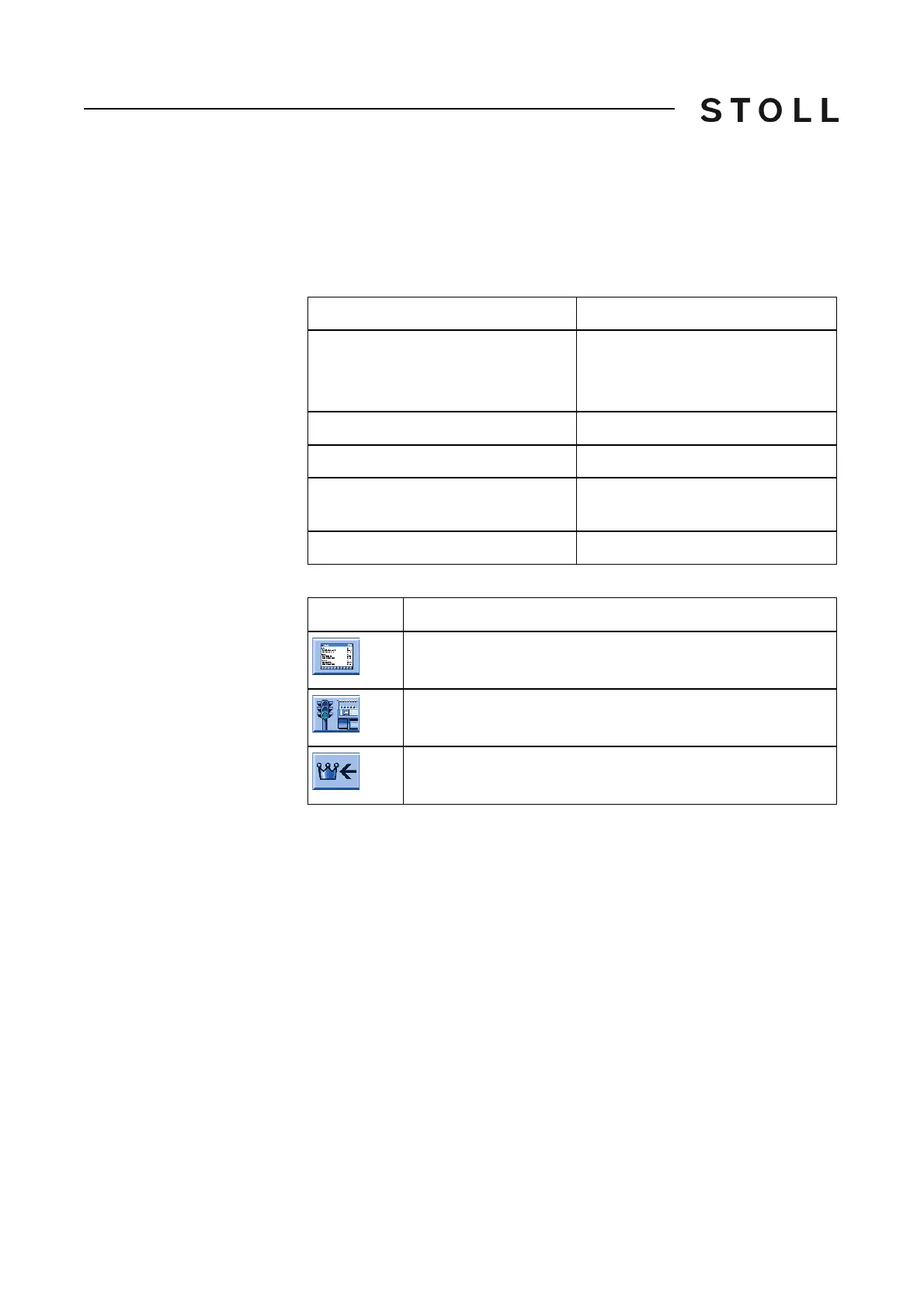
Knitting specifications
Knitting specifications
Keys for entering a knitting row
Keys for entering a knitting row
Enter and fix a knitting row:
1. Stop the carriage shortly after the left re
versing position.
2. Call up the Sintral Editor.
3. Position the cursor accordingly (e.g. on line 998) in the Sintral program.
4. Enter the knitting row using the
virtual key
board.
For example, you may want to enter a transfer row to the rear on line 998
.
The specifications are as follows: 998 <> S:U^SR; S1
5. Confirm input and return to the "Main menu".
6. Call up the "Machine start" window.
Knitting specifications
Empty row
< > S0 W0
Or: Tap in window "Machine start" on
the key "SPF S0".
Empty row with transfer racking
< > VU S0 W0
Empty row with half racking
< > V# S0 W0
Transfer row to the rear (R = all
needles)
< > S:U^SR; S1
Transfer row to the front
< > S:UVSR; S1
Key
Function
Switch on Sintral editor
Call up "Machine start" window
Call up "Main menu"



 To Next Page