464
7 Repairing the knitting machine
Entering the data of the needle selection displacement manually
Entering t he data of the needle selec tion displacement manually
7.7 Entering the data of the needle selection
displacement manually
If the data for the needle selection displacement got lost and there is no
Dongle data available, the data can be entered manually.
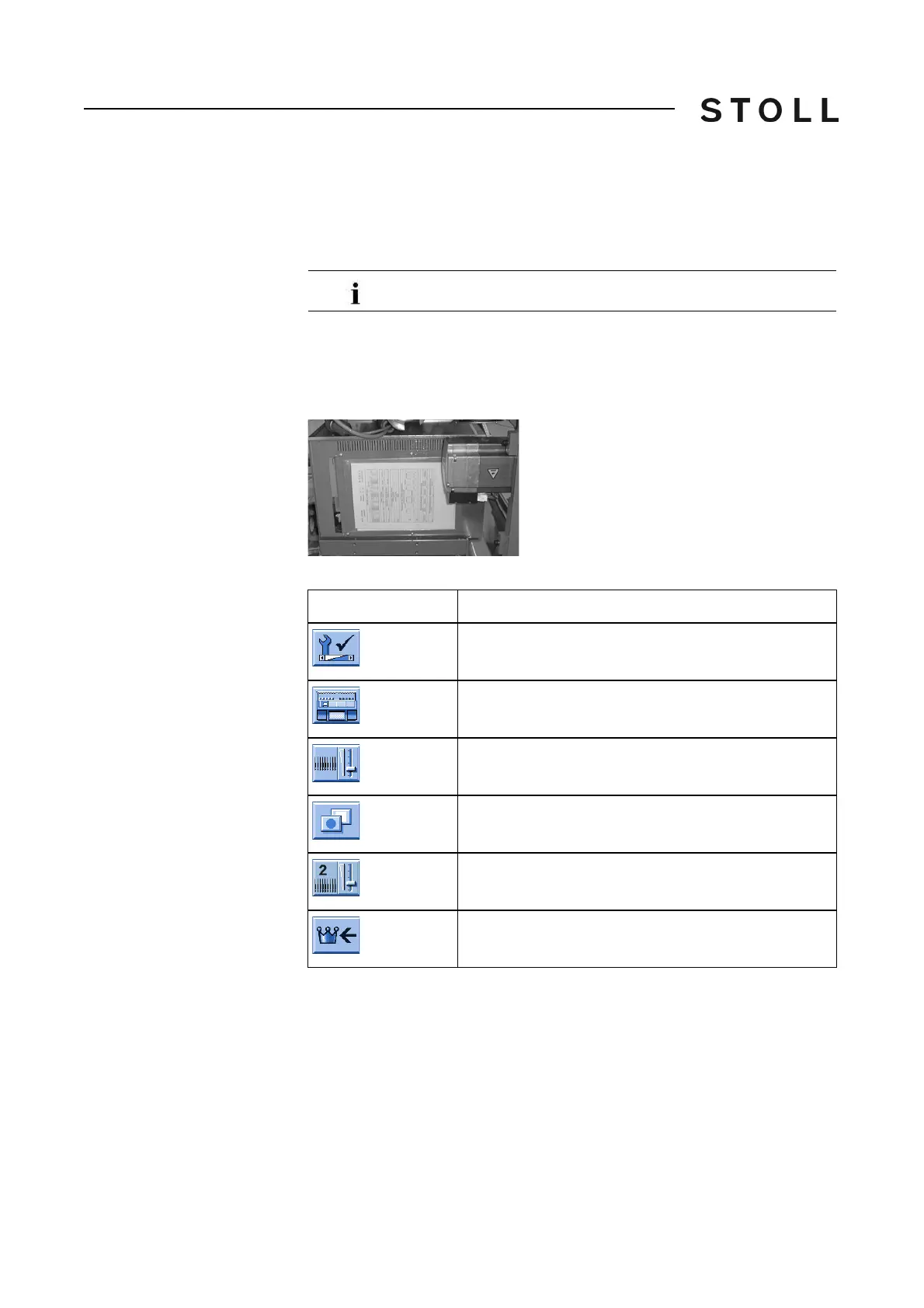
When delivering the knitting machine, the machin
e data was printed out and
put on the right control cabinet.
Machine d ata sheet at the righ t control cabinet
Machine data sheet at the right control cabinet
Keys for c ontrollin g the data for the n eedle se lection dis placement
Keys for controlling the data for the needle selection displacement
Controlling the data of the
needle selection
displacement
1. Call up the "Service" menu from the "Main menu".
2. Call up "Basic Settings" menu.
3. Open the "Needle bed parameters" window.
4. Call up the additional function keys in
the "Need
le bed parameters"
window.
5. Open the "Needle bed parameters 2" window.
6. Compare the displayed values with the values on the machine data
sheet.
Only for Stoll technicians or knitting technicians
Key
Function
Call up the "Service" menu
Call up the "Basic settings" menu
Open the "Needle bed parameters" window
Call up "Additional function keys"
Open the "Needle bed parameters 2" window
Call up "Main menu"



 To Next Page