126
3 Producing with the knitting machine
Starting the machine after a fault
Suppressing error messages
3.6.2 Suppressing error messages
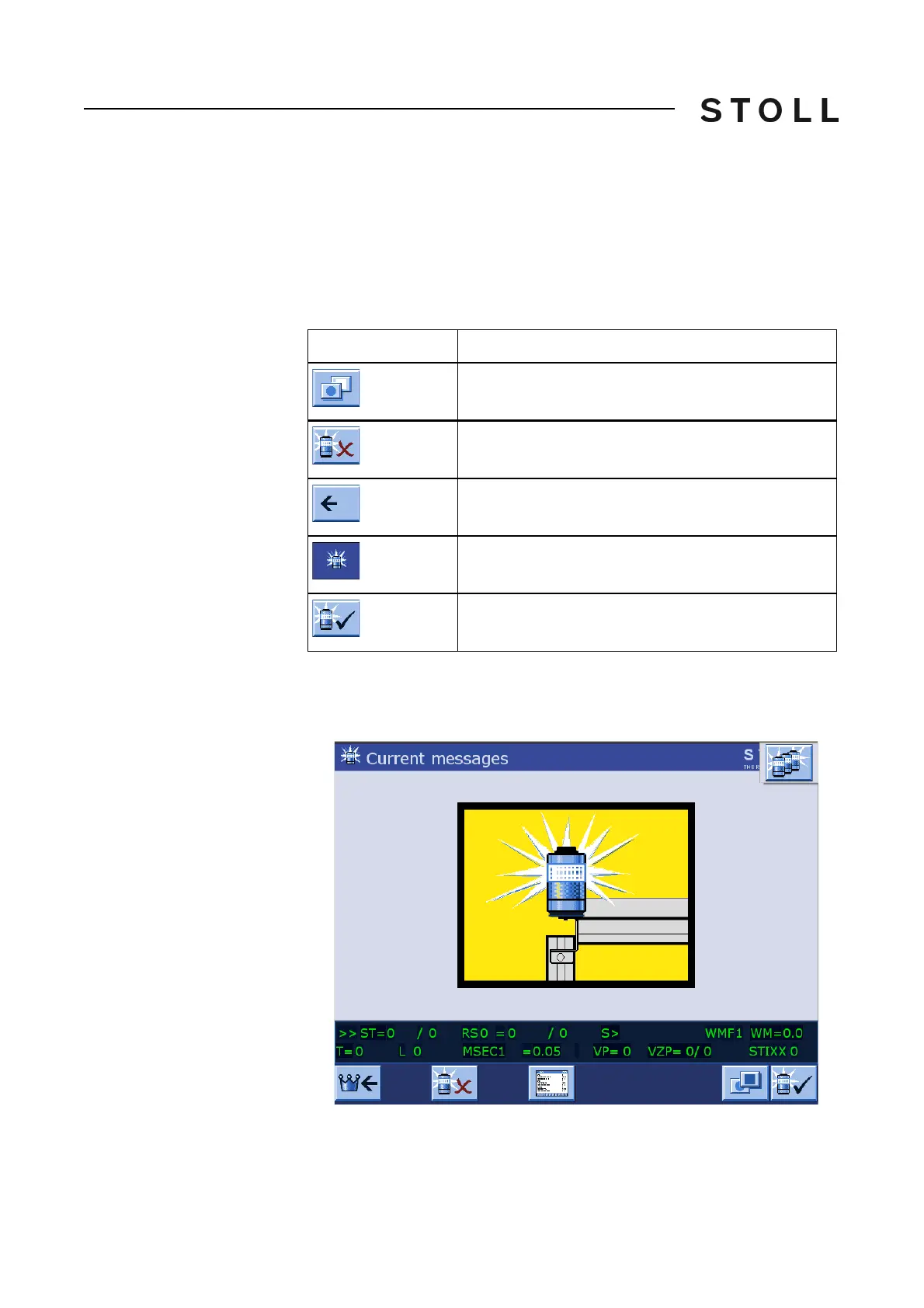
If, for example, a change is made to a knitting program and an error message
is present, the knitting program or other windows are covered by the current
error message. This may interrupt your work. To prevent this from happening,
the error message can be suppressed. Only the display on the touch screen
is suppressed, not the stop motion of the knitting machine.
Keys for suppressing erro r messages
Keys for suppressing error messages
Suppressing error messages 1. If an error message is displayed, call up the "Additional function keys"
button.
Suppressing error messages
Suppressing error messages
Key
Function
Call up "Additional function keys"
Suppress error messages ("Activating setting-up
operation")
Returning to the previous window
"Setting-up operation active" symbol
Enabling error messages again ("Deactivating setting-
up operation")



 To Next Page