63
Description of knitting machine 2
Display and operating elements
User Interface
2.8.5 User Interface
Design of the user interface
Design of the user interface
Design of the user interface
Design of the user interface
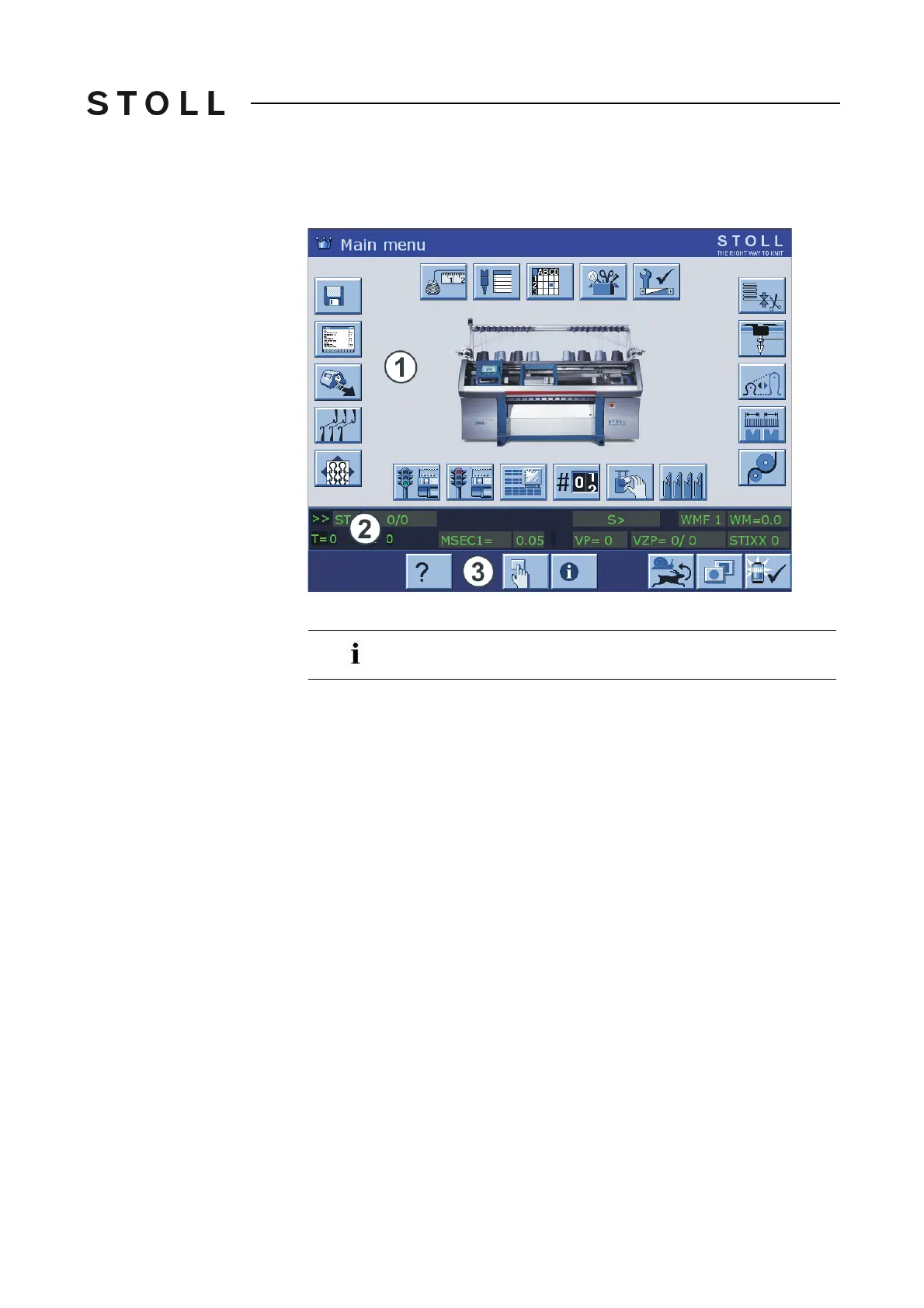
The user interface displays information on the current operating situation. It is
always divided into three areas:
Upper area (1)
– Me
nu
– Input and output of information
Middle area (2)
– Status display
– Additional input elements
–
Selection elements
Lower area (3)
– Funct
ion keys
Do not touch the touch screen with sharp objects and do not
subject it to direct sunlight, which will destroy the picture tubes.



 To Next Page