537
Machine Management Tools 11
Remote control with the software VNC
Activatin g the remote control VNC o n the machine
11.3.1 Activating the remote control VNC on the machine
The remote control VNC is deactivated on the knitting machine by default.
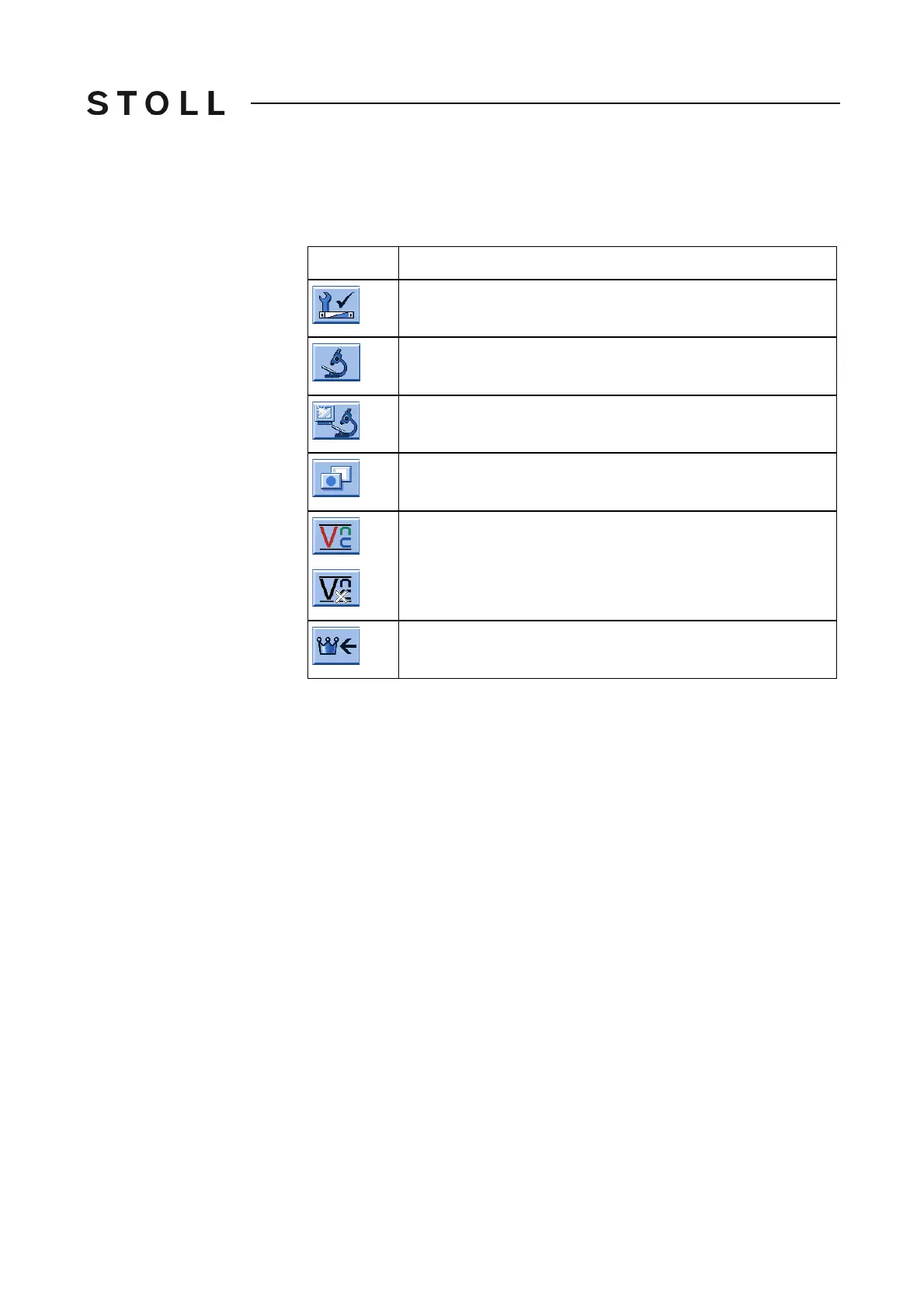
Keys to activat e the remote c ontrol VNC on th e machine
Keys to activate the remote control VNC on the machine
1. Call up the "Service" window.
2. Call up "Diagnosis" window.
3. Call up "Machine Management Tools" window.
4. Call up "Additional function keys".
5. Tap on "Remote control VNC" key.
The
activation of the remote control VNC
gets is acknowledged by a
message.
Key
Function
Call up the "Service" window
Call up "Diagnostics" window
Call up "Machine Management Tools" window
Call up "Additional function keys"
Activate/deactivate "Remote control VNC"
Call up "Main menu"



 To Next Page