74
3 Producing with the knitting machine
Preparing production and shift changes
Loading files, libraries a nd pattern folders
3.1.1 Loading files, libraries and pattern folders
Files (Sintral, Jacquard, Setup), libraries (Auto-Sintral) and folders can be
loaded from the following sources (data carriers):
Removable data medium (on the USB port)
for example: USB-
Memory-Stick, floppy disk drive, CD drive, DVD
drive,
external hard disk
Hard disk of the computer in the knitting machine
Online
Network drive
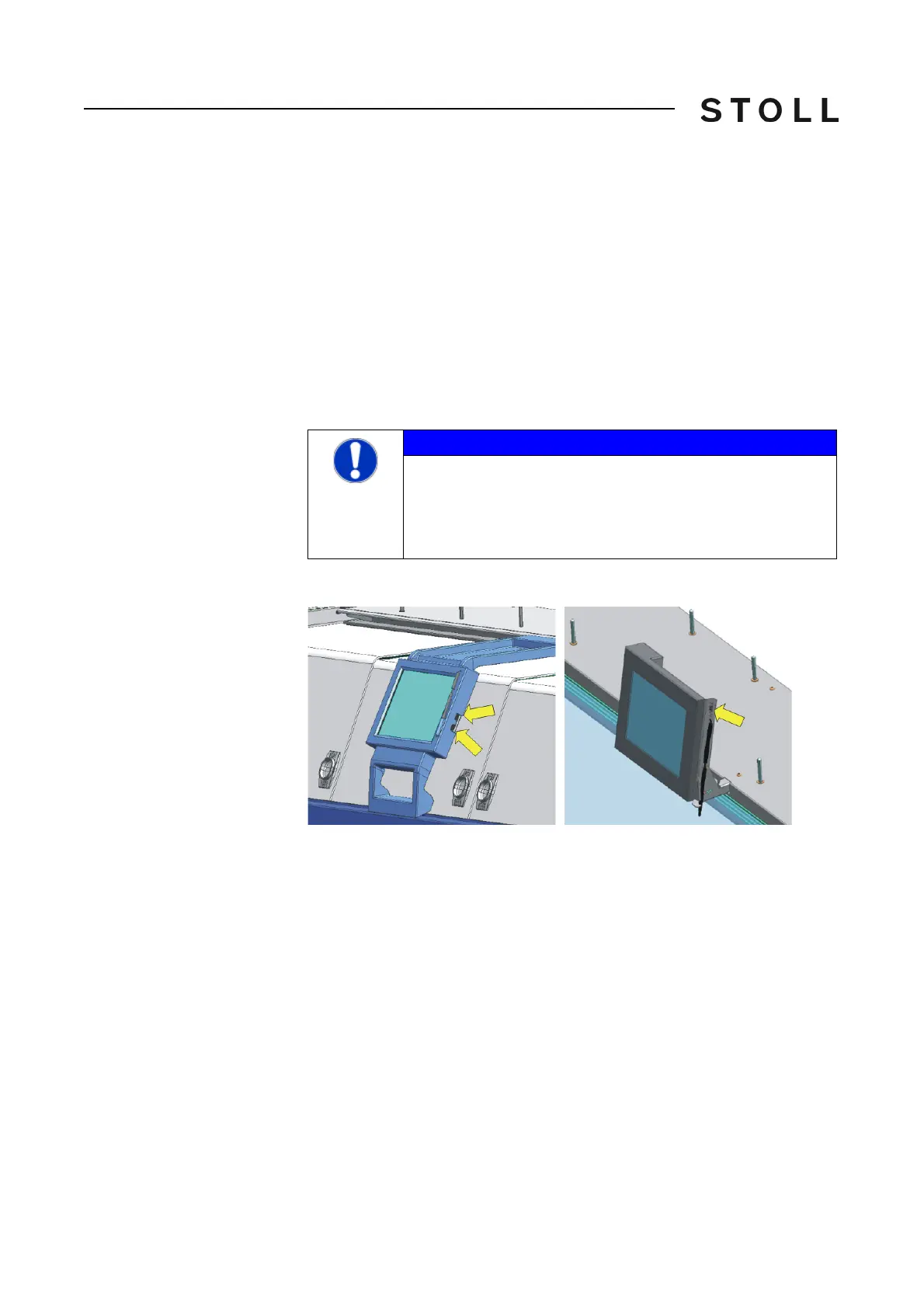
Port for the USB Memory Stick (5x x)
The port for the USB memory stick is located on the right side of the display.
USB ports
USB ports
NOTICE
Computer viruses!
Loss of data or production. Computer viruse
s can creep into
the machine through unscanned data via USB port or network.
➜ Bring in only virus free data on to
the knitting machine.



 To Next Page