542
11 Machine Management Tools
Remote control with the software VNC
Remote control via a web browser
11.3.6 Remote control via a web browser
When the Java Runtime Engine from Sun Microsystems Inc. is installed on the
controlling computer (client), the access to a machine can be also be done
through the web browser without the software VNC Viewer being installed.
By default the port 58
00 i
s adjusted for this access on the VNC server on the
machine and is activated in the server adjustment under Serve Java Viewer.
Start remote control:
1. Start web browser e.g. the Internet Explorer.
2. Enter the following address
as URL: http://<IP a
ddress of the
machine>:5800
A Java applet is run which is obtained as a alternative for the so
ftware
VNC Viewer from VNC Server (machine).
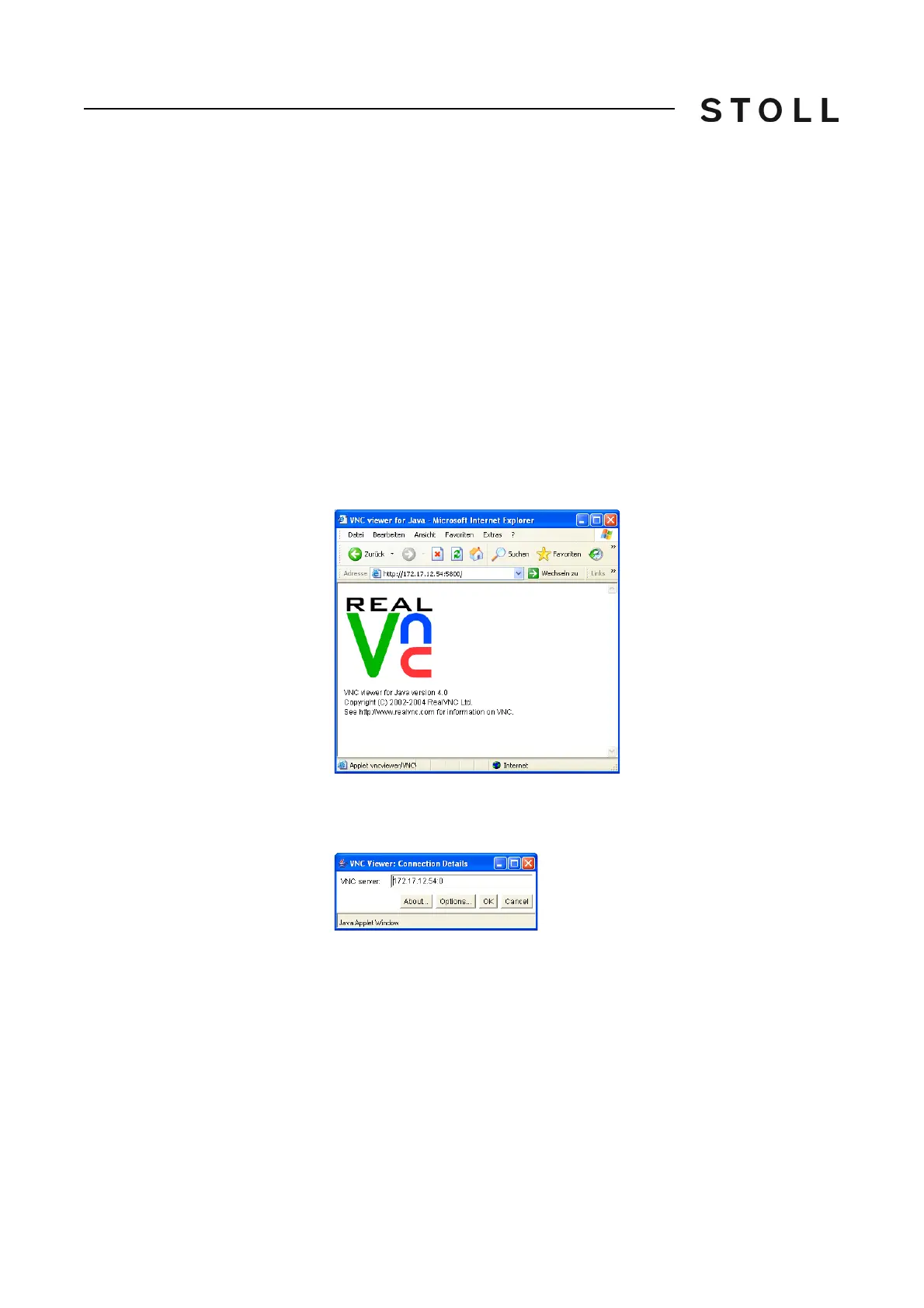
Then the web browser appears as follows:
Web browse r with the Java appl et from VNC
Web browser with the Java applet from VNC
3. Above opens the window "VNC Viewer: Connection Details".
The IP address is entered automatically.
VNC Viewer: Connection Details window
"VNC Viewer: Connection Details" window
4. Click on "Options".



 To Next Page