165
Adjusting knitting machine 4
Basic settings
Setting Cycle C ounter and Quantity of Fabrics
4.1.12 Setting Cycle Counter and Quantity of Fabrics
The cycle counter specifies how often a pattern area is to be repeated. Which
cycle counter controls which pattern area is defined in the knitting program.
The piece number specifies how many pi
eces are to be knitted. During
production, the piece number is decreased by "1" as soon as a complete piece
has been produced.
Keys for a djusting the cyc le counte r and the piece numb er
Keys for adjusting the cycle counter and the piece number
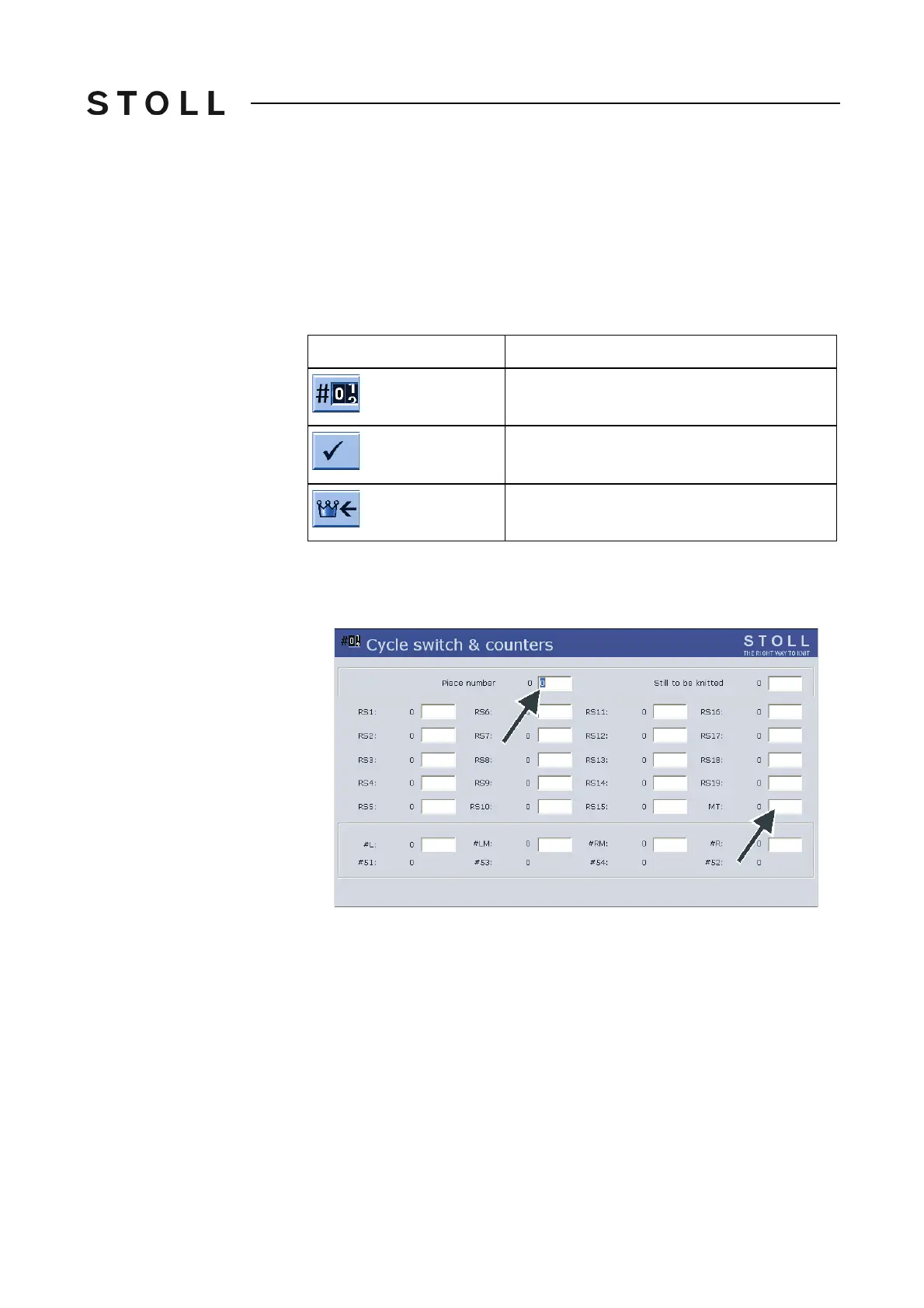
Setting cycle counter and piece number:
1. Call up the "Cycle counters & counters" wind
ow.
Cycle coun ters & count ers window
"Cycle counters & counters" window
2. Set the cycle counters "RS1" to "RS19".
3. Set the piece number.
4. Confirm entries.
5. Call up "Main menu".
Key
Function
Call up the "Cycle counters & counters" window
Confirm entries
Call up "Main menu"



 To Next Page