289
Adjusting knitting machine 4
Working with the Sintral editor
Go to help in function and error list
4.4.2 Go to help in function and error list
After loading and checking a file, the corresponding functions and error
messages can be displayed in the "SINTRAL editor". You can jump in these
lists using the following keys.
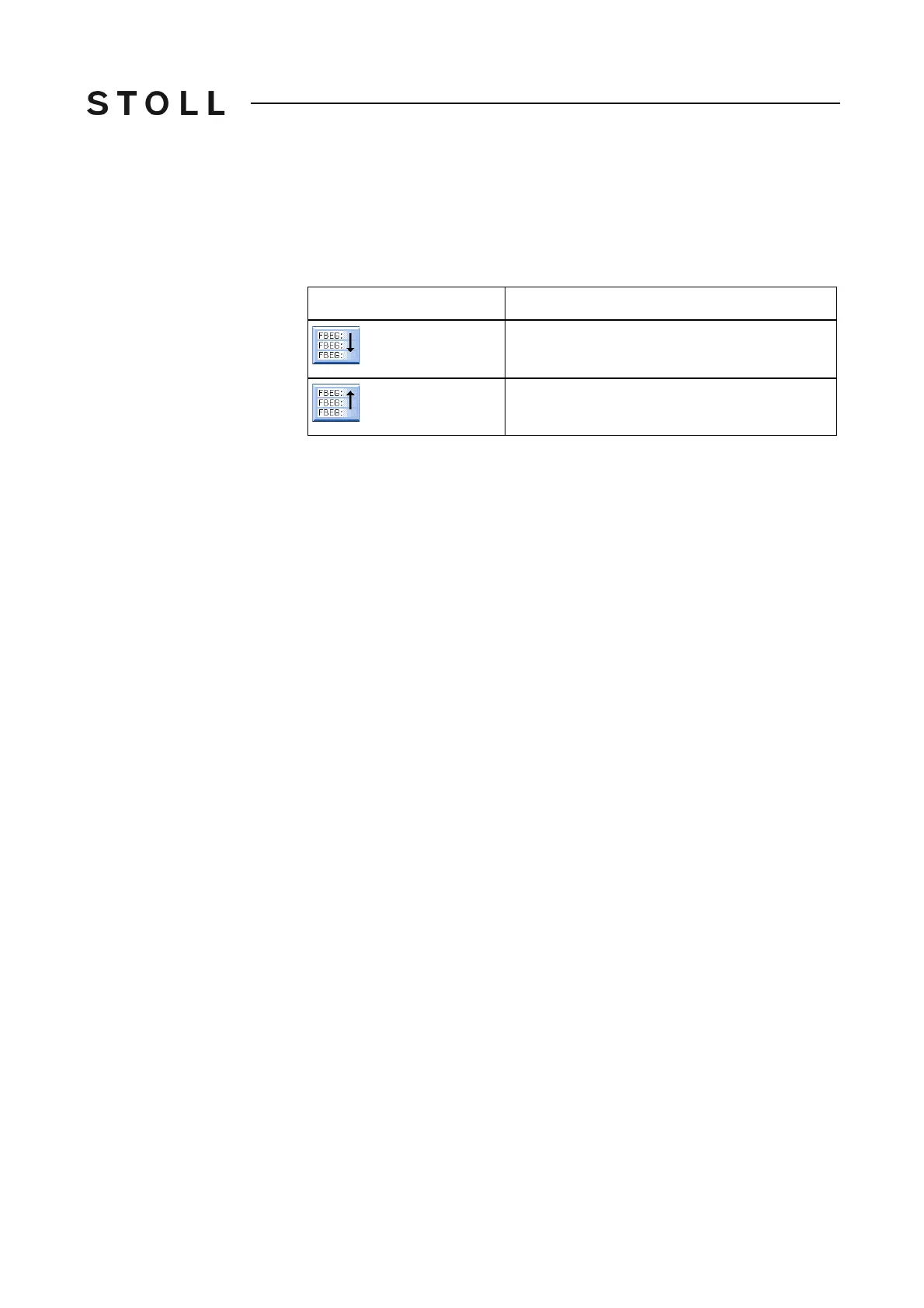
Keys for go to help
Keys for go to help
➜ To jump to the next function / to the next error in the knitting program, tap
the "Go to help for next" key.
- or -
➜ To jump to the previous function / to the previous error in the kn
itting
pro
gram, press the "Go to help for previous" key.
Key
Function
"Go to help for next"
"Go to help for previous"



 To Next Page