79
Producing with the knitting machine 3
Preparing production and shift changes
Entering piece number or number of courses
3.1.2 Entering piece number or number of courses
Keys for e ntering the piece number or number of courses
Keys for entering the piece number or number of courses
Entering piece number or number of courses:
1. Call up the "Cycle counters & counters " window fro
m the "Main menu".
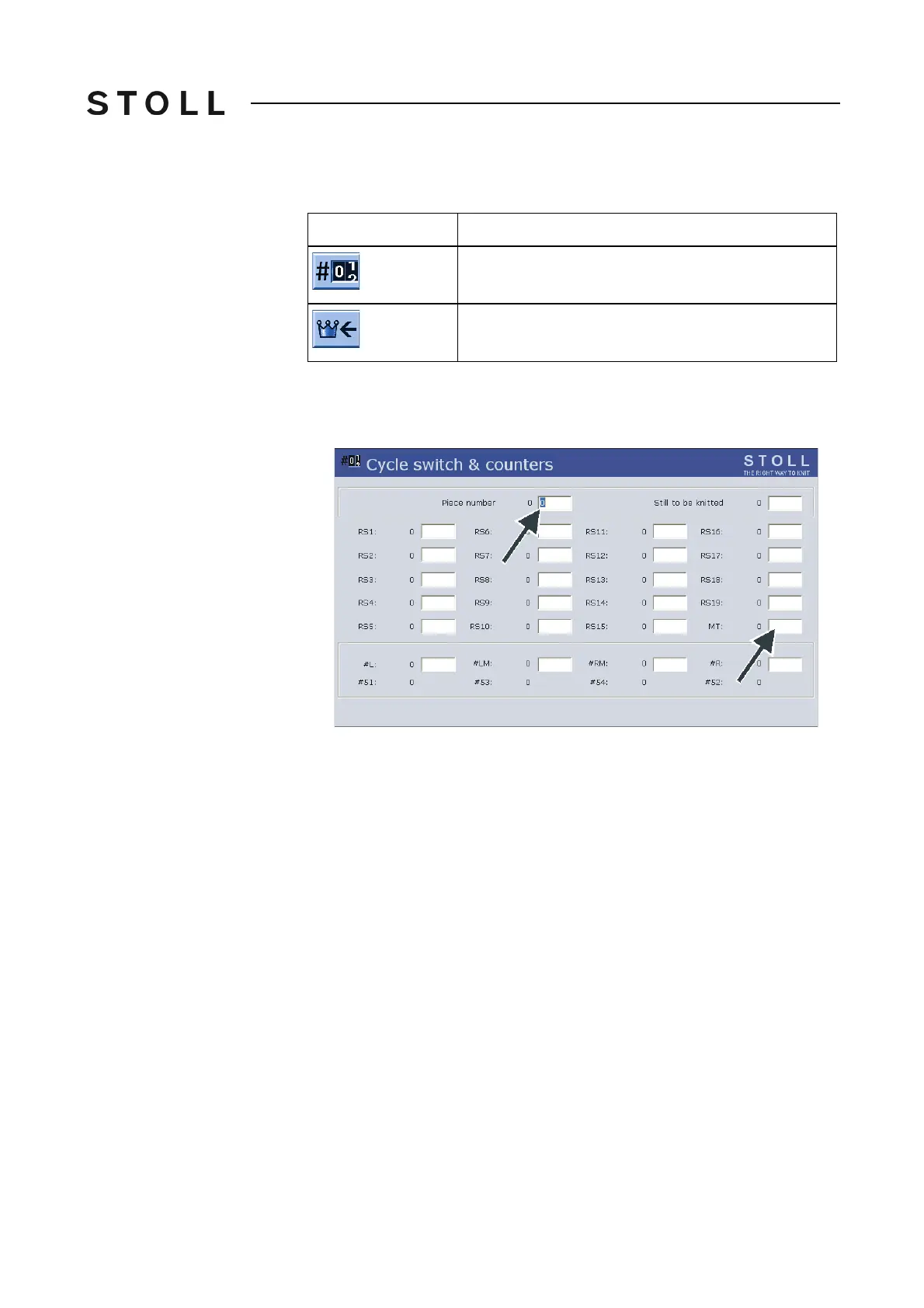
Cycle coun ters & count ers window
"Cycle counters & counters" window
2. If you produce pieces, enter the "piece number".
- or -
➜ If you produce yard goods, set the maximum n
umber of courses with the
"MT" counter to define the length of the fabric.
3. Call up "Main menu".
Key
Function
Call up the "Cycle counters & counters" window
Call up "Main menu"



 To Next Page