78
3 Producing with the knitting machine
Preparing production and shift changes
Load data (Setup1)
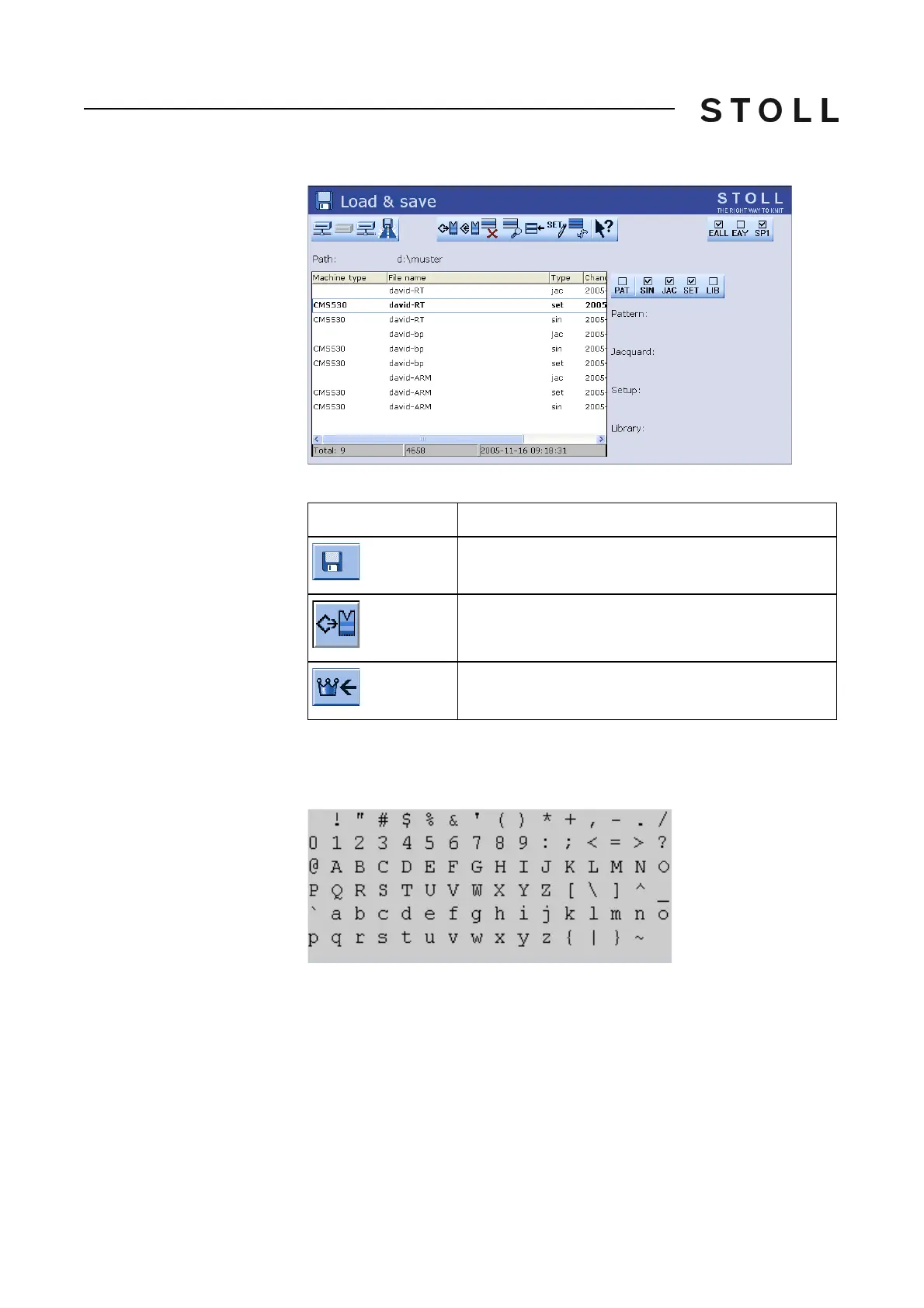
"Load & save" window
Keys for loading a knitting program
Keys for loading a knitting program
"Invalid character" error
message (Setup1, Setup2)
Check the knitting program for special or foreign language characters. Only
the characters of the ASCII character set may be used.
ASCII character set
ASCII character set
Further information:
Selecting the current folder [278]
Working with files, libraries and
folders [266]
Go to help in function and error list [
289]
Overview of the Setup2 Editor of the CMS [
309]
KnitLAN connection [290]
Key
Function
Call up the "Load & save" window
Load pattern
Call up "Main menu"



 To Next Page