532
10 CMS 822 - Operating modes and particularities
Opening and closing the holding-down jacks
Opening and closing the holding-down jacks
10.4 Opening and closing the holding-down
jacks
In tandem operation one or both carriages in the needle bed. The holding-
down jacks in the carriage area are closed. If the comb take-down is moved
upwards, the holding-down jacks in the carriage area would be damaged. In
order to avoid this happening, the holding-down jacks are opened.
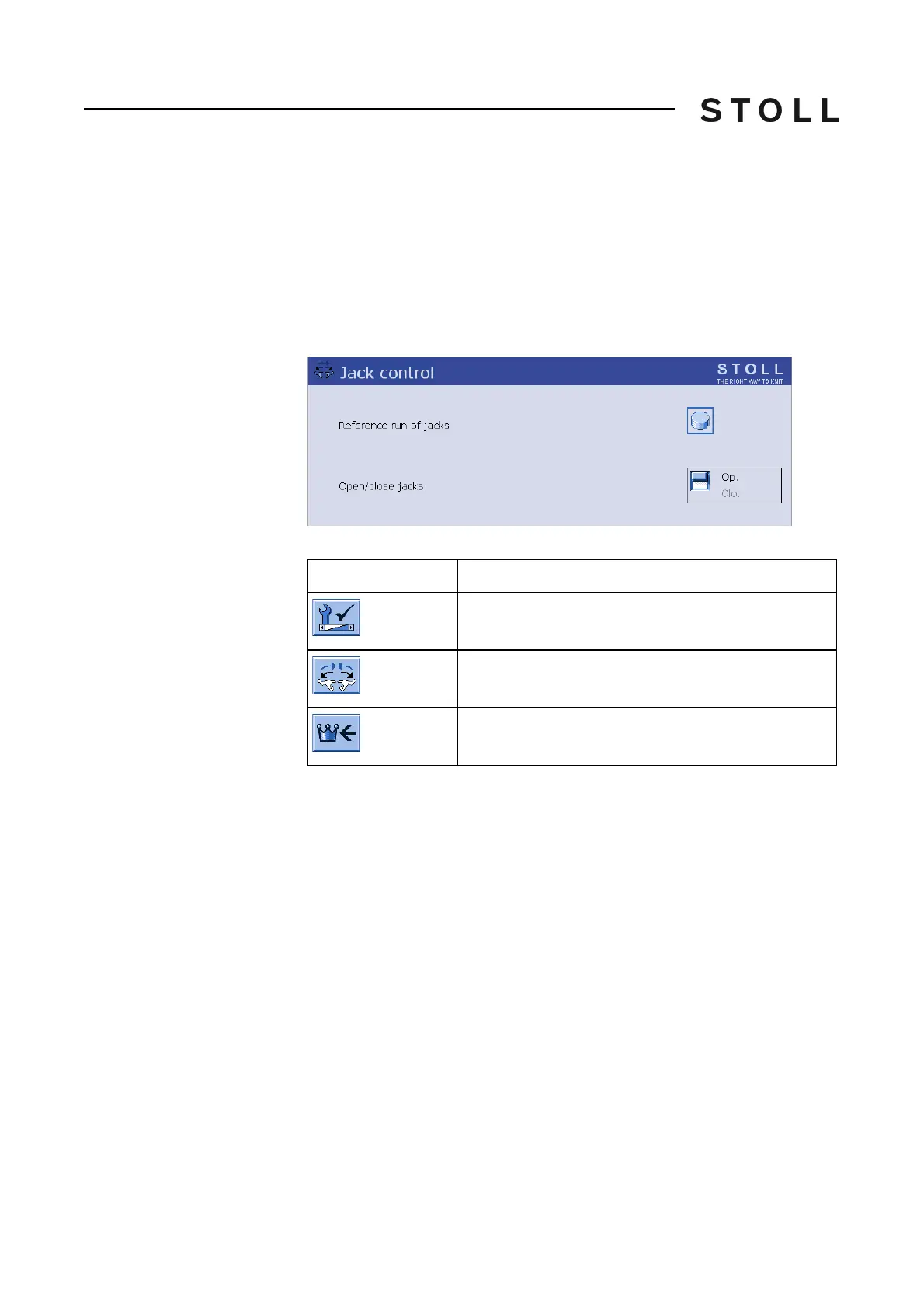
Holding-down jack control window
"Holding-down jack control" window
Keys for opening the holding-down jacks
Keys for opening the holding-down jacks
Opening the holding-down jacks:
1. Call up the "Service" menu from the "Main menu".
2. Call up the "Holding-down jack control" window.
3. In the "Open/Close jacks" box, tap
on the "Op
en" key.
The holding-down jacks in the carriage area are opened.
4. M
ove the comb take-down upwards. The needle detectors can be raised
and the
corresponding error message is displayed.
5. After work at the knitting machine has been terminated, a reference
run of
the holding-down jacks has to be carried out. To do so press the
"Reference run jacks" key.
Th
e needle brushes are aligned again in
the knitting direction and the
holding-down jacks are closed.
6. Call up "Main menu".
Key
Function
Call up the "Service" menu
Call up the "Holding-down jack control" window
Call up "Main menu"



 To Next Page