62
2 Description of knitting machine
Display and operating elements
Input unit
2.8.4 Input unit
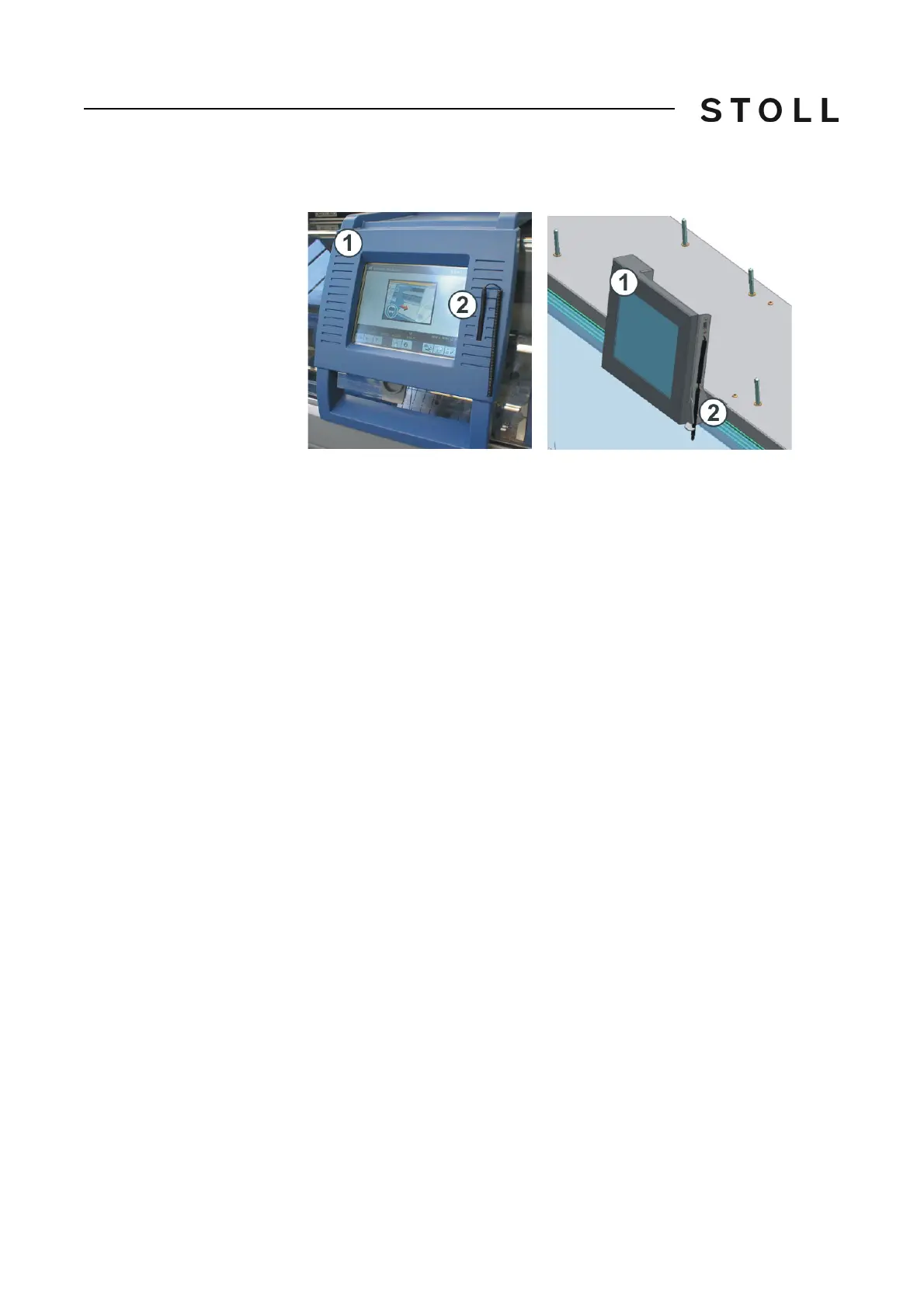
Input unit (righ t: CMS 502)
Input unit (right: CMS 502)
The input unit (1) enables communication with the machine control:
Display of operating data
Calling up help information
Changing machine settings and pattern data
Input of commands
The in
put unit can be moved over the entire width of the needle bed.
At CMS
502 the input unit is mounted tightly.
To carry out a function, tap one of the
symbols (keys) on the touch screen. We
recommend using the touch pen (2) to prevent the touch screen from
becoming dirty or damaged.



 To Next Page