154
4 Adjusting knitting machine
Basic settings
Adjusting knitting areas
4.1.8 Adjusting knitting areas
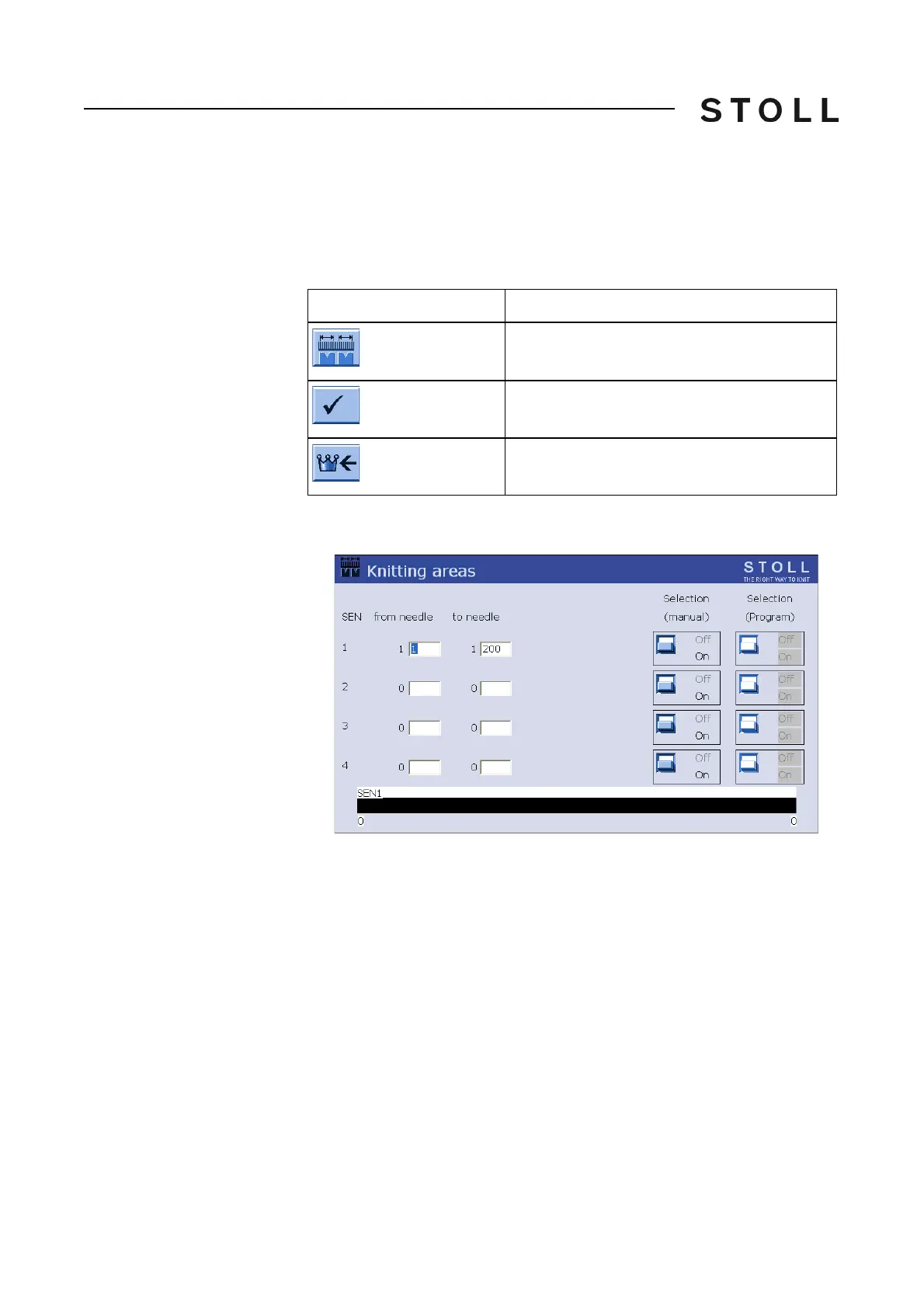
In the Sintral program up to four knitting areas (SEN areas) can be defined and
switched on and off separately. If the knitting areas are not defined in the
Sintral program, they can be adjusted in the "Knitting areas" window.
Keys for adjusting the knitting areas
Keys for adjusting the knitting areas
1. Call up the "Knitting areas" window.
Knitting areas window
"Knitting areas" window
2. Assign each knitting area ("SEN") a needle area.
3. Confirm entries.
The assigned areas are graphically shown.
4. To s
witch individual knitting areas on or off, tap the switch in the
"Selection
(manual)" column.
5. Call up "Main menu".
Key
Function
Call up "Knitting areas" window
Confirm entries
Call up "Main menu"



 To Next Page