123
Producing with the knitting machine 3
Starting the machine after a fault
2. To change the settings, tap the function key in the middle of the bottom line
of the screen and eliminate the error.
- or -
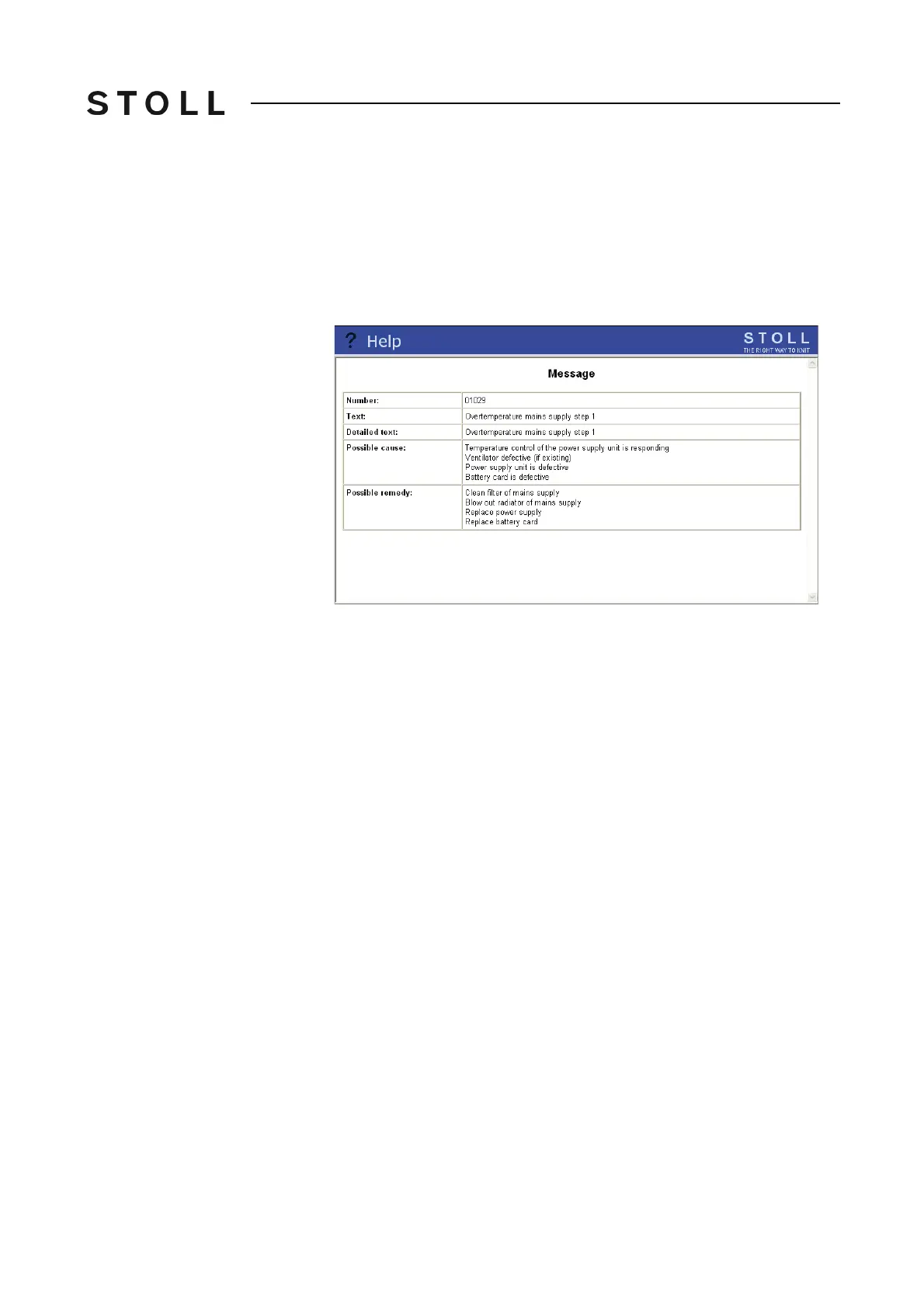
➜ If additional information is requir
ed, tap the desired error message and tap
the "Information on error remedies" key.
The possible fault causes and their remedy are displayed.
Further information for an error message
Further information for an error message
3. Eliminate the error.
4. Confirm the error message.
5. To continue knitting, start the machine with the enga
ging rod.
Message a nd tip retrospective view
3.6.1 Message and tip retrospective view
Message history If an error occurs, it is not only displayed in the "Current messages" window,
it is also written into an additional memory. The error messages for the
respective day are saved in this memory.
A new memory is automatically selec
ted fo
r each day. There are a total of
seven memories so that the error messages of the last 7 days are available.
As a result, you can create an overview of which error messages have
occurred over the past several days.
When switching off the machine main switch, the error messages currently
present in
the "Current messages" window are deleted, however the daily
memories with the error messages are not deleted.



 To Next Page