124
3 Producing with the knitting machine
Starting the machine after a fault
Keys for c alling u p retrospe ctive view of erro r messag es
Keys for calling up retrospective view of error messages
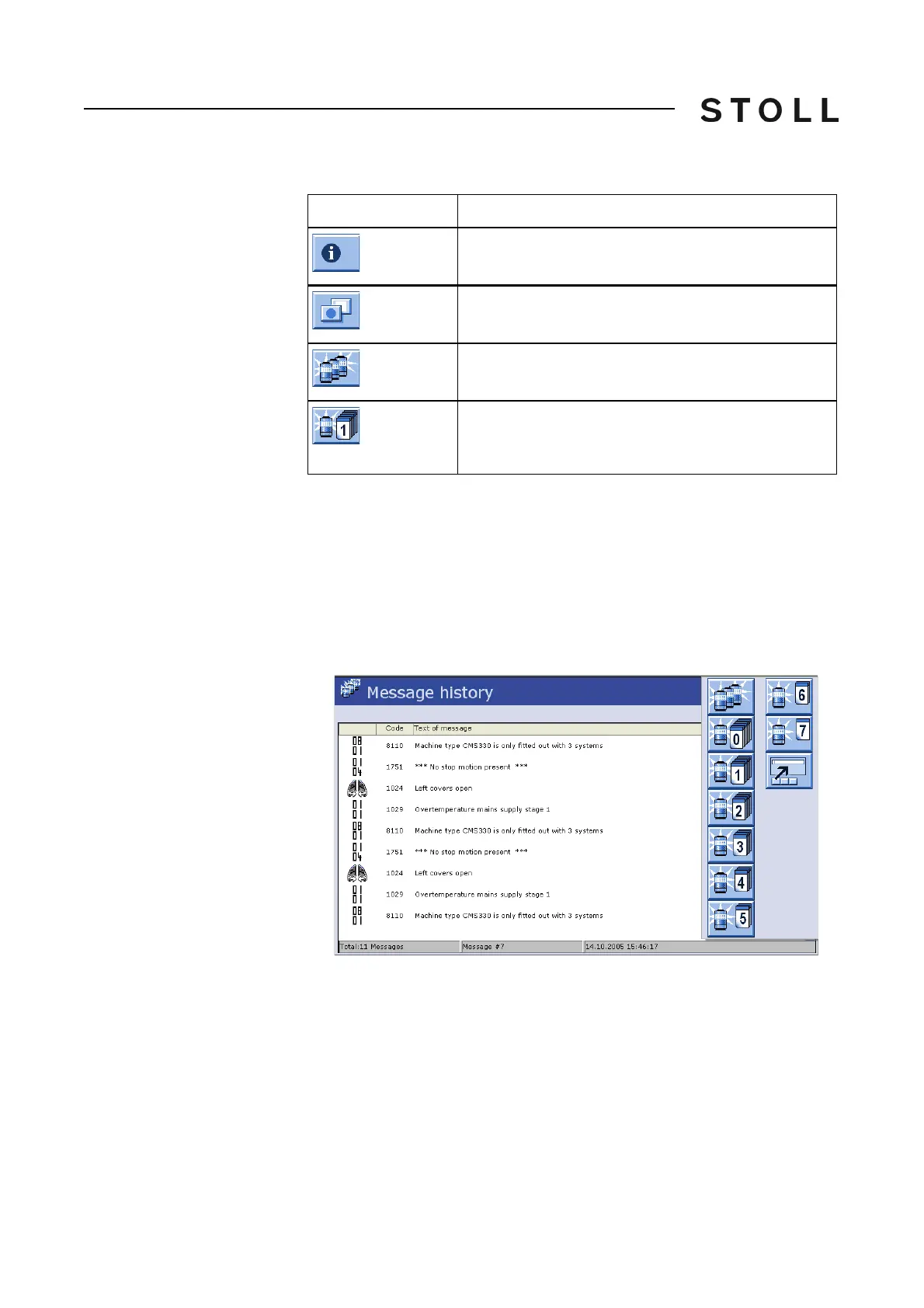
Call up message retrospective view:
1. Call up "Info" window.
2. Call up "Additional function keys".
3. Call up message retrospective view.
4. Call up "Additional function keys".
A lis
t of the keys of the me
ssage retrospective views appears.
List of m essage ret rospect ive views
List of message retrospective views
5. Call up the desired daily retrospective view.
Key
Function
Call up "Info" window
Call up "Additional function keys"
Call up message retrospective view
Key for daily message retrospective view (the key for
the message retrospective view of the past day is
shown in the picture)



 To Next Page