192
4 Adjusting knitting machine
Advanced adjustments
Setting language
4.2.2 Setting language
The windows and the messages on the touch screen can be displayed in
different languages.
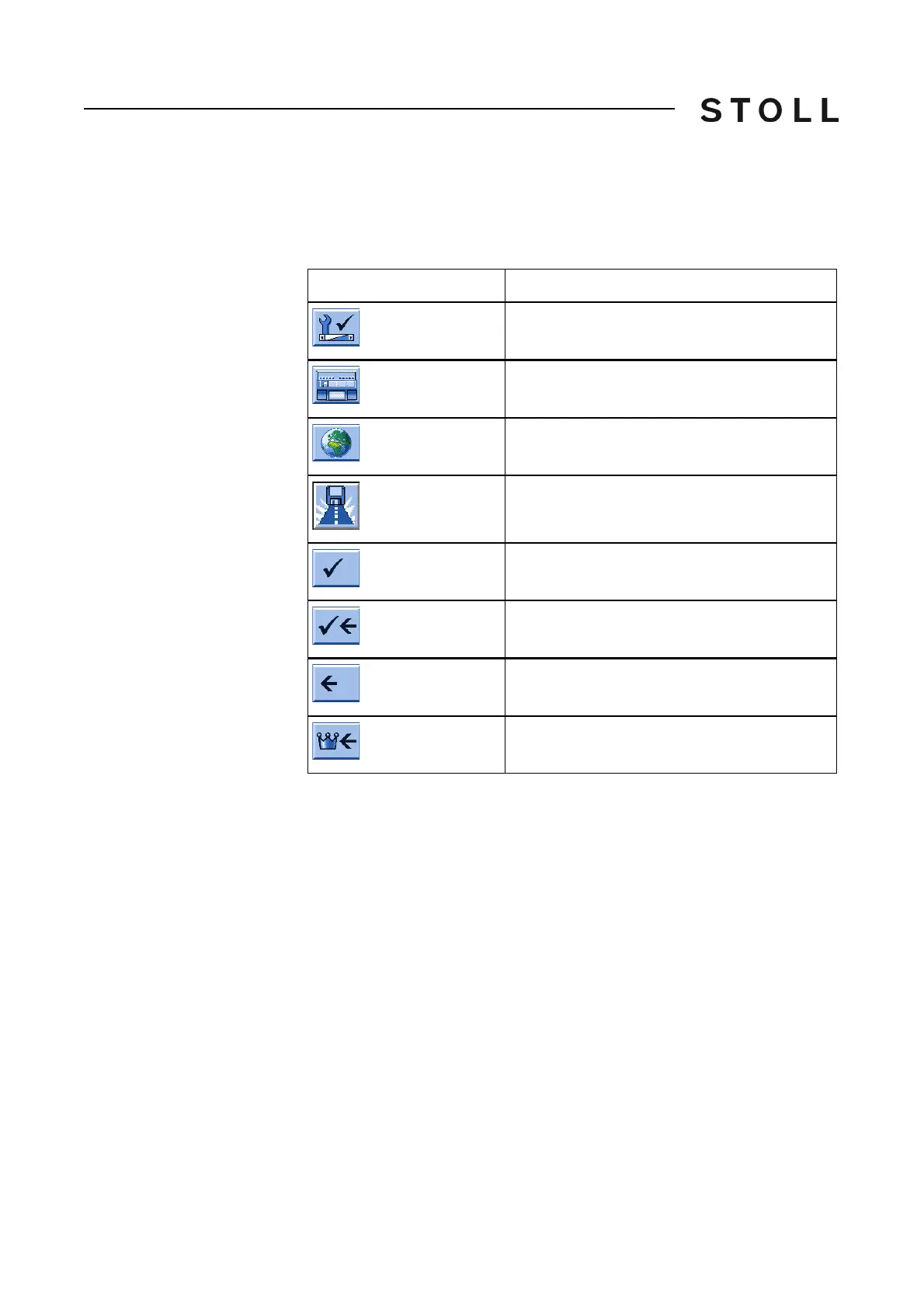
Keys for setting the language
Keys for setting the language
Set language:
1. Call up the "Service" menu.
2. Call up the "Basic settings" menu.
3. Call up the "Language" window.
Key
Function
Call up the "Service" menu
Call up the "Basic settings" menu
Call up the "Language" window
Tap the "Select Path" key.
Confirm input
Save changes and end setting process
End setting process without saving changes
Call up "Main menu"



 To Next Page