509
Software - Installation and basic settings 8
Diagnose Control
Displaying System data:
1. In the "Main menu", tap on the "Service" key.
The "Service" window is displayed.
2. T
ap on the "Diagnostics" key.
The "Diagnostics" window is displayed.
3. Tap on t
he "System Info" key.
The "System Info"
window with all the important hardware and software
data of the control is displayed.
Diagnose Control
8.5 Diagnose Control
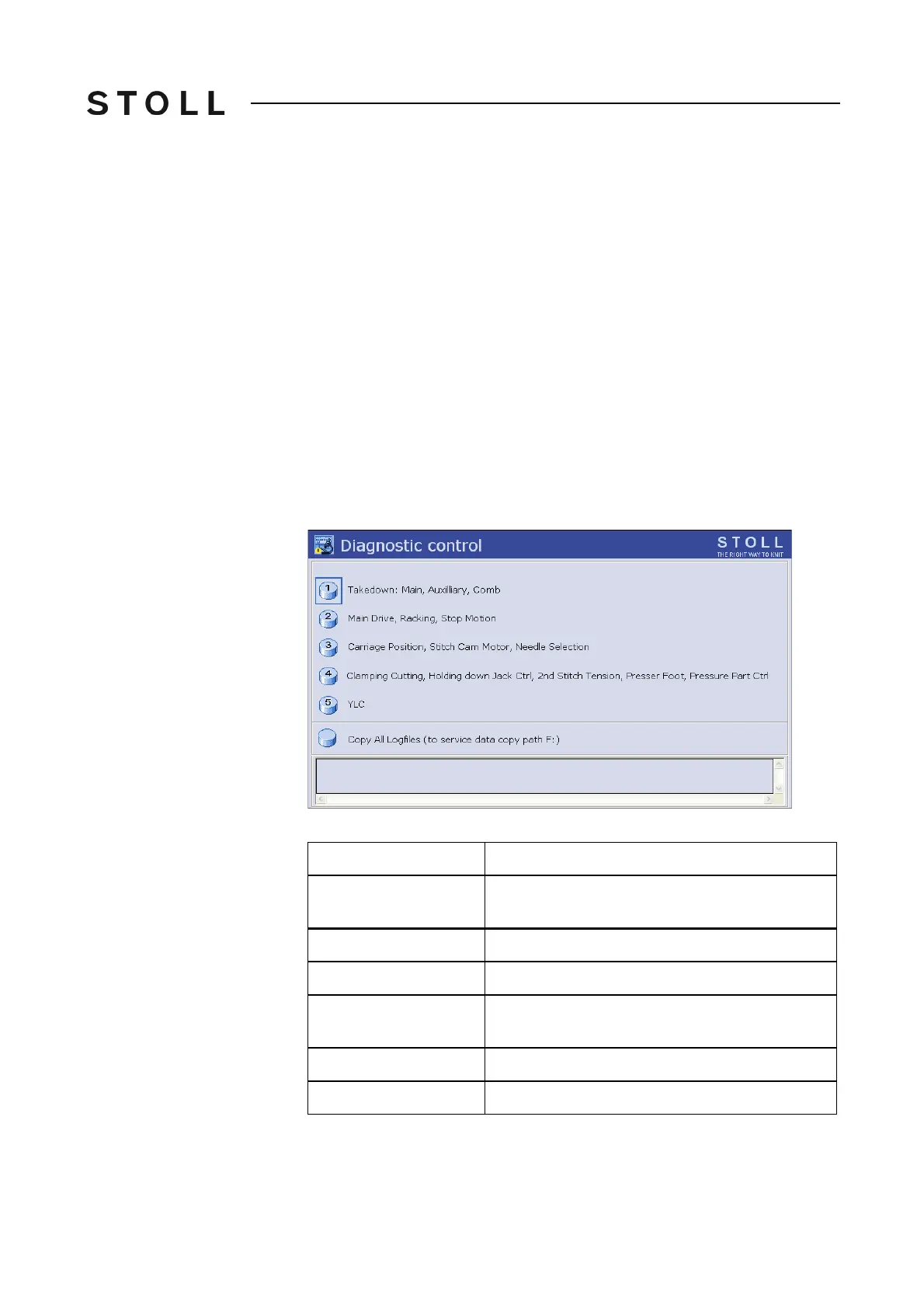
You can activate different diagnoses for service purposes and for
troubleshooting. The diagnoses protocol additional information in one log file
which can be analysed by the service technician or the helpline.
Diagnostic control window
"Diagnostic control" window
Field
Data shown
1
Take-down system: Main take-down, auxiliary
take-down, comb take-down.
2
Main drive, racking, stop motions
3
Carriage position, step motor, needle selection
4
Clamping and cutting, holding-down jacks, 2nd
stitch tension, presser foot, pressure cam
5
Yarn Length Control
Copy All Logfiles
Saving the data (logfiles)



 To Next Page