254
4 Adjusting knitting machine
Advanced adjustments
Overview of a ll machine data
4.2.31 Overview of all machine data
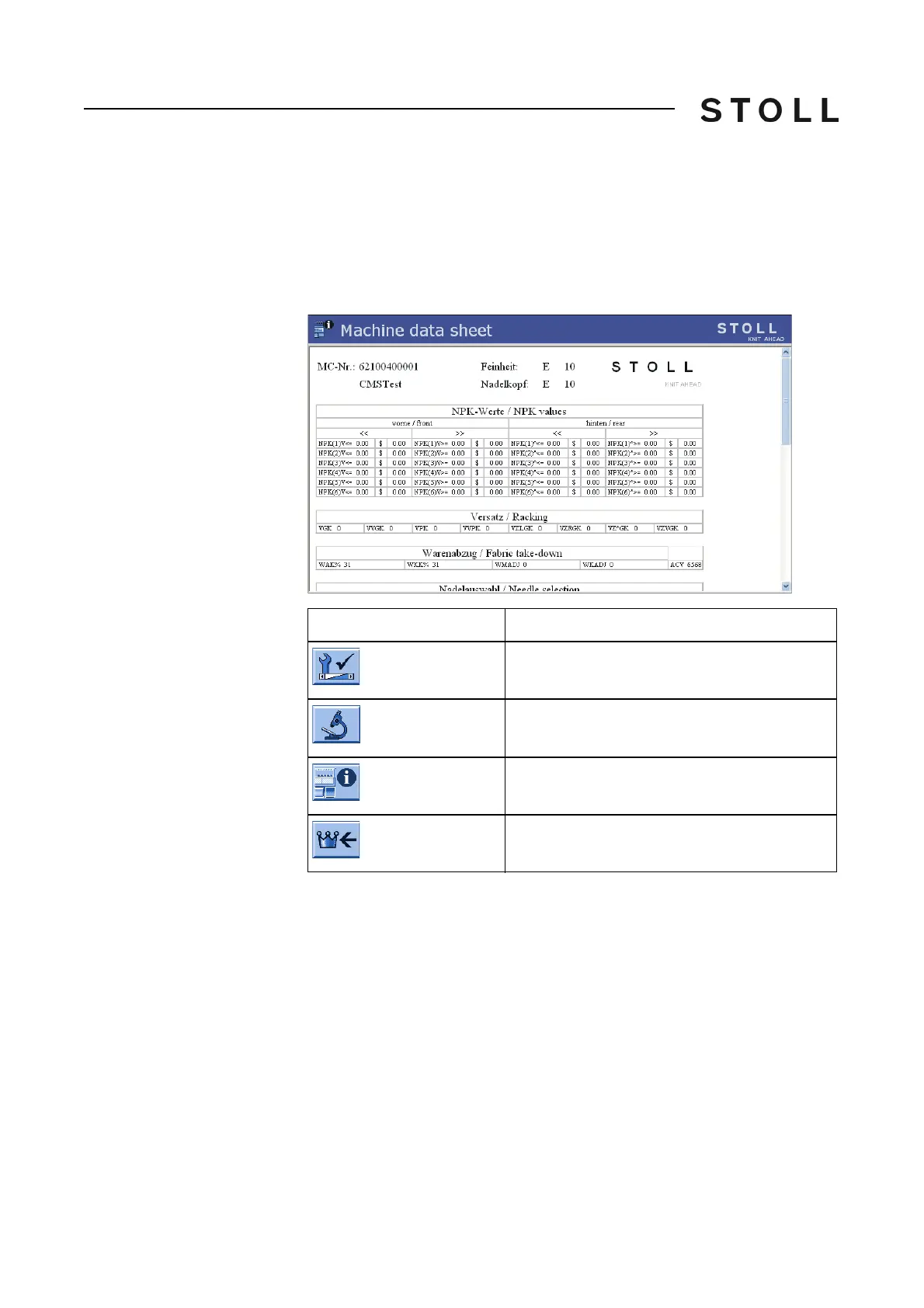
In the "Machine data sheet" window, the current values of the machine data
are displayed (NPK, VPK, VGK, CMS ADF-3: Correction values of the
yarn
carriers).
The machine data include the machine-specific settings
(correction values).
Keys for calling up the Machine data sheet window
Keys for calling up the "Machine data sheet" window
Display Machine Data:
1. In the "Main menu", tap on the
"Service" key.
The "Service" window is displayed.
2. T
ap on the "Diagnostics" key.
The "Diagnostics" window is displayed.
3. Tap
on the "Machine data sheet" key.
The "Machine data sheet" window with the curren
t machine data is
displayed.
Key
Function
Call up the "Service" window
Call up "Diagnostics" window
Call up the "Machine data sheet" window
Call up "Main menu"



 To Next Page