278
4 Adjusting knitting machine
Working with files
Selecting t he current folder
4.3.7 Selecting the current folder
General information Pattern files can be saved to various drives (memory locations) of the knitting
machine or to another computer on the network.
To load a file into the knitting machine from another drive, the entire
path must
be specified. By path, we mean the specification of where the file is located,
for example on a drive of the M1 pattern workstation.
A path contains the following information:
1. Drive letter (or computer name) (e. g.: "D:" or "\\SERVER01")
2. Specification of the subdirectories (e. g.: "\PATTERN" or
"
Stoll\M1\E
xtract\")
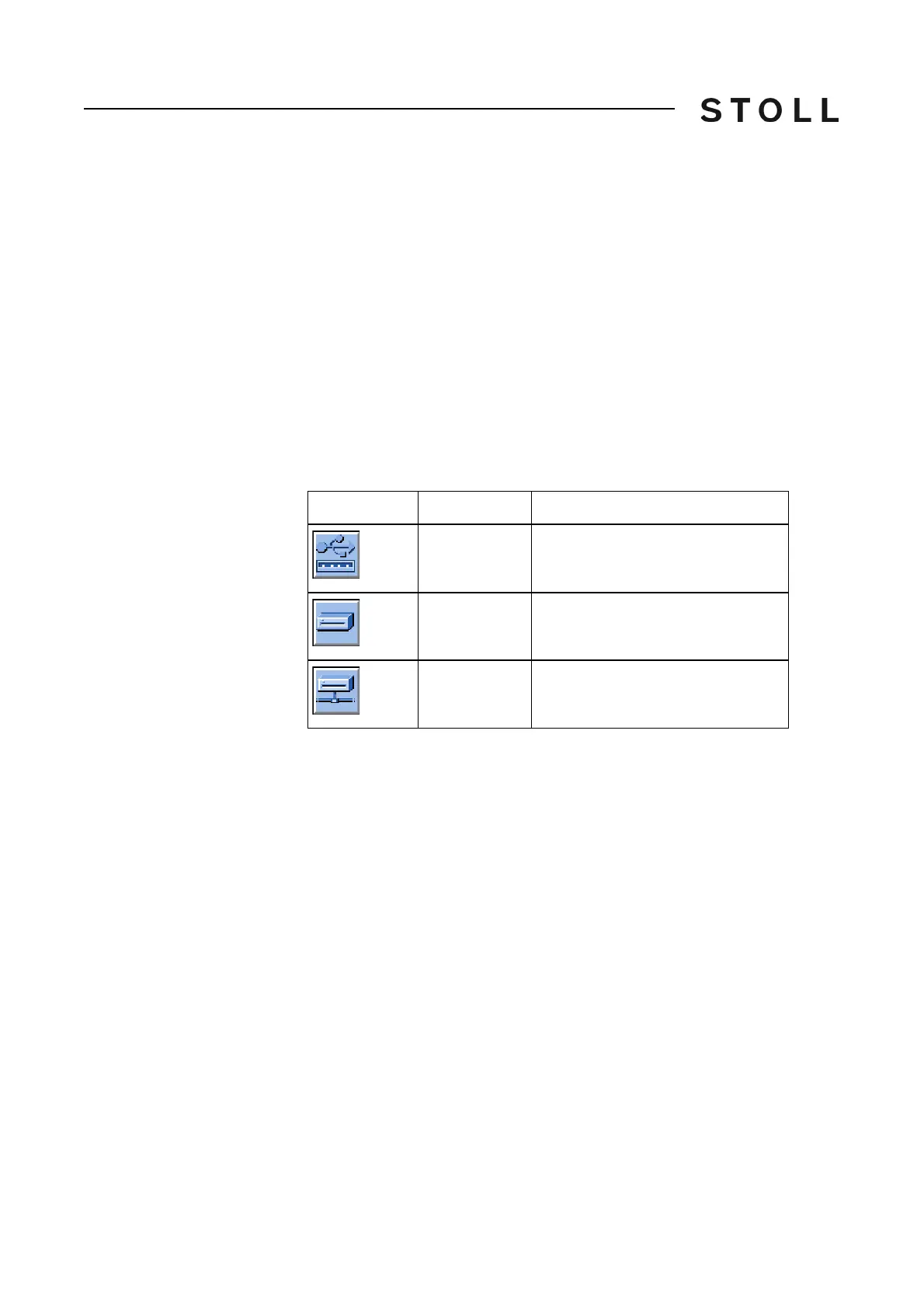
Standard setting Following drives are set by default in t
he keys of "Direct folder selection":
Standard settings of the drives
Standard settings of the drives
Selecting the current folder The selection of the patterns from the "Load & save" window is applied in the
"Catalog order data ", "Catalog Sequence data" and "Catalog Sequence lists"
windows.
(Exception: The specification in the "Copying catalog" window is
only
effective
for this window.)
Using the "Select current folder" key, you spec
ify the drive to which the 3
"Direct folder selection" keys are linked.
Key
Drive
Explanation
F:\
USB Memory Stick
D:\
Hard disk
Name:\
Network drive



 To Next Page