277
Adjusting knitting machine 4
Working with files
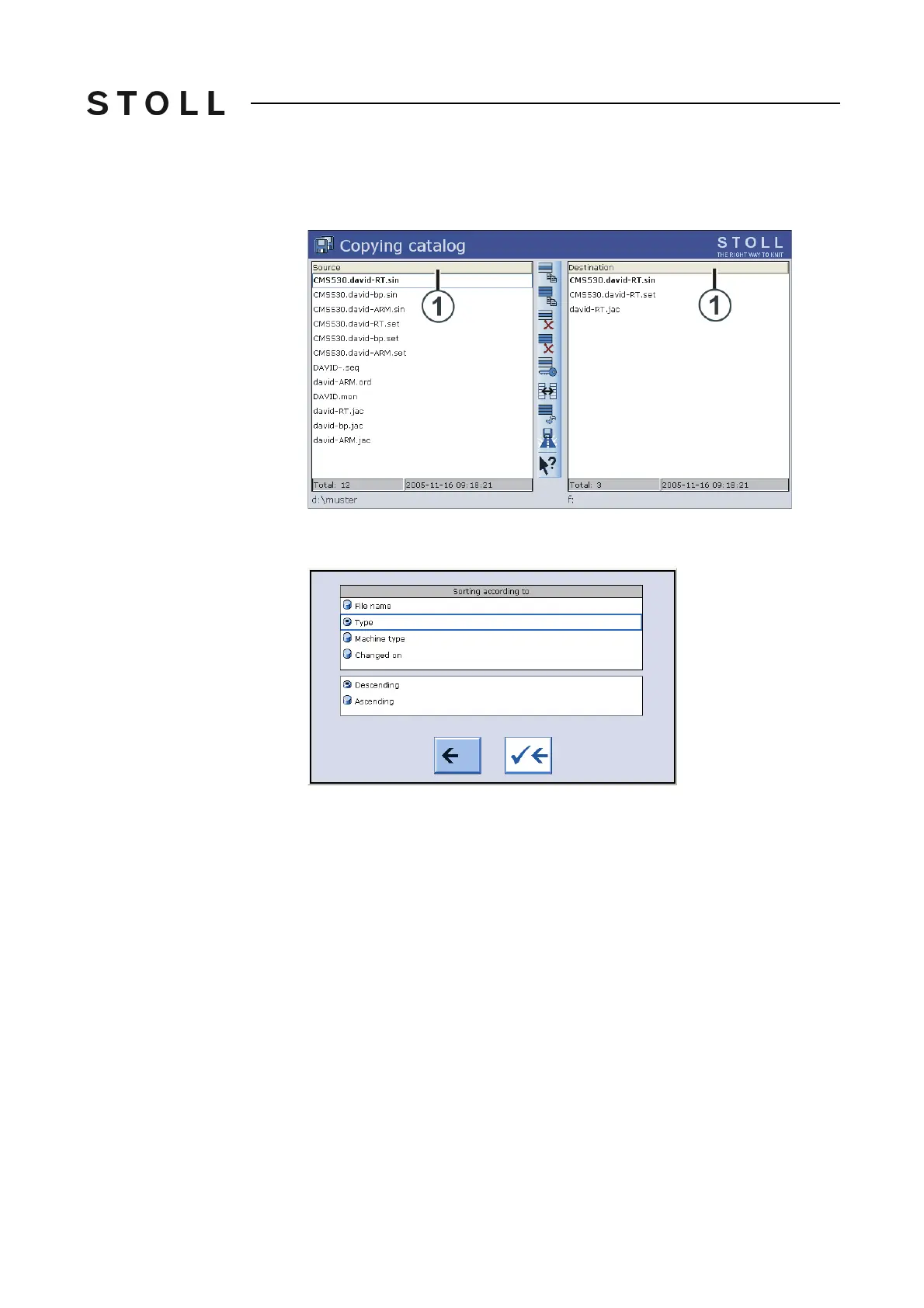
Setting the sort sequence The sort sequence can individually be adjusted. To do so, click on the header
line (1).
Copying c atalog win dow
"Copying catalog" window
Select and confirm the sort sequence in the "Sort by" window.
Setting the so rt criteria
Setting the sort criteria
Further information:
Selecting the current folder [278]



 To Next Page