147
Adjusting knitting machine 4
Basic settings
Staggering yarn carriers
(Setup2)
Keys for staggering the yarn c arriers
Keys for staggering the yarn carriers
1. In the "YC staggering" window call up the Setup2 editor
2. Tap on the input field that is to be edited and enter the value.
3. Confirm
entries.
4. Return to the "YC staggering" window.
Staggering yarn carriers (Setup1)
Staggering yarn carriers
(Setup1)
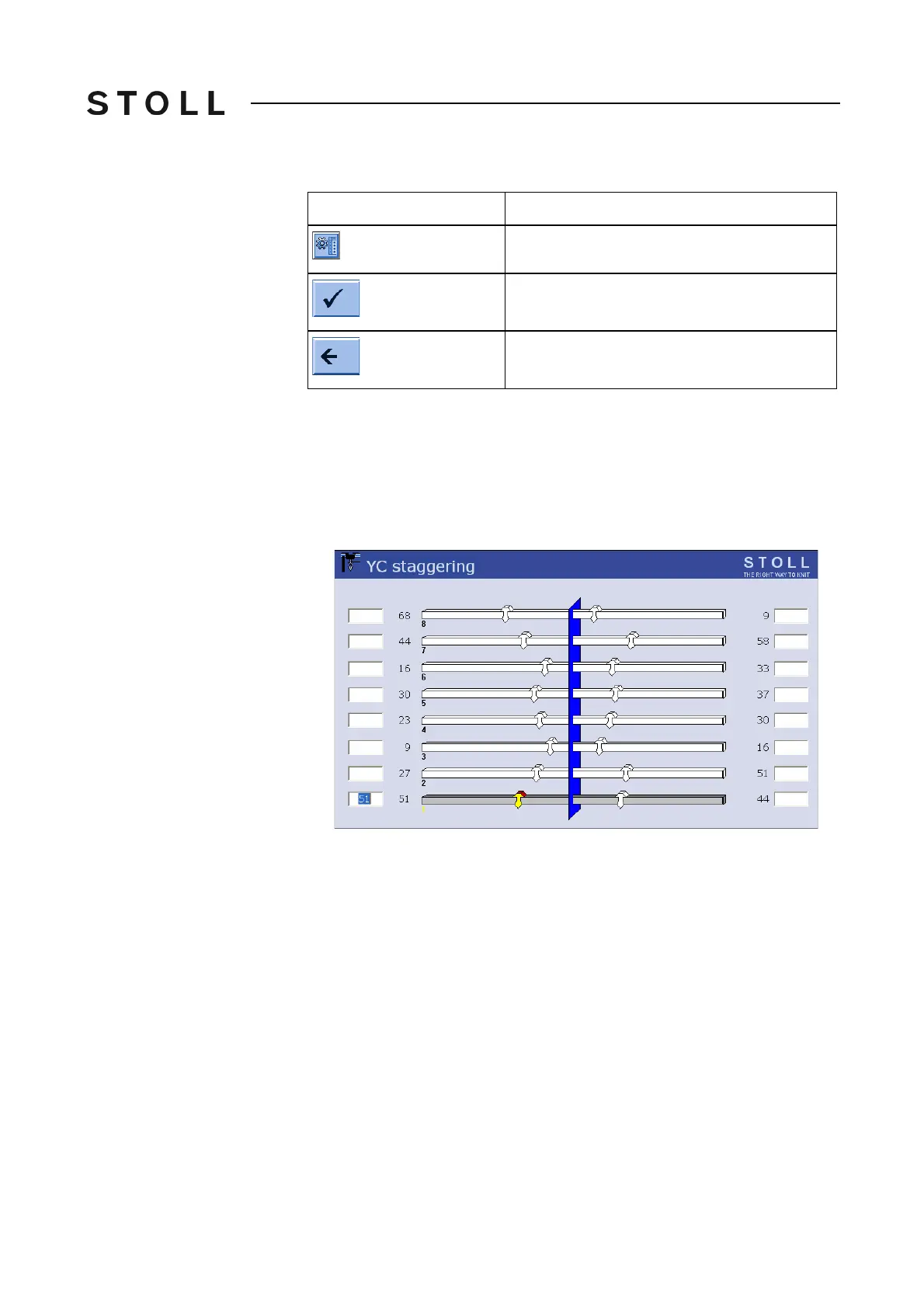
YC staggering window
"YC staggering" window
1. Tap the input fields next to the yarn carriers and enter the values.
Value range: 0-160. Step width: 0.5=1/32 inch=0.8 mm
2. Confirm entries.
Key
Function
Call up the Setup2 Editor
Confirm entries
return to the "YC staggering" window



 To Next Page