15
About this document 1
Symbols in this document
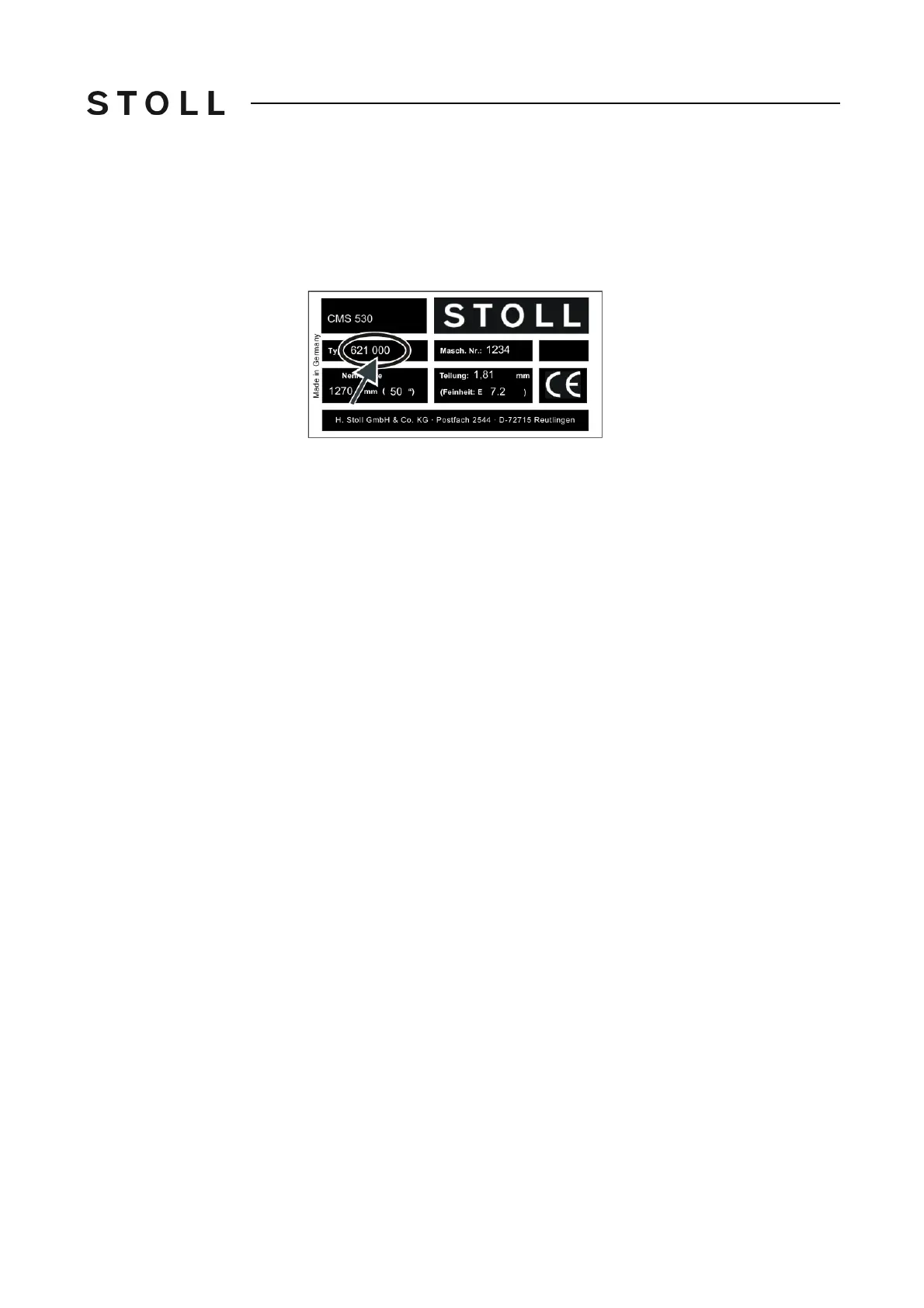
Type plate Some information and descriptions depend on the component and computer
type. There may be differences in the design depending on the manufacturing
date of the machine. The type plate and the table, which are located on the
front page of these operating instructions, indicate which machine model is
concerned.
Machine type plate
Machine type plate
The second column of numbers in the "Type" field indicates the component
type. In the above example the machine in question is the component type
"000".
Symbols in this document



 To Next Page