172
4 Adjusting knitting machine
Basic settings
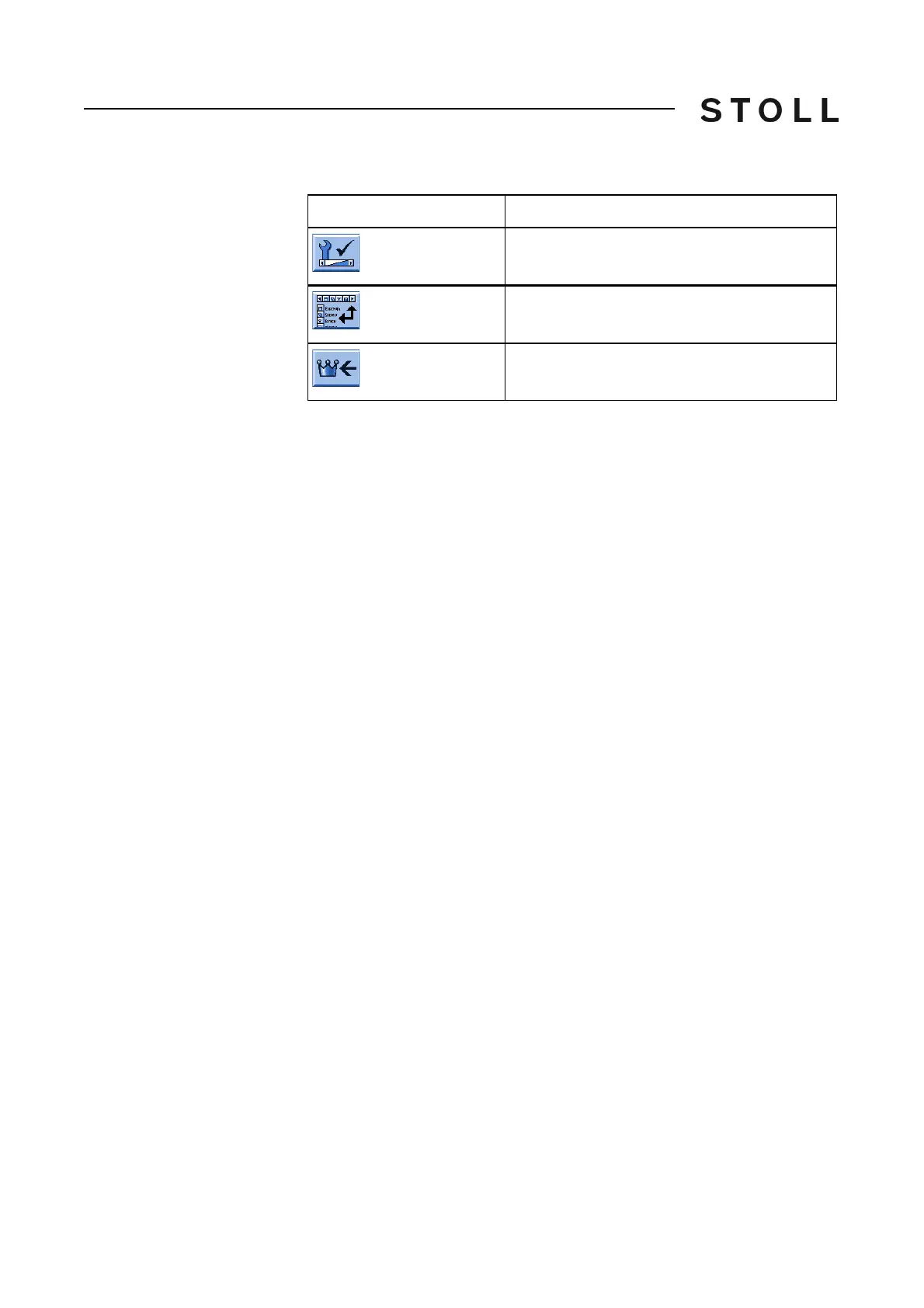
Keys for configuring the toolbar
Keys for configuring the toolbar
Configuring toolbar:
1. Call up the "Service" window.
2. Call up "Configuration toolbar" window.
3. T
ap the desired symbol (1).
4. Press the (3) key.
- or -
➜ Do
uble-tap on the symbol.
The symbol is displayed in the toolbar (2). The character "X" before the
symbol indicates that the symbol has been selected from the list (1) for
the toolbar.
5. Call up "Main menu".
Key
Function
Call up the "Service" window
Call up "Configuration toolbar" window
Call up "Main menu"



 To Next Page