174
4 Adjusting knitting machine
Basic settings
Linking a field to a value
Keys for linking a field
Keys for linking a field
Linking a field to a value:
1. Call up the "Changeable monitoring" window from the "Main menu".
2. Touch a white field with a frame. The setting window appears.
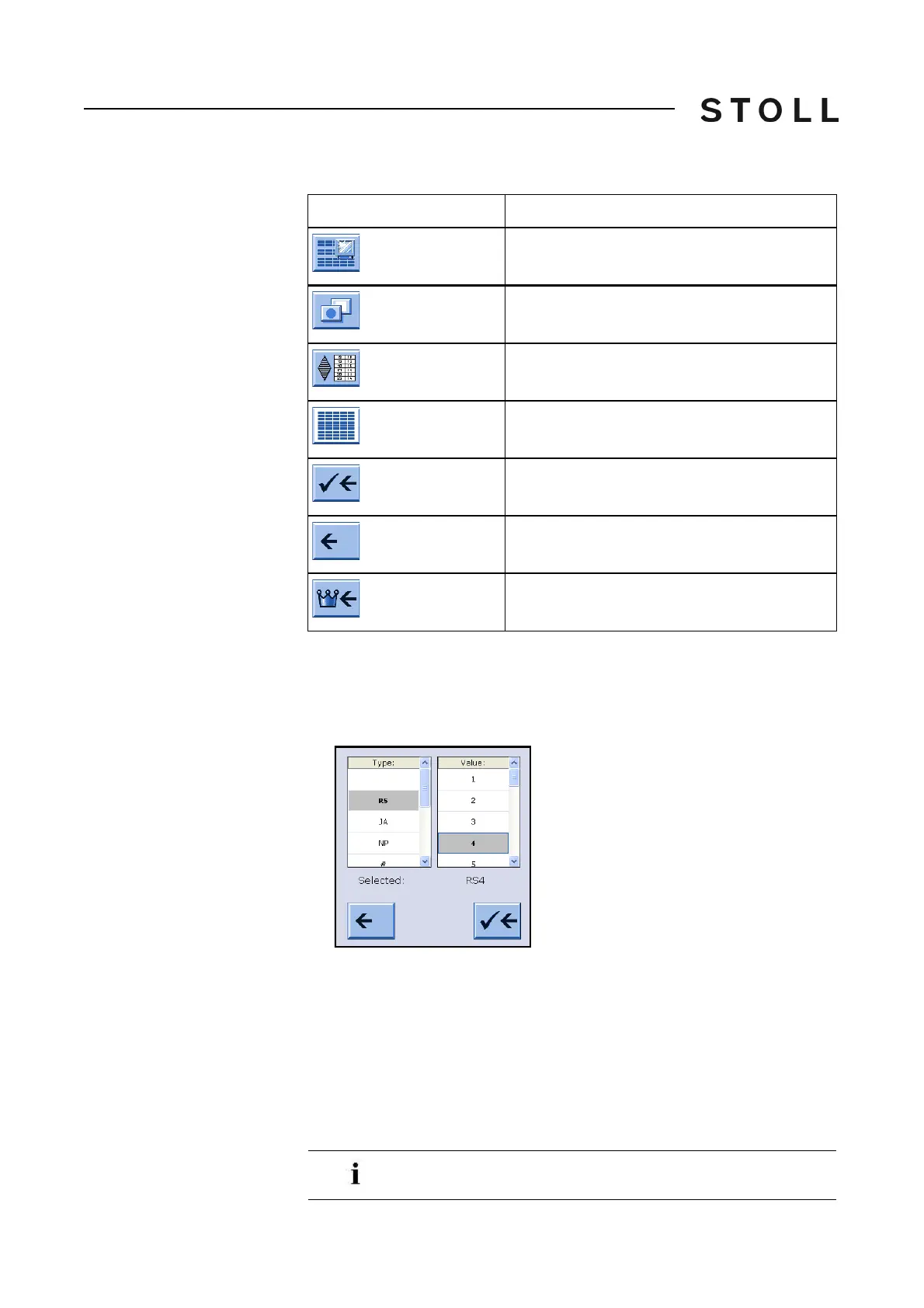
Window for linking a field
Window for linking a field
3. Select the type of the value in the left column.
4. Select the value in the right column.
The selected value is displayed in the lower line.
5. Confirm
entries.
6. If necessary, link further fields to a value.
7. Call up "Main menu".
Key
Function
Call up the "Changeable monitoring" window
Call up "Additional function keys"
"Automatic configuration"
"Clear all fields" (reset)
End setting process and save changes
End setting process without saving changes
Call up "Main menu"
If only one value is to be deleted, select the empty (white) field
above "RS".



 To Next Page