176
4 Adjusting knitting machine
Basic settings
Saving, loading, deleting
settings ...
The configuration carried out by you can be saved, loaded and deleted.
Keys for c alling u p the Catalo g Monitoring wind ow
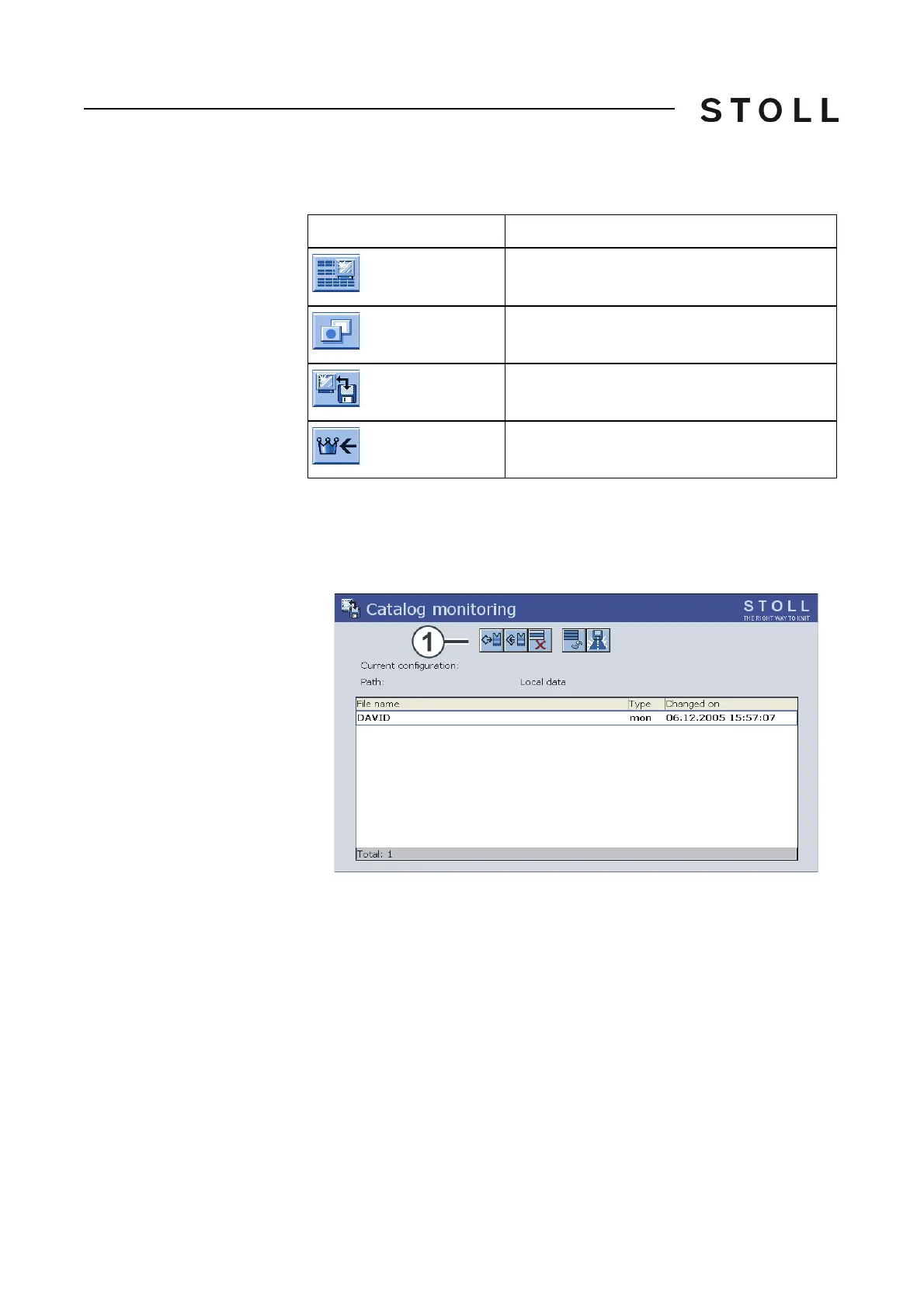
Keys for calling up the "Catalog Monitoring" window
1. Call up the "Changeable monitoring" window from the "Main menu".
2. Call up "Additional function keys".
3. Call up "Catalog Monitoring
" window.
Catalog Moni toring wind ow
"Catalog Monitoring" window
4. Select the desired program point (1) (loading, saving, deleting ...).
5. Call up "Main menu".
Key
Function
Call up the "Changeable monitoring" window
Call up "Additional function keys"
Call up "Catalog Monitoring" window
Call up "Main menu"



 To Next Page