183
Adjusting knitting machine 4
Basic settings
Window with selection possibi lities
Window with selection
possibilities
Actions can be selected in the following windows:
Comb actions
Fabric take-down, auxiliary take-down and
yarn carrier plunger
Status Bar
Sintral line
Comb
actions
Comb actions window
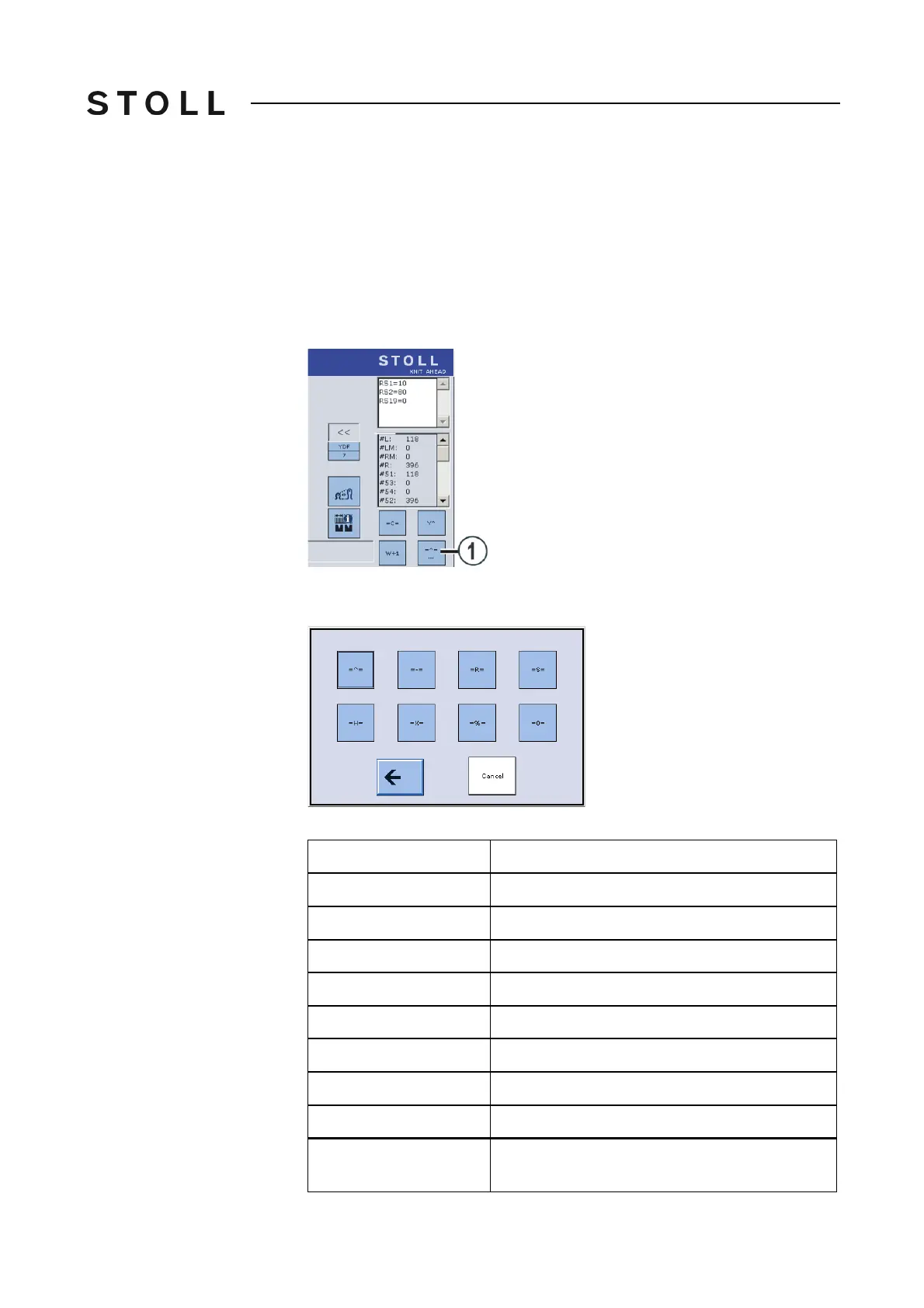
"Comb actions" window
The "Select comb actions" window appears.
Select co mb actio ns window
"Select comb actions" window
Key
Explanation
= ^ =
Comb take-down upwards, grip elastic yarn
= - =
Comb take-down in waiting position
= R =
Comb take-down reference run
= S =
Comb take-down at upper limit switch
= H =
Opening the comb hooks
= X =
Open the comb brake
= % =
Close the comb brake
= 0 =
Comb take-down at lower limit switch
Cancel
This key can be used to cancel an action as long
as it is being carried out.



 To Next Page