202
4 Adjusting knitting machine
Advanced adjustments
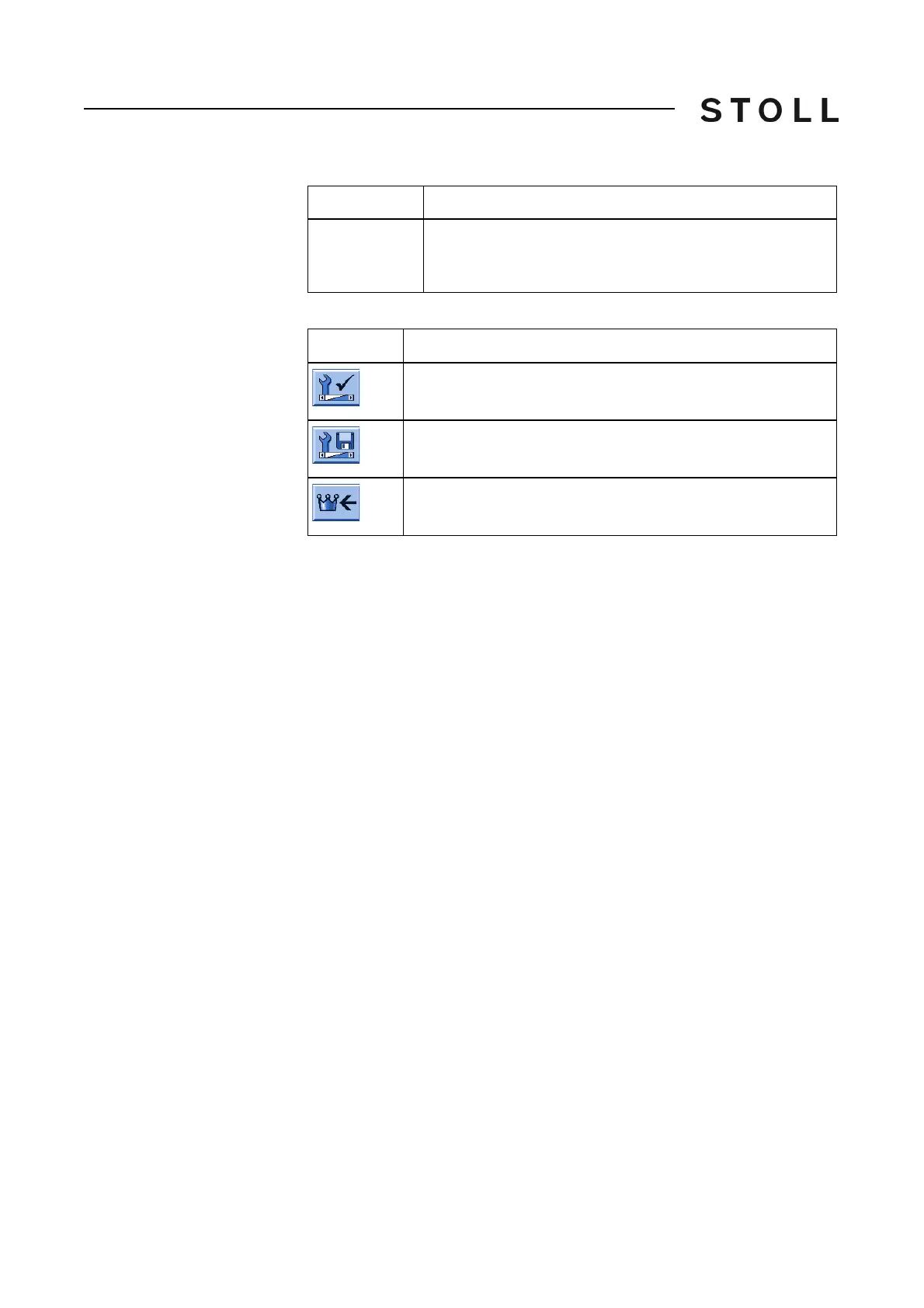
Keys in the "Copy service data" window
Keys for c opying t he service data
Keys for copying the service data
Copy service data:
1. Call up the "Service" menu from the "Main menu".
2. Call up the "Copy service data" window.
3. Select the desired data carrier e.g. . USB memory stick (Drive F:).
4. Tap the desired button.
Th
e data are saved.
5. Ca
ll up "Main menu".
Further information:
Calling up report and shift counters [94]
Saving all machine data on
the
USB-Memory-Stick [483]
Overview of all machine data [254]
Select
language with
next startup
With next switching on of the machine, the language
selection appears. The setting is reset after switching on.
Key
Function
Call up the "Service" menu
Call up "Copy service data" window
Call up "Main menu"
Label
Explanation



 To Next Page