264
4 Adjusting knitting machine
Working with files
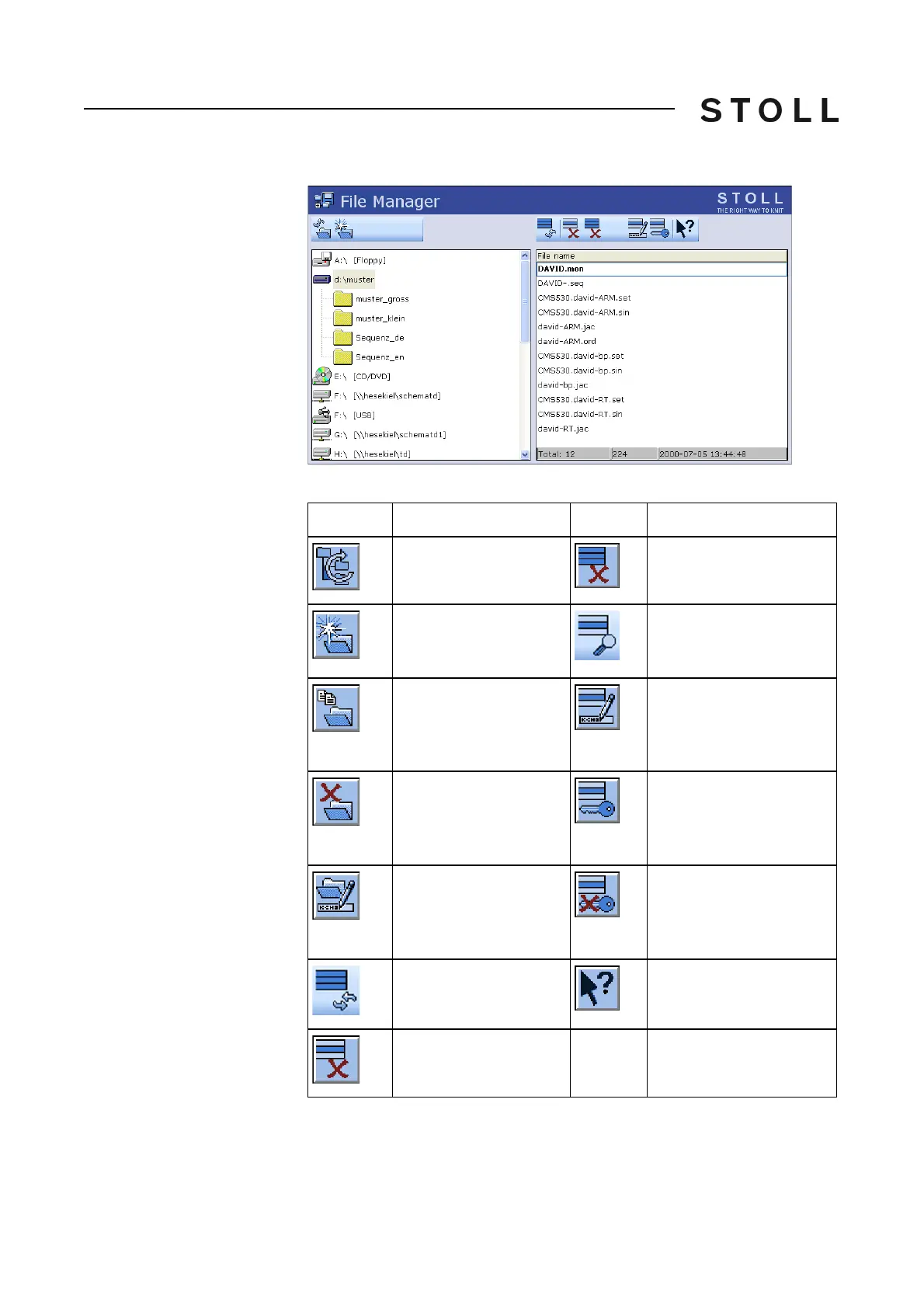
Actions in the "File manager"
window
"File manager" window
Keys in the File manager window
Keys in the "File manager" window
Key
Function
Key
Function
"Update": Refresh the
contents of all the folders
"Delete all": Delete all files
in the selected folder
"Create folder": Create
folder in the selected
directory
"Display file": Display
selected file
"Copy folder": Copy
selected folder, including
contents (subfolders,
files) to the target folder.
"Rename file": Change
name of selected file
"Delete folder": Delete
selected folder, including
contents (subfolders,
files)
"Set Write Protection": Set
write protection of the
selected file
"Rename folder":
Change the name of the
selected folder
"Deactivate Write
Protection": Deactivate
write protection of the
selected file
"Update": Update the
contents of the folder
Call up "Direct Help" for
the key pressed next
"Delete file": Delete
selected file



 To Next Page