272
4 Adjusting knitting machine
Working with files
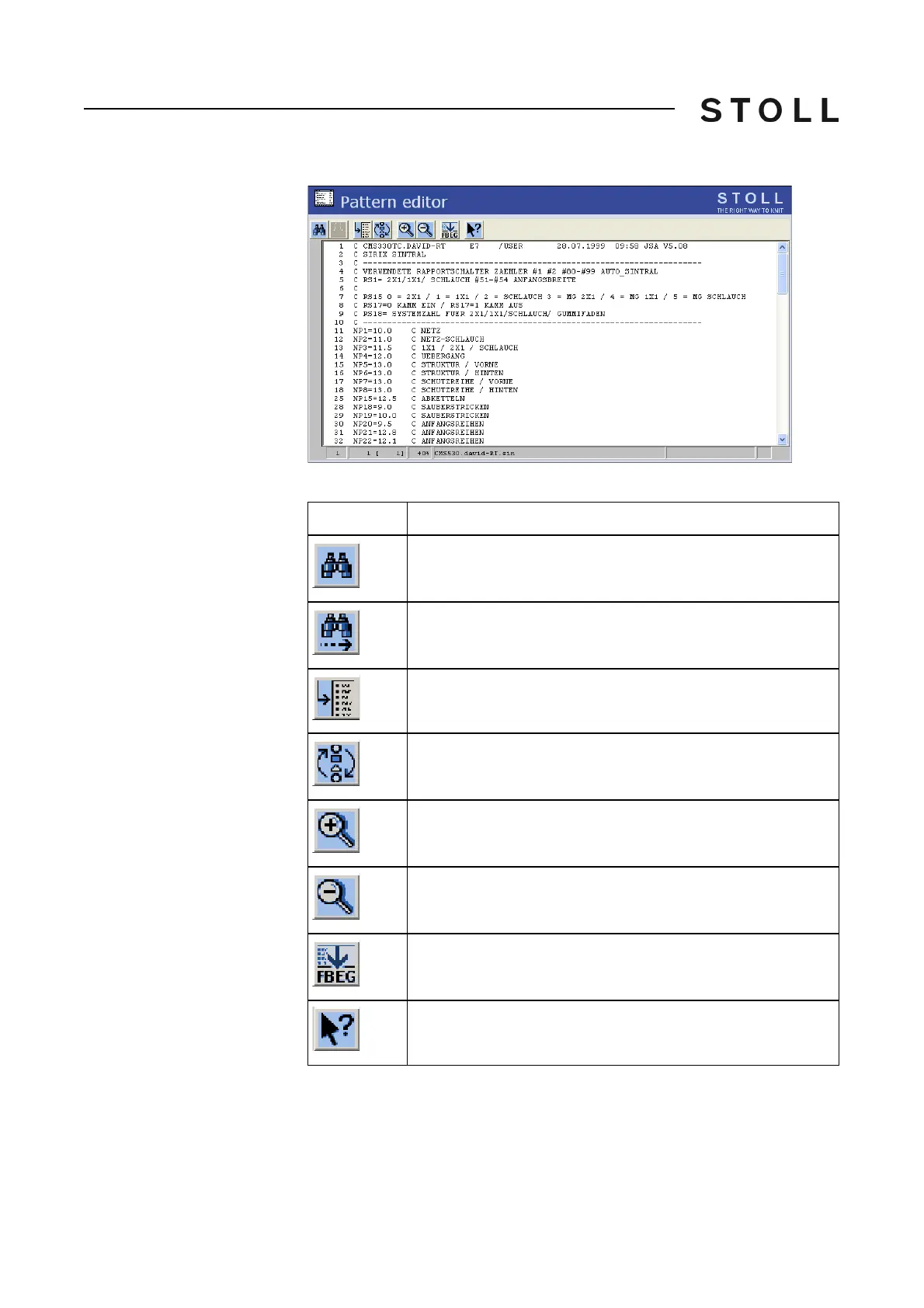
Actions in the "Pattern editor"
window
"Pattern editor" window
Keys in the Patte rn editor window
Keys in the "Pattern editor" window
Key
Function
search for a specific term
"Continue": Continue to find a certain term
"Go to" a certain position
Carry out the "Quick jump" corresponding mark (e.g. from
FBEG to FEND)
"Enlarge": Display text enlarged
"Reduce": Display the text decreased
"Function list": Toggle on/off the display of pattern functions.
Call up "Direct Help" for the key pressed next



 To Next Page